EasyManua.ls Logo

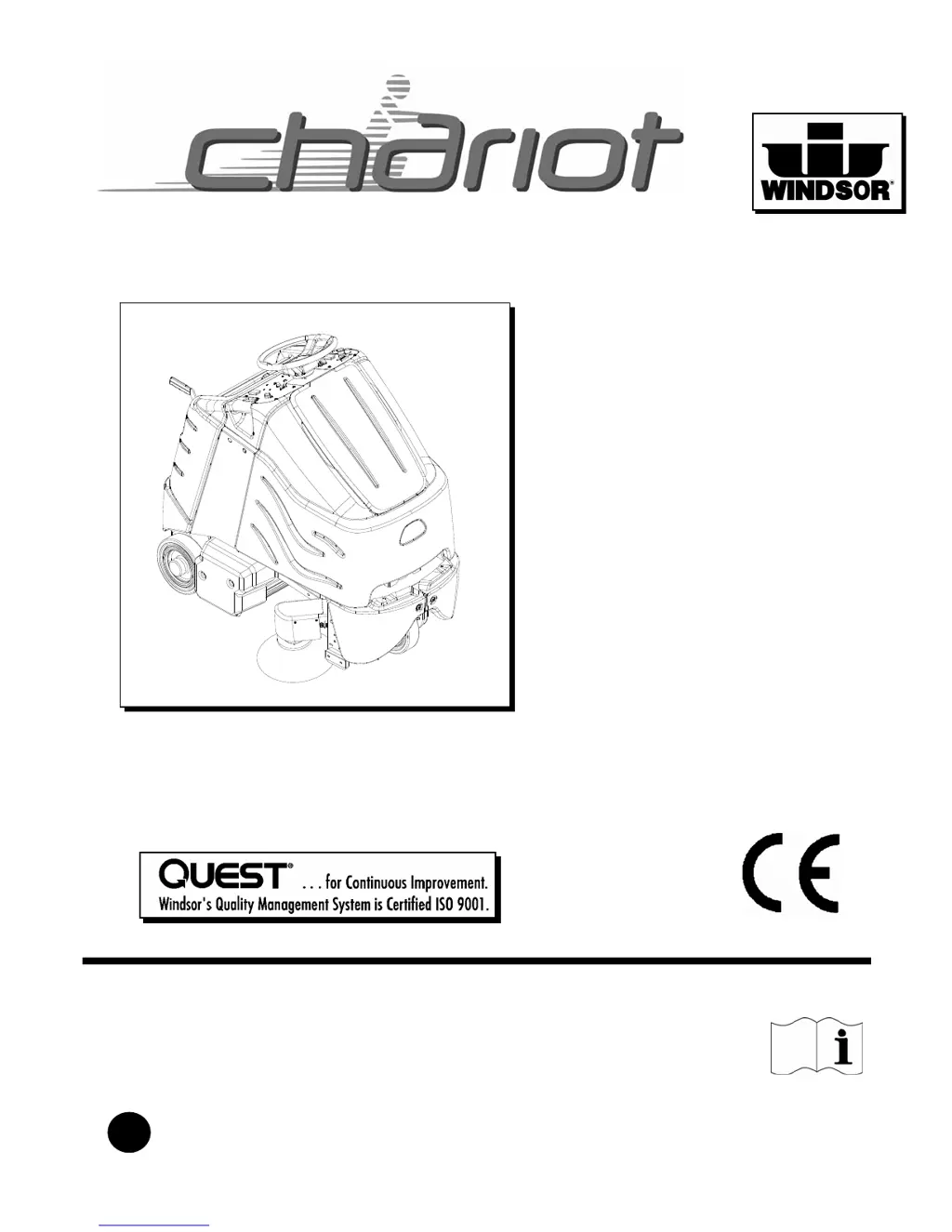
Chariot CVX28 - User Manual

Chariot CVX28
38 pages
Print Icon
To Next Page IconTo Next Page
Loading...
86037810 06/08/09
PRV NO. 980289
BV
MODELS: CV28 CVX28 CVXCD28
10125260 10125190 10125510
CVE28 CVXE28
10125160 10125180
Read these instructions before using the machine
iVacuum
Operating Instructions (ENG)
®

Questions and Answers

  • J
    Justin PearsonAug 4, 2025
    What to do if Chariot CVX28 Floor Machine has no power?
    • A
      Anne GomezAug 4, 2025
      If your Chariot Floor Machine has no power, there are several potential causes. First, check all battery cable connections to ensure they are secure. If the emergency shut-off is activated, reset it. Corroded battery cables should be cleaned. Lastly, a faulty key switch will need to be replaced.
  • F
    Franklin LambertAug 8, 2025
    Why is my Chariot CVX28 Floor Machine vacuum not working well?
    • E
      Elizabeth ButlerAug 8, 2025
      Poor vacuum performance in your Chariot Floor Machine can be due to debris caught in the system. Remove any debris to resolve this. Also, ensure the battery has sufficient charge, as a low battery can also cause this issue. Charge batteries to resolve the problem.
  • C
    christopher46Aug 13, 2025
    What to do if Chariot CVX28 Floor Machine brush motors do not run?
    • M
      Madison NicholsAug 13, 2025
      If the brush motors on your Chariot Floor Machine do not run or run slowly, there are a few things you can check: * If the bag full light is on, replace the bag or remove any clogs. * Check and reset any tripped circuit breakers. * Ensure the battery is fully charged. * Inspect the brush circuit and motor for faulty wires, connections, or motor issues.
  • E
    elangAug 17, 2025
    What to do if Chariot Floor Machine has little or no propel?
    • M
      megan55Aug 17, 2025
      If your Chariot Floor Machine has little or no propel, consider the following potential causes: * Ensure the battery is adequately charged. * Make sure the pedal is in the neutral position when starting the machine. * Check for and reset any tripped circuit breakers. * Allow the controller to cool down if it has overheated. * Inspect all motor connections, throttle circuit, drive reset circuit, operator presence pedal circuit, platform circuit, and brake circuit for any loose wires, faulty connections, or switch problems. * Disengage the brake over-ride if it is engaged.
  • N
    Nicole BryantAug 21, 2025
    Why Chariot CVX28 Floor Machine vacuum and brush do not turn on?
    • M
      Margaret HoltAug 21, 2025
      If the vacuum and brush on your Chariot Floor Machine do not turn on, it could be due to a tripped circuit breaker. Reset the breaker to see if that resolves the issue. Another possibility is a full bag or a clog in the system, indicated by the bag full light being on. Replace the bag and check for any debris.
  • J
    Justin PrattAug 26, 2025
    What if Chariot Floor Machine does not change speeds?
    • A
      alexandravaughanAug 26, 2025
      If your Chariot Floor Machine does not change speeds, the issue might be a faulty speed control circuit or switch. Check the wires, connections, and the switch itself.
  • M
    Michael BarreraAug 30, 2025
    What if Chariot CVX28 only has forward or reverse speed?
    • J
      joshuawebbAug 30, 2025
      If your Chariot Floor Machine only operates in forward or reverse, the forward/reverse switch may be faulty and require replacement.

Summary

HOW TO USE THIS MANUAL

SAFETY

Contains important information regarding hazard or unsafe practices of the machine and potential injury.

OPERATIONS

Familiarizes the operator with the operation and function of the machine.

MAINTENANCE

Details preventive maintenance procedures to keep the machine and its components in good working condition.

IMPORTANT SAFETY INSTRUCTIONS

HAZARD INTENSITY LEVEL

HOW THIS MACHINE WORKS

DRIVE CONTROLS

EMERGENCY STOP;BRAKE SWITCH

Cuts all power and applies parking brake to stop the machine immediately in emergencies.

DIRECTIONAL CONTROL SWITCH

Controls the direction of travel (forward or reverse) of the vehicle.

MACHINE OPERATION

PRE-RUN MACHINE INSPECTION

Perform a pre-run inspection to identify potential problems that could cause poor performance or breakdowns.

STARTING MACHINE

Steps to follow for safely starting the machine, ensuring all safety devices are in place and operating properly.

EMERGENCY STOP PROCEDURES

Procedures to follow for an emergency stop, including releasing the throttle and turning off power.

TO BEGIN VACUUMING

Step-by-step guide to starting the vacuuming process, including safety precautions.

MAINTENANCE

SERVICE SCHEDULE

A schedule outlining maintenance tasks to be performed before each work period, after each work period, and at 50, 100, and 200 hour intervals.

MAINTENANCE-BATTERIES

CHARGING BATTERIES

Safety precautions and procedures for charging the machine's batteries using a 36-volt DC charger.

MAINTENANCE-BRUSH DECK

MAINTENANCE-SCRUB DECK

MAINTENANCE-BRUSH MOTOR REPLACEMENT

MAINTENANCE-CIRCUIT PROTECTION

MAINTENANCE-VACUUM MOTOR

MAINTENANCE-DRIVE MOTOR & BRAKE

ELECTRIC PARKING BRAKE ENGAGEMENT

Details the automatic engagement of the electric parking brake and the mechanical override for towing.

MACHINE TROUBLESHOOTING

MACHINE TROUBLESHOOTING- CONTROLLER FAULT CODES

PROPEL CIRCUIT BOARD TROUBLESHOOTING

Explanation of controller fault codes, their severity, and identification through LED flashes.

Chariot CVX28 Specifications

General IconGeneral
Cleaning Path28 inches
Brush Speed600 RPM
Battery Voltage36 V
Length57 in (145 cm)
Width30 in (76 cm)
Height46 in (117 cm)
Tank Capacity15 gallons
Weight672 lbs
TypeStand-On Automatic Scrubber

Related product manuals