Need help?
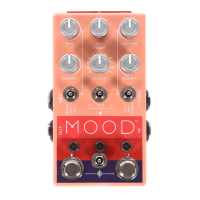
Do you have a question about the Chase Bliss Audio MOOD MKII and is the answer not in the manual?
Learn to save and recall presets using Program Change (PC) messages and footswitch combinations.
Connect the MOOD MKII via TRS cable and configure its MIDI channel by holding footswitches.
MIDI CC mappings for footswitches, toggles, routing, loopers, and primary knobs.
MIDI CCs for hidden options, clock ignore, bypass modes, factory reset, and expression.
MIDI CCs for DIP switches, and synced/stepped time, clock, and stretch modes.
 General
| Brand | Chase Bliss Audio |
|---|---|
| Model | MOOD MKII |
| Category | Music Pedal |
| Language | English |


 To Next Page