Connection Tutorial
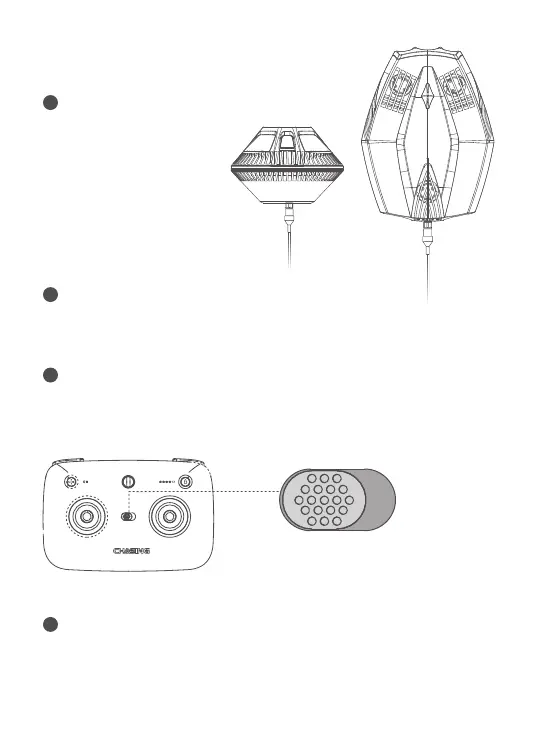
Turn on Dory and Connect Wi-Fi
When the Dory is turned
on, use your phone or
tablet to connect to the
Dory_xxxx WiFi.
1
Turn on Bluetooth
On phone/tablet, go to Bluetooth settings and make sure it is set to the
ON position.
2
Turn on Controller
Turn the controller's power switch to the ON position. The Bluetooth
indicator flashes and the battery indicator lights turn on.
3
Connecting Controller and Mobile Phone
Open the app, make sure app’s permission is open. A Bluetooth
connection interface will pop up. Select the device name and click the
‘select’ button. Check the Bluetooth indicator on the controller for
connection status. A solid ON light indicates a successfully connection.
4
ON OFF


 To Next Page