Navigation Safety
1
Charging Guidelines
Precautions
Power adapter indicator light:
A solid red light indicates normal charging is in process.
A solid green light indicates a complete
charge. After
charging, please unplug the
power adapter.
Note: Wi-Fi buoy does not have a battery and requires
no charging. Please DO NOT charge the Wi-Fi buoy.
6
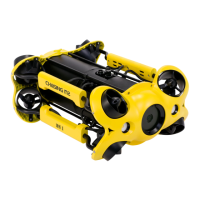
Note: 1. Do not start the Dory motors while out of the water. Doing this can seize the motors.
2. For better user experience, we are constantly updating software interface & features.
CHASING DORY App Tutorial
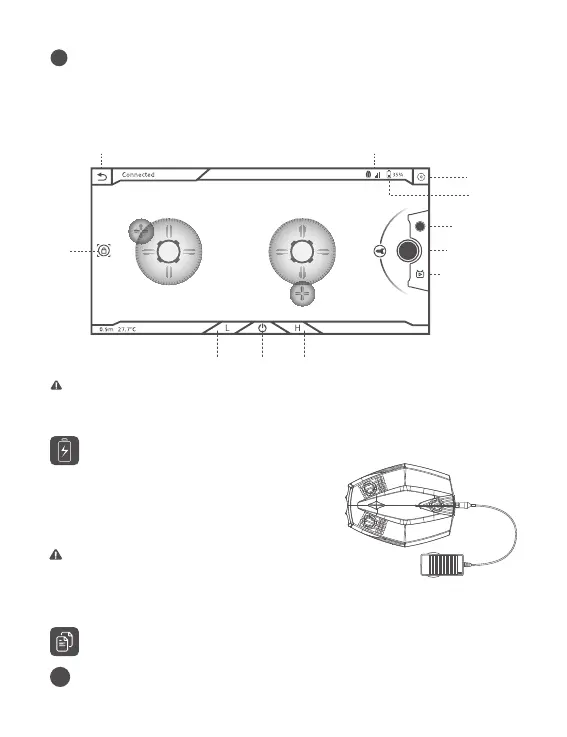
Open the App, when you see "connected" on the bottom left corner, click "start"
on the right. Now you will see the main App interface (below). Click the power
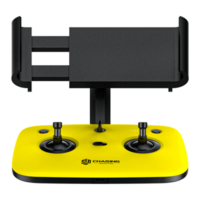
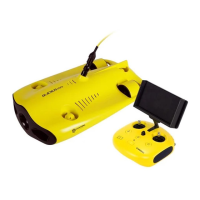
button to unlock the drone and use the virtual joy stick on screen to control the
drone's movement.
BACK Wi-Fi SIGNAL
BATTERY
SETTINGS
TAKE PHOTO
RECORD VIDEO
LIVE STREAMING
LED
LIGHTS
depth temperature
low speed mode high speed modelock/unlock
Tilt Up
Tilt Down


 To Next Page