EasyManua.ls Logo

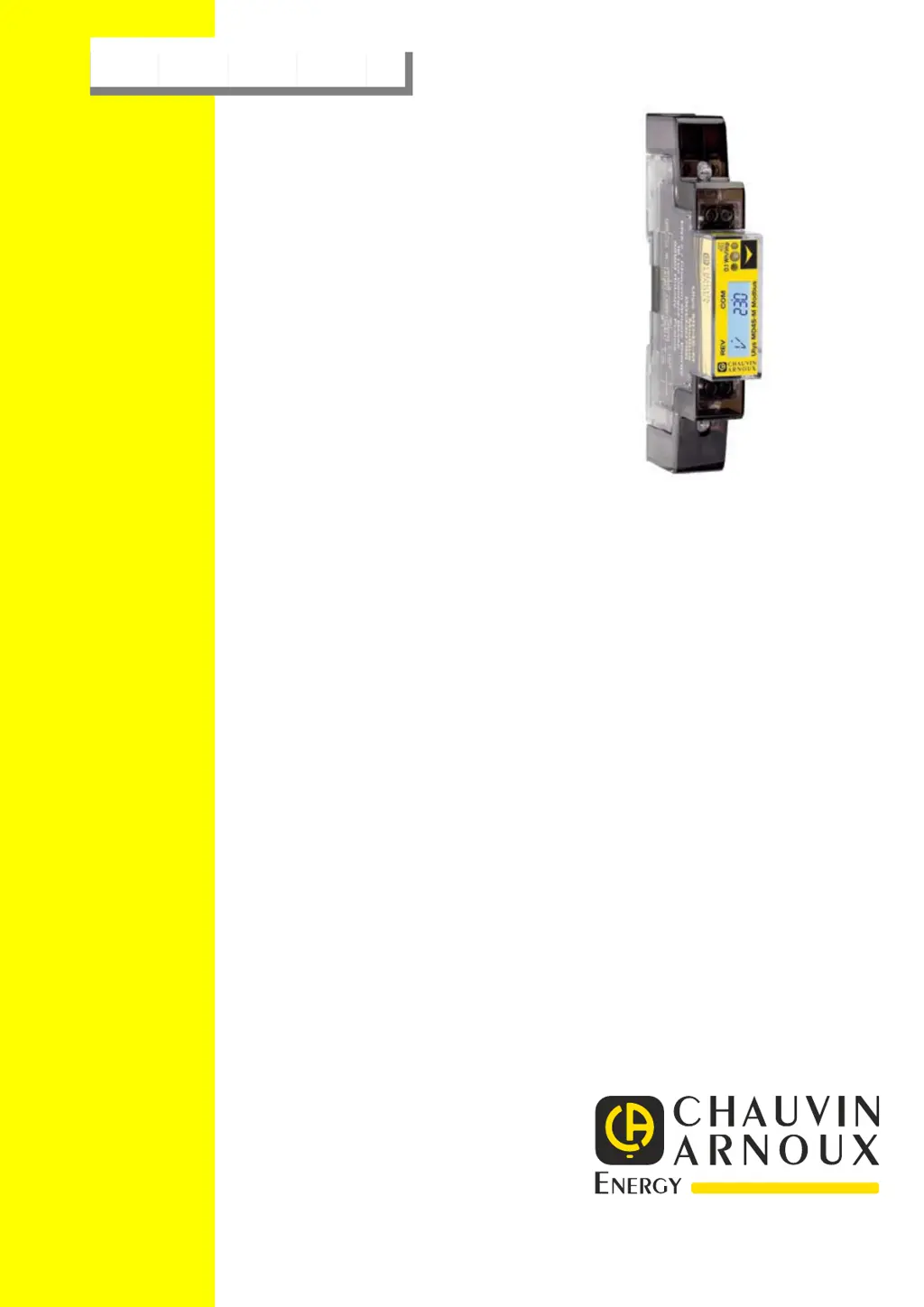
Chauvin Arnoux ULYS MD45-M - User Manual

Chauvin Arnoux ULYS MD45-M
20 pages
Print Icon
To Next Page IconTo Next Page
Loading...
MANUEL DUTILISATION DES COMPTEURS DENERGIE
ULYS MD45-M
et ULYS MD45-M Modbus
U
SER MANUAL
FOR E
NERGY METERS
ULYS MD45-M
and ULYS MD45-M Modbus
MS01-7661 Ed01

Questions and Answers

  • L
    Latasha GomezAug 5, 2025
    What to do if my Chauvin Arnoux Measuring Instruments meter doesn’t count?
    • D
      Derrick JonesAug 5, 2025
      If your Chauvin Arnoux Measuring Instruments meter isn't counting, verify if the red consumption LED is flashing. Also, check the load current, ensuring it's at least 20 mA. The problem may be that there is no load connected to the meter or the load is too less.
  • C
    Christopher PetersAug 11, 2025
    Why the red LED doesn't flash on my Chauvin Arnoux Measuring Instruments?
    • A
      Andrew PowersAug 11, 2025
      If the red LED on your Chauvin Arnoux Measuring Instruments isn't flashing, it could be due to no load or a very low load connected to the meter. To fix this, connect a load to the meter and check if the current value is at least 20 mA.
  • G
    gwrightAug 17, 2025
    How to fix a Chauvin Arnoux ULYS MD45-M meter that is not turning on?
    • A
      Adam FrancoAug 17, 2025
      If your Chauvin Arnoux Measuring Instruments meter isn’t turning on and the screen is off, check the 230 Vac voltage between terminals 1 and 4. Also, verify that the protection device hasn't been triggered. The cause may be that there is no voltage on the line or the protection device is triggered.
  • A
    abbottwilliamAug 23, 2025
    What to do if there is no pulse output from Chauvin Arnoux ULYS MD45-M Measuring Instruments?
    • N
      nicole48Aug 23, 2025
      If there's no pulse output from your Chauvin Arnoux Measuring Instruments, use a voltmeter to check that the external voltage source (Ui) is 5-27V DC. Also, check if the connection is correct: the 5-27V DC should be connected to the collector connection (pin 20+) and the signal wire (S) to the emitter connection (pin 21-). The issue might be because the pulse output is not supplied with DC power, not connected correctly, or the polarity is wrong.
  • M
    Mrs. Jennifer BarnesAug 29, 2025
    Why is the pulse output rate wrong on my Chauvin Arnoux ULYS MD45-M?
    • A
      Adrian BurnsAug 29, 2025
      If the pulse output rate is wrong on your Chauvin Arnoux Measuring Instruments, set the pulse output rate correctly in program mode 3 or use the infrared eye which can be bought separately. The issue is probably because the pulse rate is not setting correctly in the Program mode 3.

Summary

Safety and Handling Precautions

Qualified Personnel Requirements

Requirements for qualified personnel for installation and operation.

Intended Use and Proper Handling

Specifies the intended use and guidelines for safe product handling.

Liability Exclusion

Disclaimer regarding accuracy and omissions in the manual.

Product Specifications

Technical Specifications and Performance

Detailed technical data, environmental, and performance criteria.

Precision and Accuracy Details

Accuracy classes for various operating conditions and power factors.

Infrared and RS485 Communication Specs

Technical details for infrared and RS485 Modbus communication.

Dimensions and Connection Diagram

Physical dimensions of the meter and its wiring diagram.

Installation Guide

Installation Safety Warnings

Critical safety warnings and precautions for meter installation.

Installation Procedures

Step-by-step guide and requirements for installing the meter.

Display and User Interface

Energy Flow and Tariff Indication

Explains LED indication for energy flow and tariff status on LCD.

Reading the LCD Meter Display

How to read energy consumption and other data on the LCD.

Scrolling and Backlight Settings

How to configure automatic display scrolling and LCD backlight.

Meter Settings and Reset

Resettable Counter and Pulse Output

How to reset the partial counter and configure the pulse output rate.

Total Counter Calculation Modes

How to select different methods for total energy calculation.

Communication and Configuration

Modbus Communication Setup

Details on connecting and configuring Modbus communication parameters.

Baud Rate and Parity Configuration

How to change the communication baud rate and parity settings.

Power Down Counter and Password Management

Information on the power down counter and password protection.

External Tariff Input

Switching Between Tariff 1 and Tariff 2

How to activate Tariff 2 using the external voltage input.

Tariff 2 Display Indicators

Explains specific LCD displays for Tariff 2 operation.

Navigation Chart

Default Settings Overview

List of default configuration parameters and settings.

Scrolling and Menu Navigation

Guide to navigating through menus using the button.

Troubleshooting and Support

Troubleshooting Safety Warnings

Critical safety warnings to observe during troubleshooting and maintenance.

Common Meter Problems and Solutions

Identifies common meter issues, causes, and resolution steps.

List of Error Displays

Explains error codes displayed on the meter and recommended actions.

Technical Support Contact Information

Contact details for obtaining technical assistance for product issues.

Annexes and Software

Modbus Register Map

Table detailing Modbus registers for reading meter data.

PC Software and IR Communication

Information on PC software and optical heads for meter configuration.

Chauvin Arnoux ULYS MD45-M Specifications

General IconGeneral
Channels1
Display TypeLCD
Power SourceBattery
Protection ClassIP54
TypeMultimeter
Battery4 x AA
Test Voltage1000 V

Related product manuals