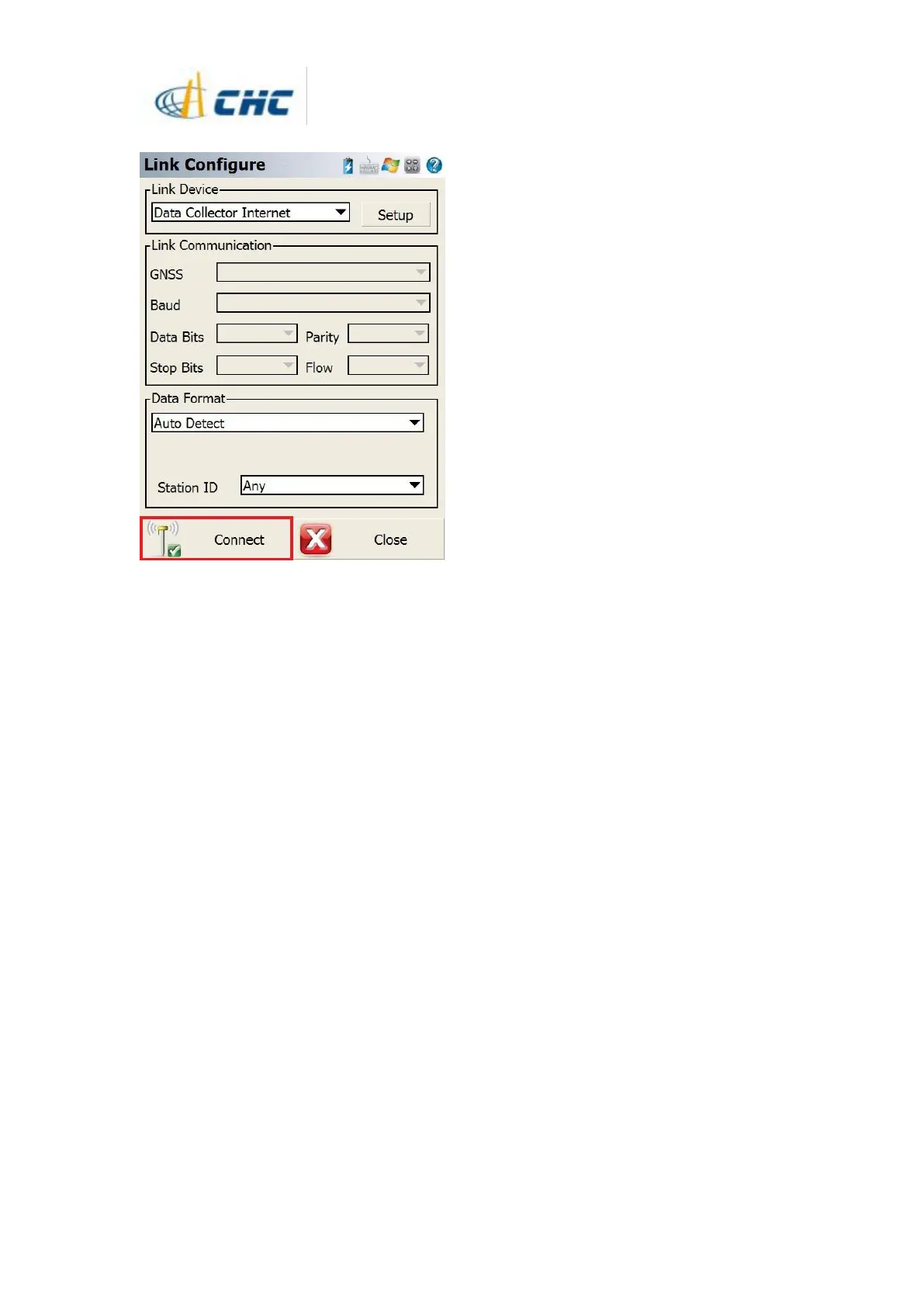
17. Click [Connect] to finish starting rover
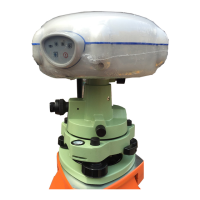
18. Then the green LED will flash and the
states will become [Autonomous] to [float]
then to [fix],which means the rover is getting
the correction data from base.
19. The survey work can be done with the
i80



 To Previous Page