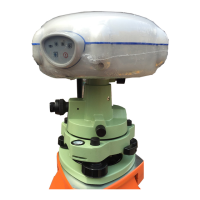
i80 GNSS Receiver Quick Tour with FieldGenius (PDA Network Mode)
1.Prerequisites
Hardware: CHC i80 rover , Controller Kit, SIM
card ,Lithium Battery, pole
Software: FieldGenius8
2.Steps to set i80 working as
rover in DCI mode with
FieldGenius
2.1 Rover installation
Insert the SIM card to data collector, screw
the rover receiver on the pole, and put the
Controller adapter in the right place like the
figure.
2.2 Connect Data collector to Internet
via Wifi
1. click on [Start]-[Setting]
2. Click on the [connections]-[Wireless



 To Next Page