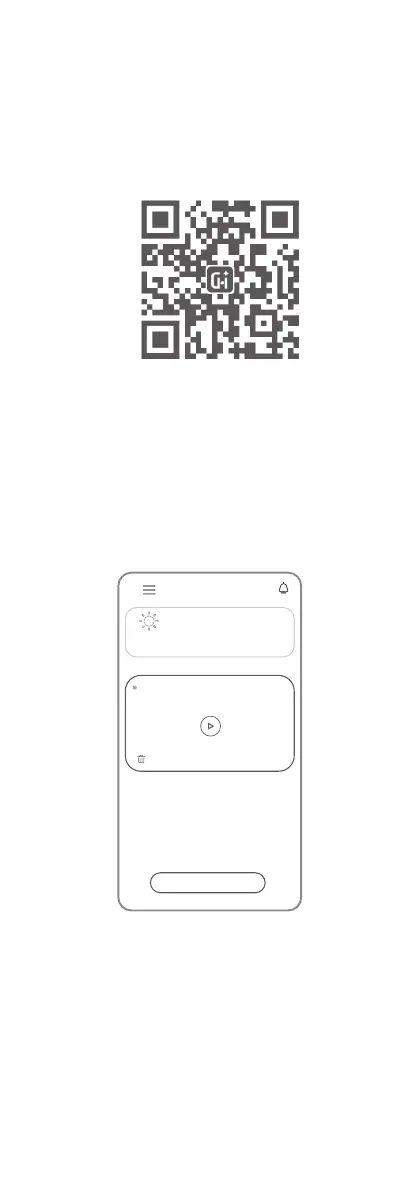
Set up your account and follow the in-app
instructions to set up your Cheego Smart
monitor.
INSTRUCTIONS
Get start with the Cheego Smart App
Download the Cheego Smart App from
Apple Store/Google Play or scan the
QR code in the user guide.
Boot
Please connect the monitor to the
power adapter. Once connected,
the LED light will turn on and off
automatically.
Please wait about 20 seconds before
the device boot up successfully.
Download & Register
“Cheego Smart”APP
My Monitor
Online | X3 Pro
Add Device
71.6℉
Excellent
PM2.5
Air Quality
Humidity
Excellent
69.0%



 To Next Page