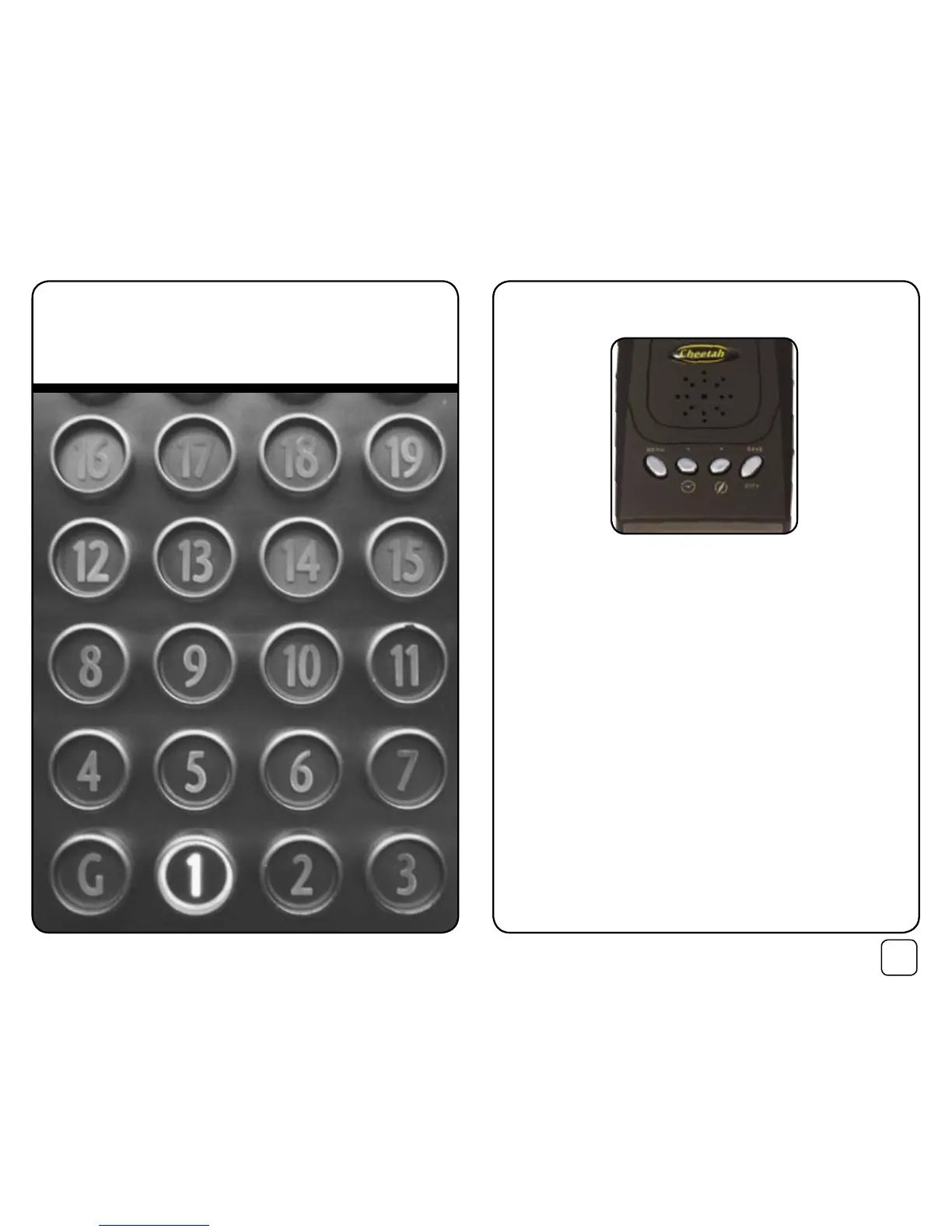
6.1 Button functions
During normal driving mode, the button functions are:
Button 1 (Menu) Enter main menu
Button 2 (+) Display current time
Button 3 (-) A short press will cause the C100 to speak the current
driving direction, as shown in the digital compass.
A long press will cause the C100 to speak your current
“Rescue Me” GPS coordinates. This can be written down
or played to emergency staff.
Button 4 (Mute) City Mute for optional radar detector. The radar band
will be announced, but the alert tones will be silenced.
Please note:
After pressing button 1 to enter the main menu, the button functions
change to allow the individual menu item settings to be adjusted.
Inside the menu system, the button functions become:
Button 1 (Menu) Each press will proceed to the next menu item.
Button 2 (+) Up
Button 3 (-) Down.
Button 4 (Save) Store and return to normal driving mode.
6. Menu Items


 To Next Page