4
GETTING TO KNOW THE PizzellePro
®
TOSCANO
®
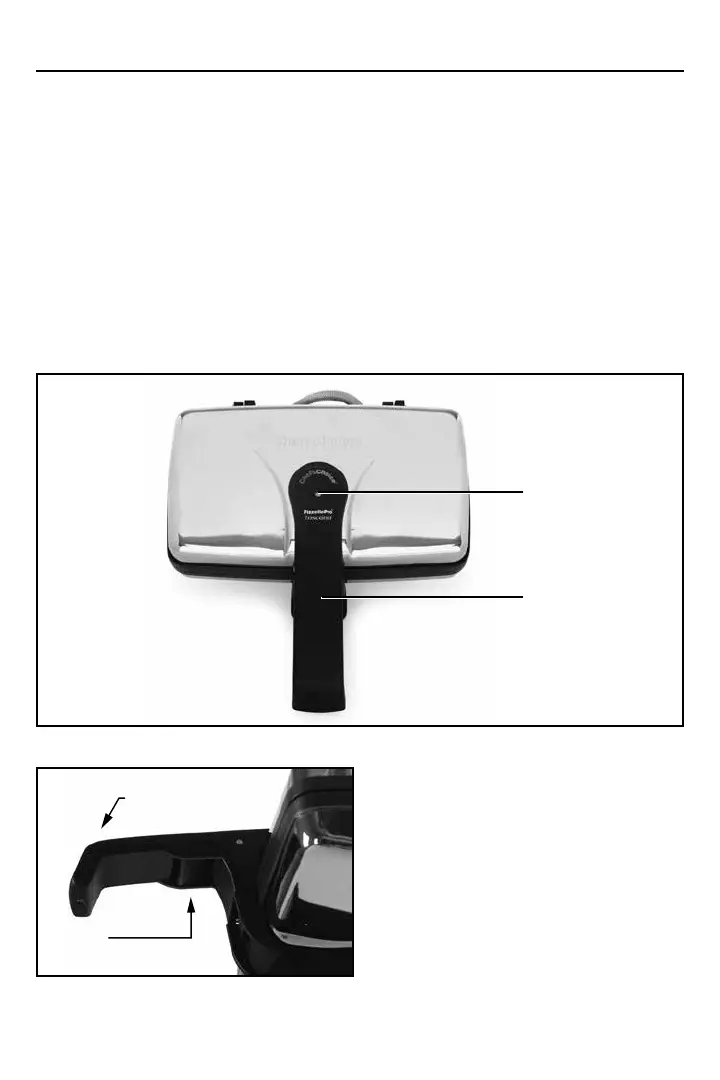
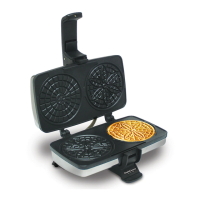
Take a minute to identify the key features and controls of the PizzellePro
®
, (Figure 1).
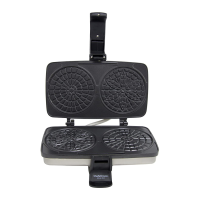
To open the lid, release the locking latch (Figure 2) and lift the insulated front plastic handle.
Note the red light on the handle (Figure 1), which is “on” whenever the pizzelle plates are heat-
ing. This light turns off when the pizzelle plates are fully heated and ready for bakng. While the
PizzellePro
®
is plugged in, the light will continuously turn on and off, ensuring optimal baking
temperature at all times.
The PizzellePro
®
Toscano
®
is equipped with a locking latch designed to control the thickness of
each pizzelle. This latch can be easily unlocked by lifting the finger release (Figure 2), which is
conveniently located under the handle.
Provision has been made for cord wrapping as described in Cleaning and Storage section. The
cord can be wrapped around the PizzellePro
®
. The PizzellePro
®
can be stored upright to save
shelf space. Simply close the lid and stand it upright resting on the hinged end.
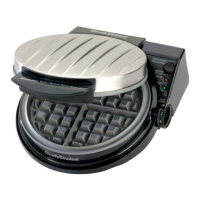
Figure 1. PizzellePro
®
Toscano
®
.
Heat Indicator Light
(see above)ure 2)
Handle for Lid
Figure 2. Locking latch.
Press Handle Down to Lock
Pull Up and Forward
to Release
Press Handle Down to Lock
Pull Up and Forward
to Release


 To Next Page