5 6
17
18
16
9
7
11
12
15
14
13
10
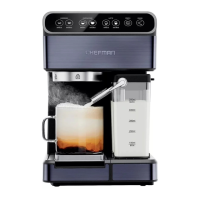
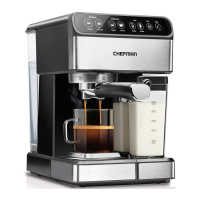
1. Water Reservoir Cover
2. Removable Water Reservoir
3. Control Panel
4. Group/Brew Head
5. Power Switch (On Side)
6. Froth Strength Control
7. Milk Reservoir Lid
8. Froth Dispensing Tube Lever
9. Removable Milk Reservoir
10. Froth Dispensing Tube
11. Removable Reversible
Metal Coaster
12. Removable Drip Tray
13. Portalter
14. Portalter Basket
Retention Clip
15. Portalter Handle
16. Portalter Double Shot Basket
17. Portalter Single Shot Basket
18. Coffee Measuring Scoop
and Tamper
FEATURES FEATURES
1
2
3
6
4
5
8
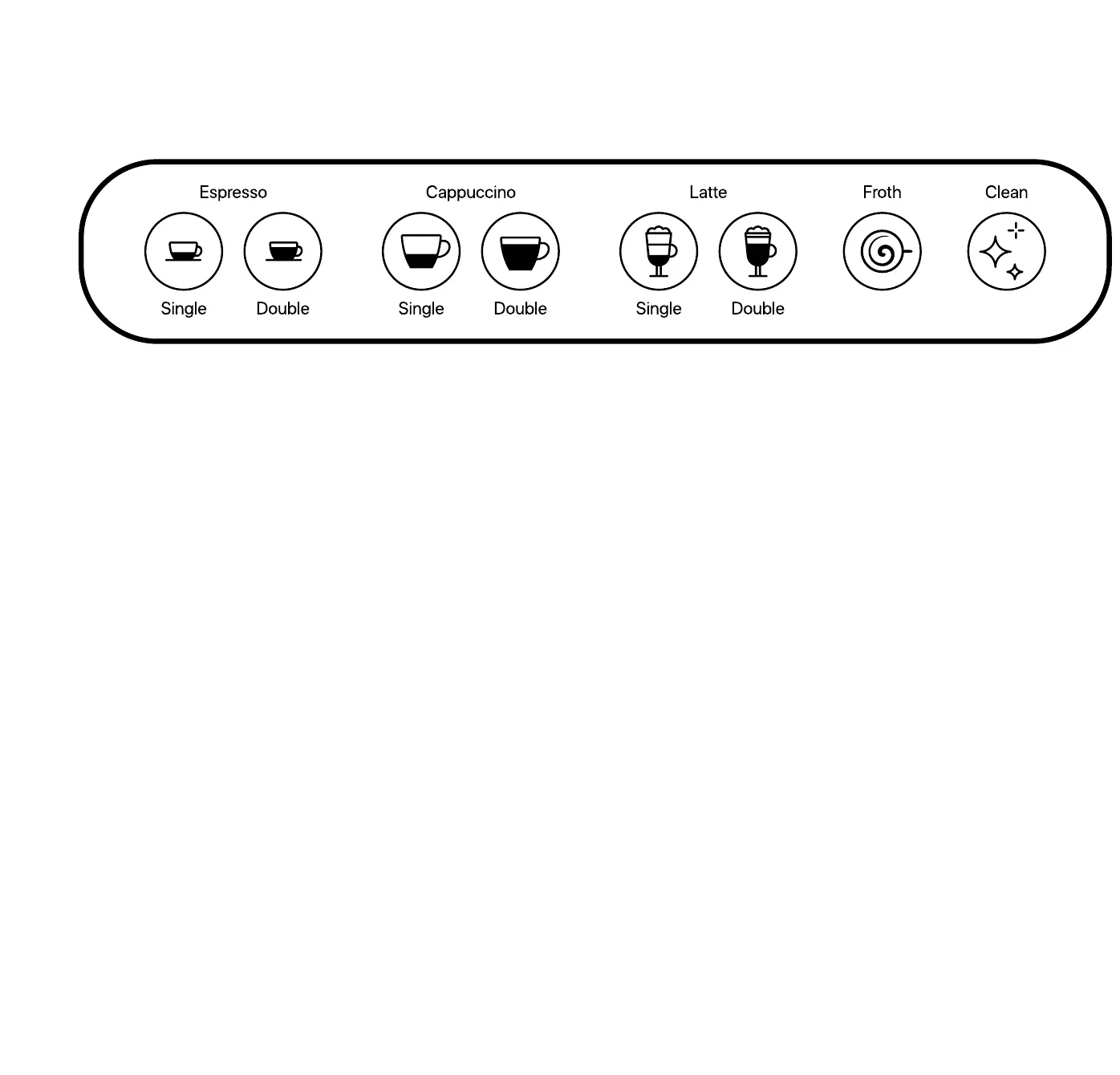
CONTROL PANEL
• When the power is switched on, the unit will beep three times and be in standby mode.
The unit will automatically begin preheating and all available functions on the display
will light. (NOTE: If the milk reservoir is not on the unit, only the Single and Double
Espresso buttons will display.)
• When you make your drink selection, only that button will remain illuminated, and it
will blink during the remaining preheating time. (Do not press the button again or that
will cancel your selection.)
• Your selected drink button will turn solid when preheating has nished and the brew
drink cycle has begun.
• When the brew cycle is complete, the unit will beep three times; all buttons will light up
and the unit will return to standby mode. If no longer using the espresso machine, you
may wish to turn it off.
• After 20 minutes of no action, the unit will go into sleep mode, and just the CLEAN
icon (not the text) will be lit. Press the CLEAN icon to wake the unit up.
• When the FROTH button is pressed, the froth function will run for 30 seconds. (All
other function lights will turn off.) You can end frothing before 30 seconds by pressing
the FROTH button again.


 To Next Page