EasyManua.ls Logo

ChemDAQ Steri-Trac - User Manual

ChemDAQ Steri-Trac
28 pages
Print Icon
To Next Page IconTo Next Page
Loading...
Document Number: CM-112-A-0.0.5 Copyright ChemDAQ Inc. 2019 All Rights Reserved
ChemDAQ
Steri-Trac
®
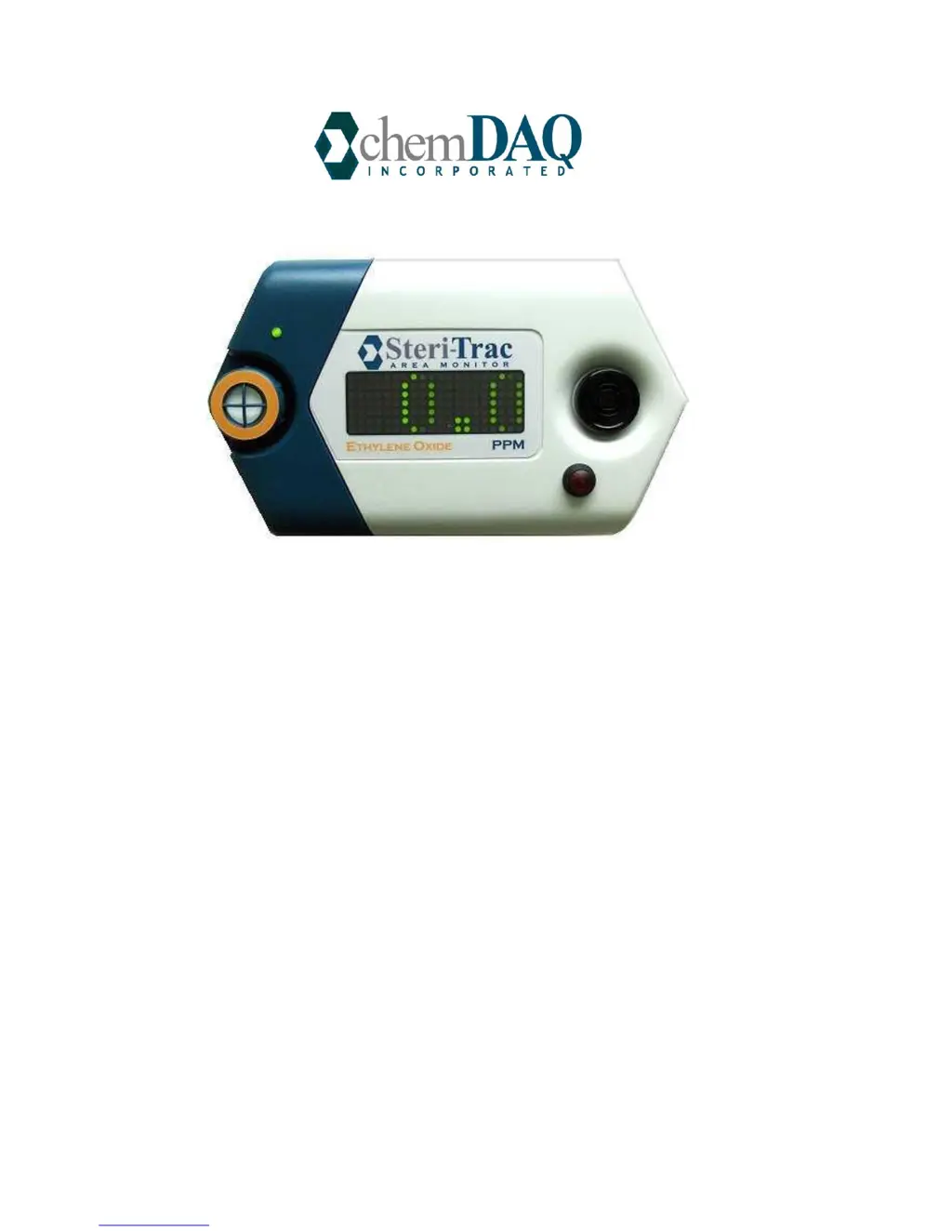
Gas Monitor
Operation Manual

Questions and Answers

  • J
    Jeremy MooreAug 3, 2025
    What to do if ChemDAQ Steri-Trac Measuring Instruments display shows a non-zero reading?
    • D
      Daniel FoxAug 4, 2025
      If your ChemDAQ Measuring Instruments monitor displays a non-zero reading, it could be due to several reasons: * The target gas might be present in the air, so take appropriate remedial action. * There might be an interferent gas in the air. In this case, the filter needs to be replaced; contact ChemDAQ customer service. * Small signals absent target or interferent gas can be due to sensor drift. Adjust zero (only perform if certain that there are no interferent or target gases present).
  • J
    Julie TurnerAug 9, 2025
    What to do if ChemDAQ Measuring Instruments DAQ shows communications error?
    • M
      Michael StrongAug 9, 2025
      If your ChemDAQ Measuring Instruments DAQ shows a communications error on one or more channels, it indicates a break in communications between the DAQ and the monitor network for that channel. Check the connections to resolve this issue.
  • D
    Derek JonesAug 15, 2025
    How to fix ChemDAQ Steri-Trac Measuring Instruments with no display?
    • A
      angela96Aug 15, 2025
      If your ChemDAQ Measuring Instruments has no display, the cause may be that the power is off. Check that power is supplied to the monitor.
  • S
    Sean TurnerAug 22, 2025
    Why is the ChemDAQ Steri-Trac Measuring Instruments sensor module LED red?
    • W
      William MartinezAug 22, 2025
      A red LED on the ChemDAQ Measuring Instruments sensor module indicates that the sensor is due for calibration. Contact ChemDAQ for a replacement sensor.
  • G
    Gregory FritzAug 27, 2025
    What causes small negative readings on ChemDAQ Steri-Trac?
    • B
      Brooke ClarkAug 27, 2025
      Small negative readings on ChemDAQ Measuring Instruments are caused by sensor zero drift. Reset through Magic Button.™

Summary

Safety and Legal Notices

Safety Precautions

Important safety guidelines for product installation and use.

Overview of the ChemDAQ Gas Monitoring System

Steri-Trac Area Monitor

Describes the main component of the gas monitoring system.

ChemDAQ Data Acquisition System (DAQ)

Parts of the Monitor

Monitor Body

The core instrument including display, alarms, and circuitry.

Monitor Component Details

Sensor Module

Explains the electrochemical sensor and its features.

Monitor Controls and Features

Installation

Customer Site Preparation Responsibilities

Outlines tasks for the customer before installation.

Power Supply Requirements

Details electrical power needs for the unit.

Installation Wiring and Connections

Configuration of Monitor

Configuration Options

Lists adjustable settings like alarms and volume.

Alarm - High Level

Allows adjustment of the high alarm set point.

Alarm - Low Level

Allows adjustment of the low alarm set point.

Changing Configuration Settings Using the Magic Button

Adjusting Low Alarm Setting

Step-by-step guide for setting the low alarm.

Adjusting High Alarm Setting

Step-by-step guide for setting the high alarm.

Magic Button Configuration Procedures

Maintenance

Calibration

Explains the importance and process of calibration.

Calibration Details

Cleaning Procedures

Service Contact

Emergency Response

Troubleshooting Guide

Common Problems and Solutions

Lists issues, causes, and corrective actions.

Specifications

Performance Specifications

System Specifications Summary

ChemDAQ Steri-Trac Specifications

General IconGeneral
BrandChemDAQ
ModelSteri-Trac
CategoryMeasuring Instruments
LanguageEnglish