16
4.6 Troubleshooting
1 Switch the mouse off and on again
(see 4.2 "Energy-saving shutdown").
2 Check whether the batteries are inserted
correctly and supply sufficient voltage.
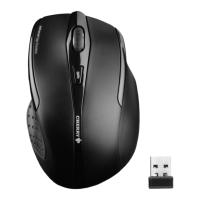
3 Connect the receiver to another USB port
on the PC.
• Set up your workspace for maximum
ergonomic benefit.
• Position the keyboard and mouse in
such a way that your upper arms and
wrists are on either side of your body
and are stretched out.
• Take several short breaks, with
stretching exercises if necessary.
• Change the position of your body often.
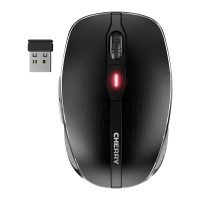
4 To establish a new connection to the
receiver:
• Pull the receiver out of the USB socket
and plug it back in again.
• Hold the mouse as close as possible to
the receiver within 30 seconds and press
the scroll wheel and the right mouse
button at the same time.
• Release the buttons when the LED starts
flashing after around 3 seconds.
5 Disposal
5.1 Disposal of the old unit
Dispose of the old unit via a
collecting point for electronic scrap
or via your dealer.
6440583-09_DE-EN-FR-ES-IT-NL_MW3000.fm Seite 16 Sonntag, 13. Januar 2019 10:49 22


 To Next Page