Training Center of After-Sales Department Chery International
14. TELEMATICS system
235
2. Operation description
Multi-media
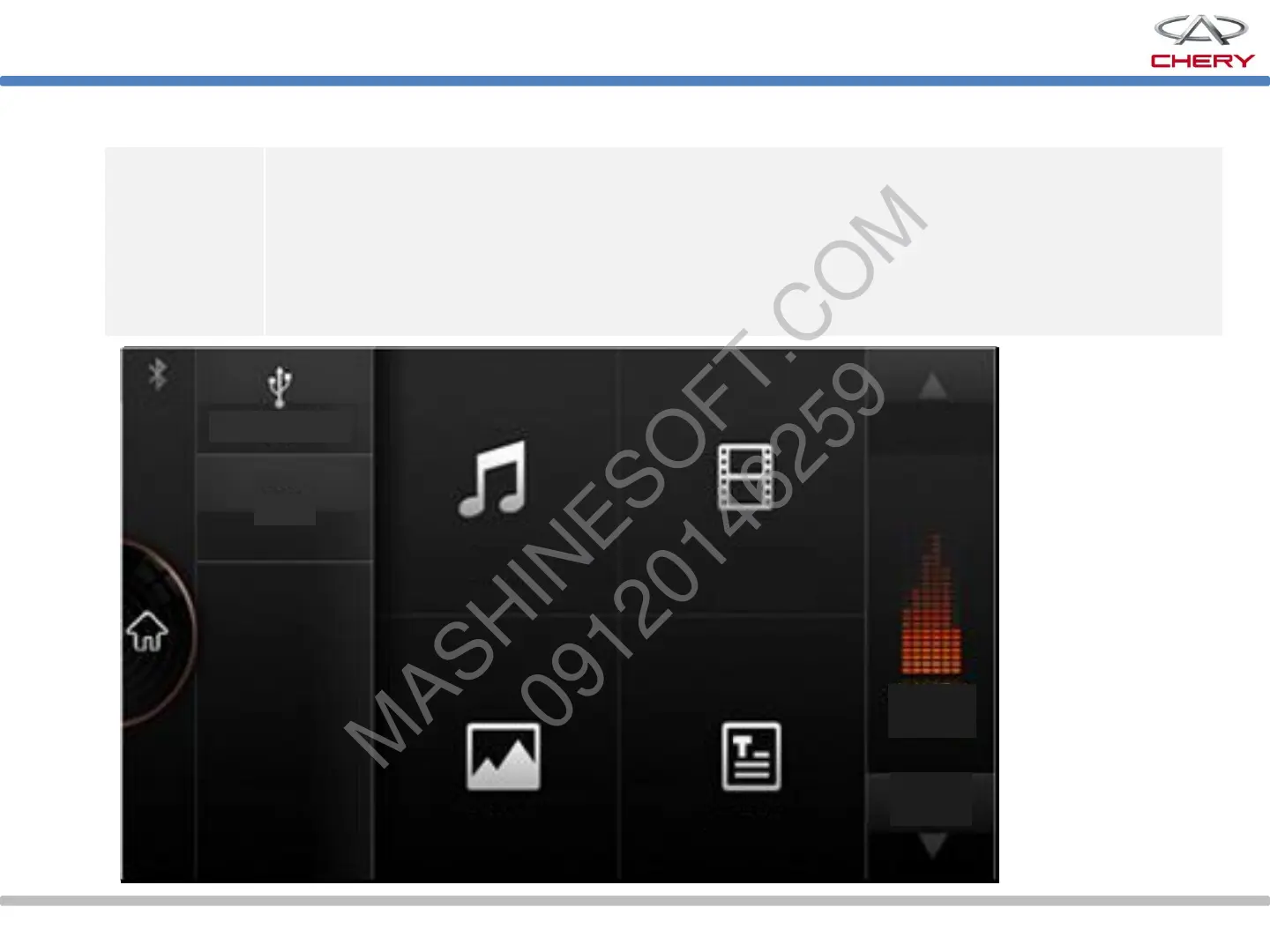
Click the multi-media icon on the main interface to access the multi-media interface
on which SD, USB/iPod, Bluetooth music (after the phone Bluetooth is successfully
connected) and AUX are available. If USB or SD card is connected, the icon will be
highlighted. Click the icon to access the multi-media sub-interface.
In this sub-interface, you can play the music, video record, pictures and e-book.
Video
record
Music
Type
Input source
Picture E-book
Page
down
Page up
Current
play



 To Next Page