2-39
Tilt Wheel
A tilt wheel allows you to adjust the steering wheel.
You can also raise it to the highest level to give your
legs more room when you exit and enter the vehicle.
The lever is located on the left side of the steering
column. To tilt the wheel, hold the steering wheel and
pull the lever toward you. Move the steering wheel to a
comfortable level, then release the lever to lock the
steering wheel into place.
Telescopic Steering Wheel (Option)
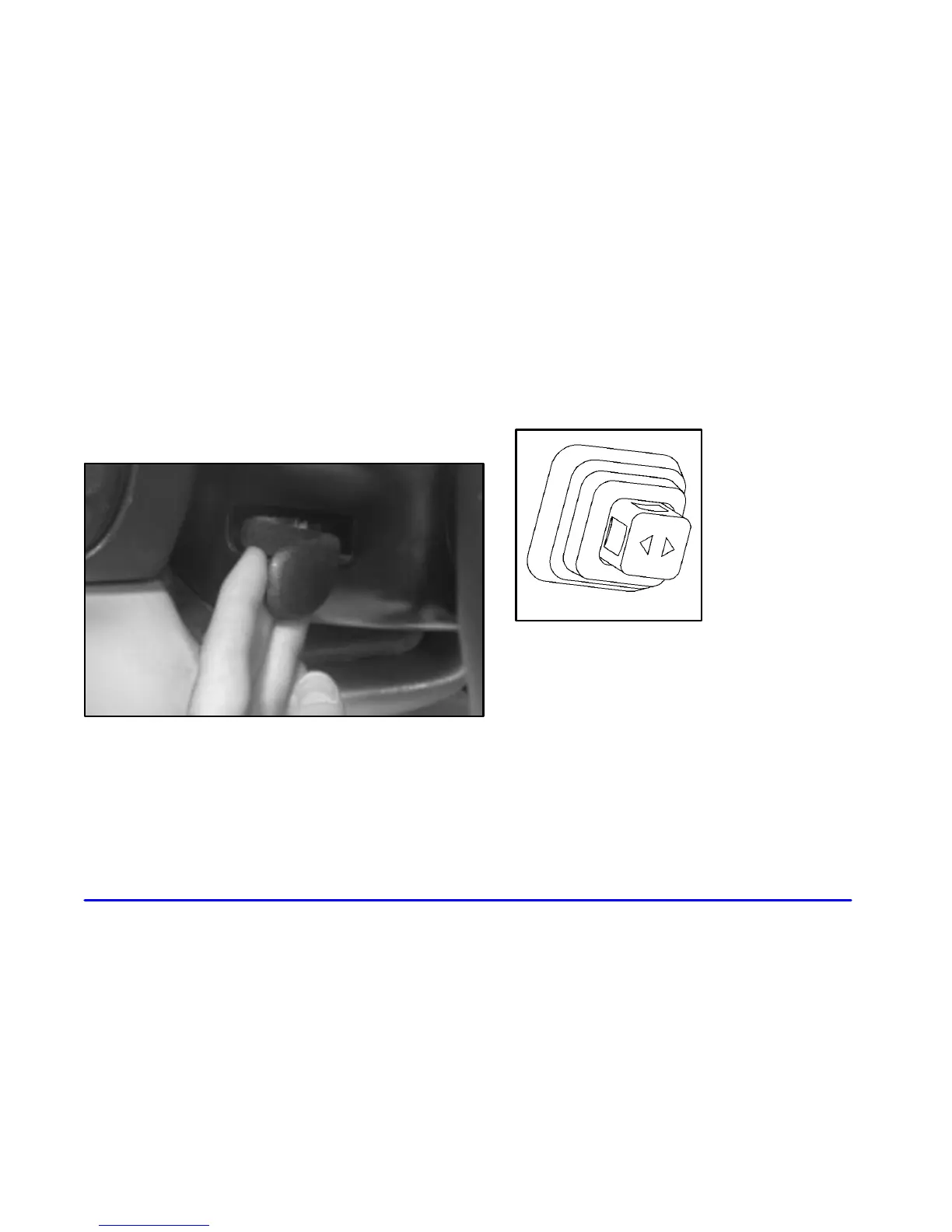
The telescopic steering wheel switch is located on the
right side of the steering column.
To operate the telescopic
steering wheel, push the
switch forward and the
wheel will move away
from you. Pull the switch
rearward and the wheel
will move toward you.
The telescopic steering wheel position can be stored
with your memory settings. See “Memory” in the Index
for more information.







 To Next Page