Infotainment system 119
■ Bluetooth® is busy
Check if there are any Bluetooth®
devices connected. To connect
another device, disconnect any
other connected devices first, and
then reconnect.
■ Device list is full.
Check if there are less than 5
registered devices. No more than
five devices can be registered.
■ No phone book available
This message will be displayed if
the mobile phone does not support
contacts transmission. If this
message appears after several
attempts, then the device does not
support contacts transmission.
■ Phone book is empty
This message is displayed if no
phone numbers are stored in the
mobile phone. This will also be
displayed if the phone log
transmission is supported, but in a
way that is not supported by the
Infotainment system.
Hands free phone
Taking calls
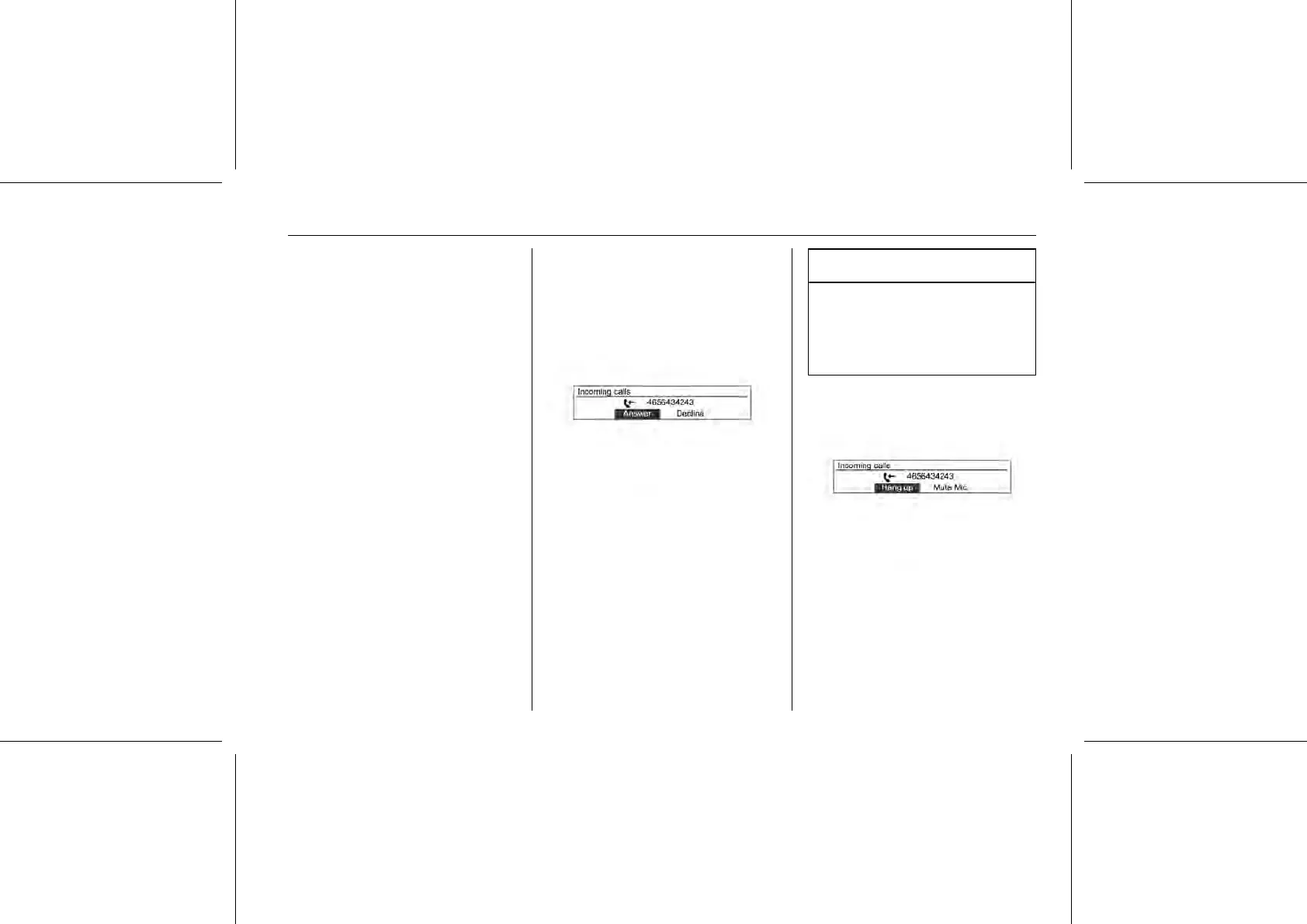
When a phone call comes through the
connected Bluetooth® mobile phone,
the playing track will be cut off and the
phone will ring with the relevant
information displayed.
Caution
It is possible to transfer your
ringtone depending on the mobile
phones. Adjust the ringtone
volume of the mobile phone if the
volume is too low.
To talk on the phone, turn the MENU-
TUNE knob to move to Answer, and
then press the MENU-TUNE button.
■ To reject the call, turn the MENU-
TUNE knob to move to Decline, and
then press the MENU-TUNE
button.















 To Next Page