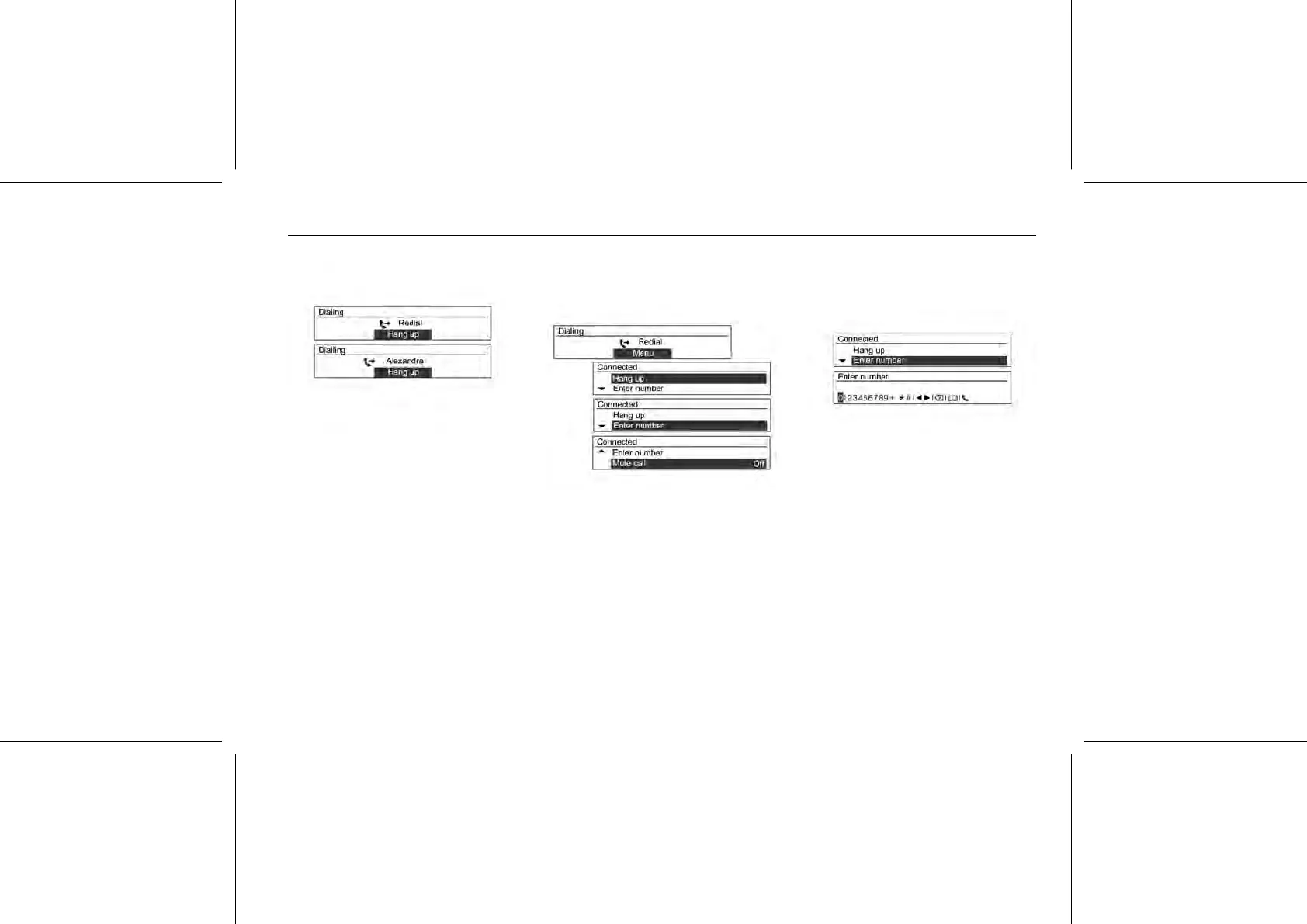
Turn the MENU-TUNE control knob to
select Yes or contacts, and then
press the MENU-TUNE button or Call
button to make a call.
■ If the mobile phone is not in waiting
mode, your phone might not
support the redial function. This
depends on the mobile phone's
options.
■ When redialling a number, the
connected phone number will not
be displayed.
■ Depending on the mobile phone,
there are cases in which the call is
made through the call history of the
received or missed calls instead of
the redial mode. This depends on
the mobile phone's options.
Press the MENU-TUNE button while
the phone is connected to display the
connecting functions as shown
above.
Use MENU-TUNE button with control
knob to use the functions in the menu
that appears.
While conversing on the phone, hold
down the Call button on the steering
wheel remote controller to switch to
Private Mode.
Calling by entering numbers
To make a call by entering the phone
number, press the MENU-TUNE
button and turn the MENU-TUNE
knob to select Enter number.
To confirm the operation, press the
MENU-TUNE button.















 To Next Page