2222 KKeeyyss,, ddoooorrss aanndd wwiinnddoowwss
UUnnlloocckkiinngg
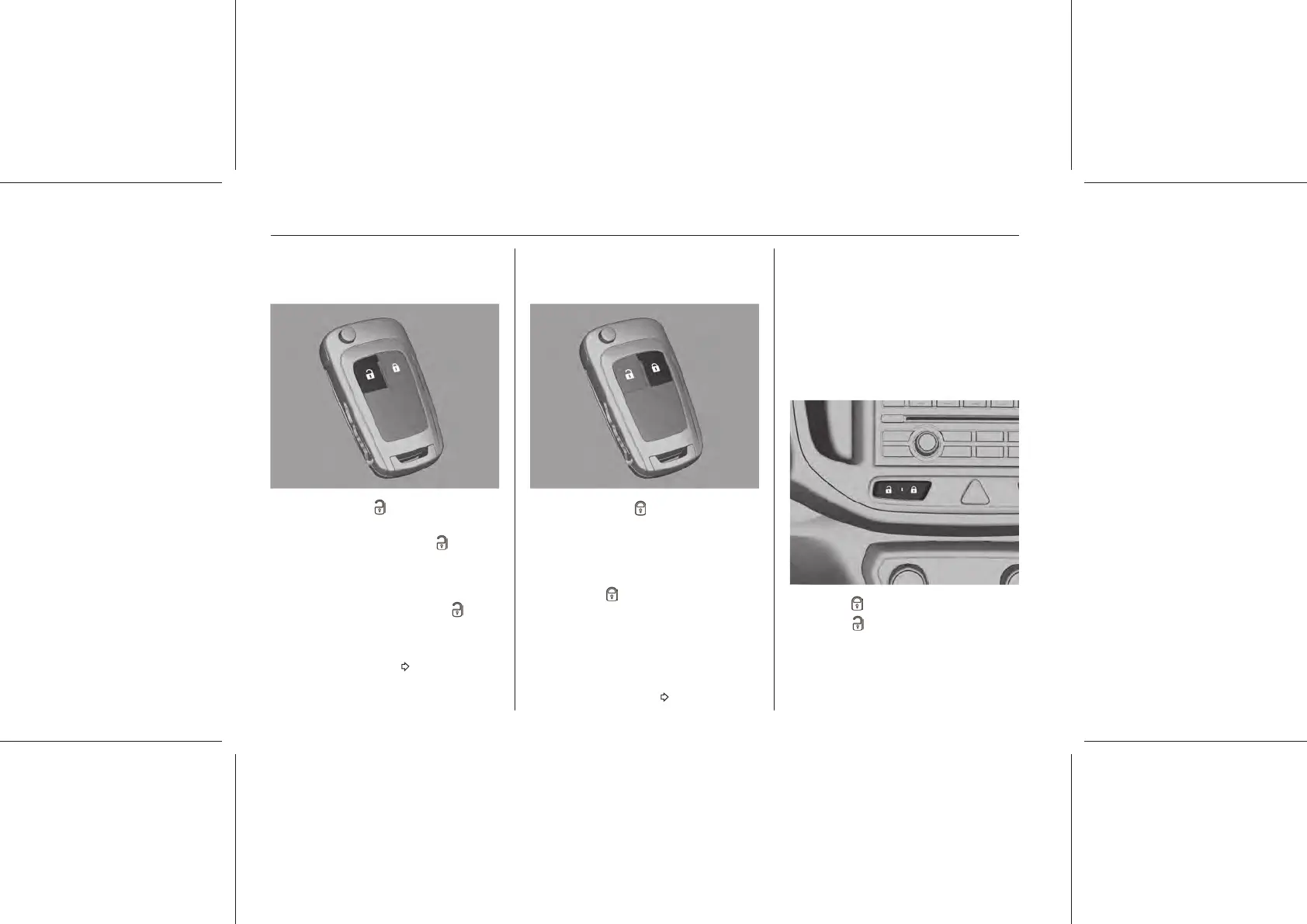
RRaaddiioo rreemmoottee ccoonnttrrooll
Press the button .
The driver's door and liftgate will be
unlocked. Press the button again to
unlock other doors. The hazard
flashers will briefly illuminate twice.
It is possible to unlock all doors and
liftgate by pressing the button once.
Settings can be changed in the
Infotainment menu.
Infotainment system 83.
LLoocckkiinngg
RRaaddiioo rreemmoottee ccoonnttrrooll
Press the button .
All doors, including the liftgate will be
locked and the hazard flashers will
briefly illuminate once as standard
when locked successfully.
If the button is pressed a second
time within a few seconds after
locking, a brief sound warning is
issued to confirm successful locking.
Settings can be changed in the
Infotainment menu.
Infotainment system 83.
If the driver's door is not closed
properly, this door lock will not work.
NNoottee
Depending on the country of sale
and local legal requirements, horn
warnings will be disabled.
CCeennttrraall lloocckkiinngg bbuuttttoonn
Locks or unlocks all doors.
Press the button to lock.
Press the button to unlock.















 To Next Page