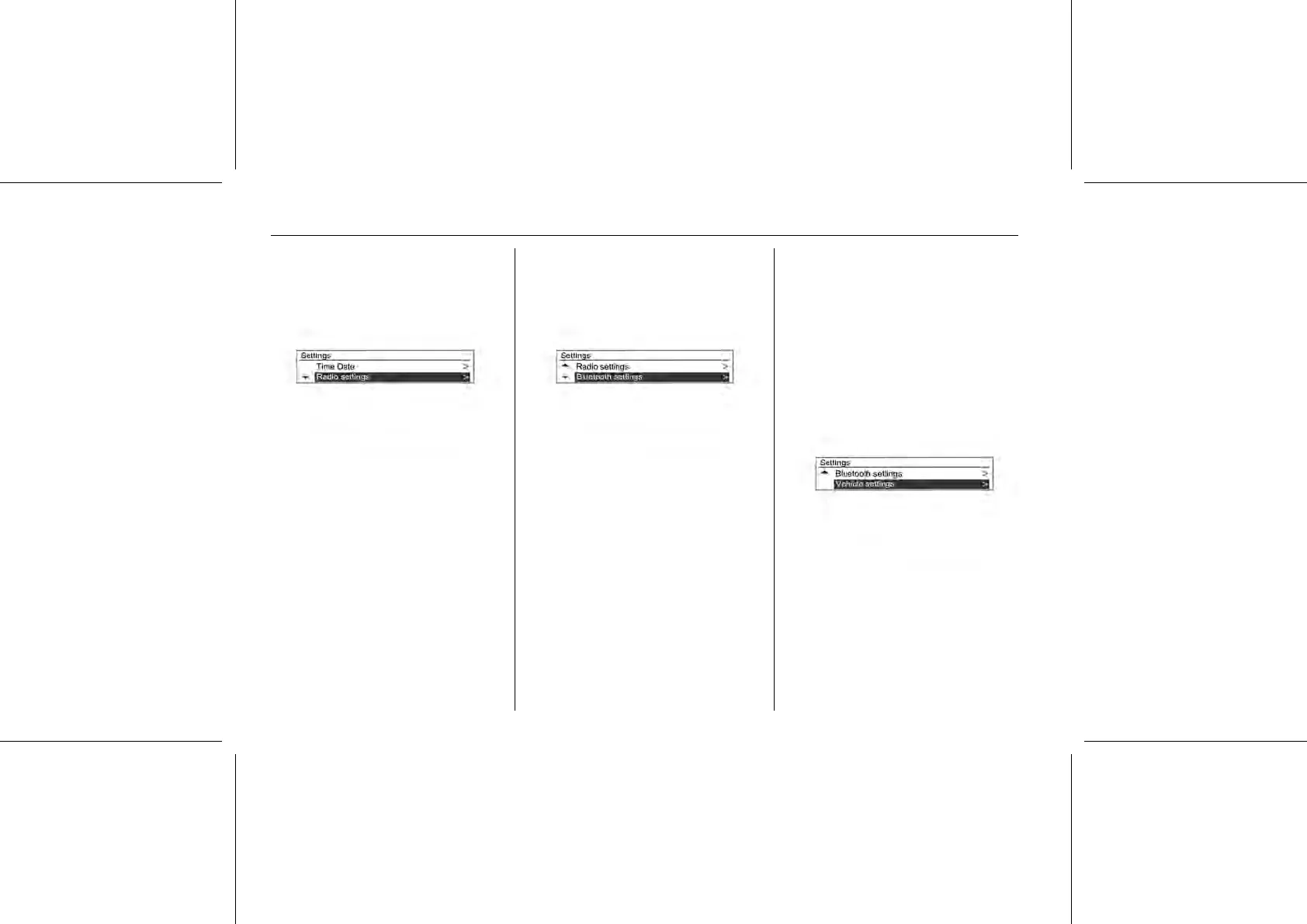
■ Auto volume: Set Off/Low/ Medium/
High
■ Maximum startup volume:
Manually set max.limit for the start-
up volume.
■ Radio favourites: Manually set your
favourite page numbers.
[Bluetooth® Settings]
Bluetooth®: Enter the Bluetooth®
menu.
■ Activation:
Select On or Off.
■ Device list:
Select the desired device and
select/connect/ separate or delete.
■ Pair device:
Try pairing a new Bluetooth®
device.
■ Change Bluetooth® code:
Manually change/set the
Bluetooth® code.
Restore factory settings: Restore the
initial setup values back to the default
settings.
[Vehicle Settings]
It is not possible to use this
configuration without the ignition
switch on position 2.
Comfort and Convenience settings
Chime volume: Select normal or high.
Lighting
Exit lighting:
Select Off / 30 Seconds/ 1 Minute/
2 Minutes.















 To Next Page