5-54 Instruments and Controls
Turning a Function On or Off
1. Turn the TUNE/MENU knob to
highlight the function.
2. Press the TUNE/MENU knob
to turn the function on or off.
A checkmark next to the function
indicates that the function is on.
Using the Touch Screen
Use the touch screen icons and
menus on the center stack display
to select personalization features.
w : Touch to scroll up.
x : Touch to scroll down.
Back: Touch Back in the upper
right corner of the display to return
to the previous menu.
Submenus
An arrow on the right‐hand edge of
the menu indicates that it has a
submenu with other options.
Selecting a Menu Option
Touch any one of the available
menu options on the touch screen
to select the option. A checkmark
next to the option indicates the
selected option.
Turning a Function On or Off
Touch the screen where the
available function is listed to turn it
on or off. A checkmark next to the
function indicates that the function
is on.
Entering the
Personalization Menu
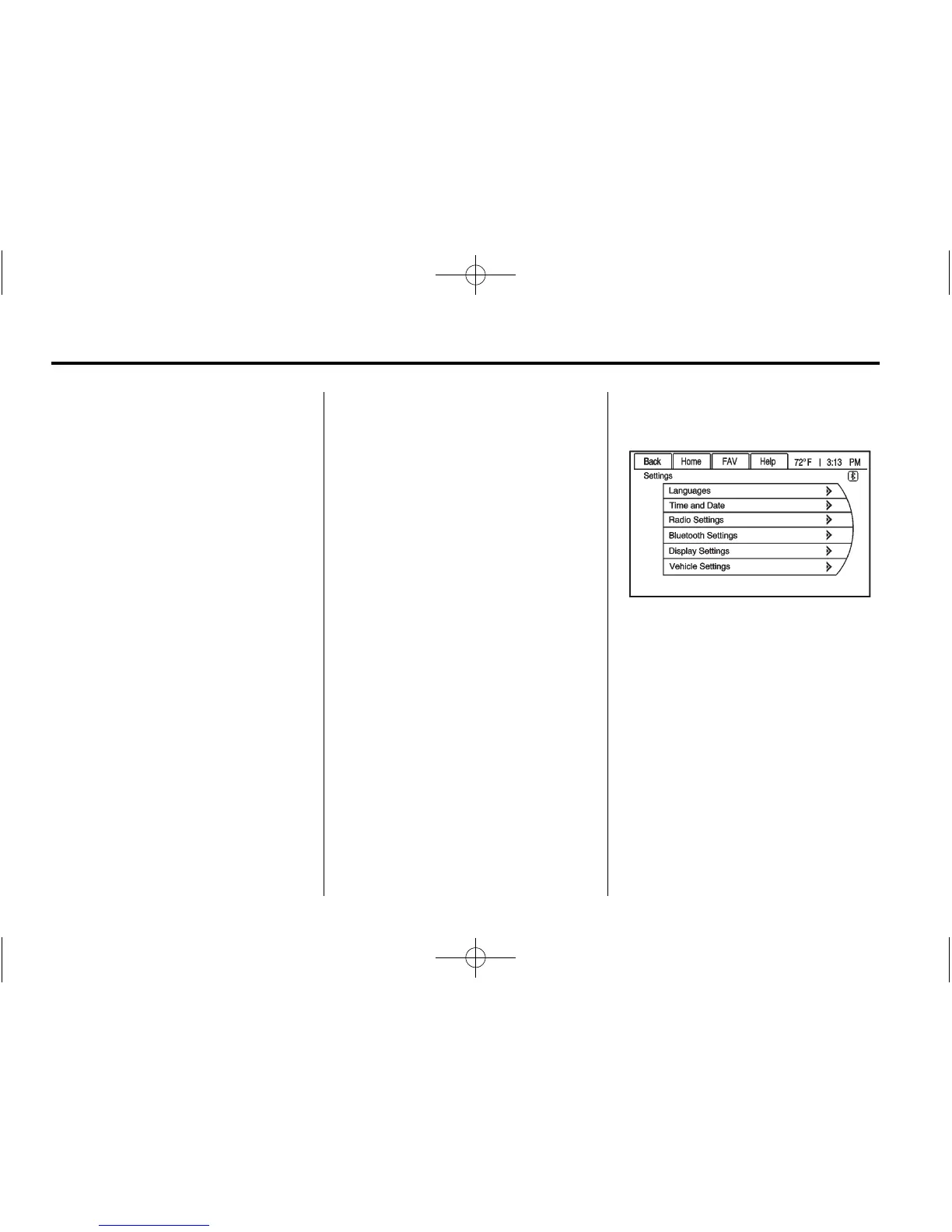
Press the Vehicle Settings menu on
the touch screen.
The Vehicle Settings menu features
may include:
.
Climate and Air Quality
.
Comfort and Convenience
.
Languages
.
Lighting
.
Power Door Locks
.
Remote Locking, Unlocking,
Starting
.
Return to Factory Settings














 To Next Page