Driving and Operating 9-35
When the vehicle is started and
begins to move, the system
performs several diagnostic checks
to ensure there are no problems.
The system may be heard or felt
while it is working. This is normal
and does not mean there is a
problem with the vehicle. The
system should initialize before the
vehicle reaches 32 km/h (20 mph).
In some cases, it may take
approximately 3.2 km (2 mi) of
driving before the system initializes.
When StabiliTrak activates,
d flashes on the instrument cluster.
This also occurs when traction
control is activated. This is normal.
Continue to steer the vehicle in the
intended direction. A noise may be
heard or vibration may be felt in
the brake pedal. This is normal.
Continue to steer the vehicle in the
intended direction. See Traction
Control System (TCS)/StabiliTrak
®
Light on page 5‑24 for more
information.
If a problem is detected
with StabiliTrak, SERVICE
STABILITRAK is displayed on the
Driver Information Center (DIC).
See Ride Control System Messages
on page 5‑50. When this message
is displayed and
d comes on and
stays on, the vehicle is safe to drive
but the system is not operational.
Driving should be adjusted
accordingly.
If
d comes on and stays on, reset
the system:
1. Stop the vehicle.
2. Turn the engine off and wait
15 seconds.
3. Start the engine.
If
d still comes on and stays on, the
vehicle needs service.
.
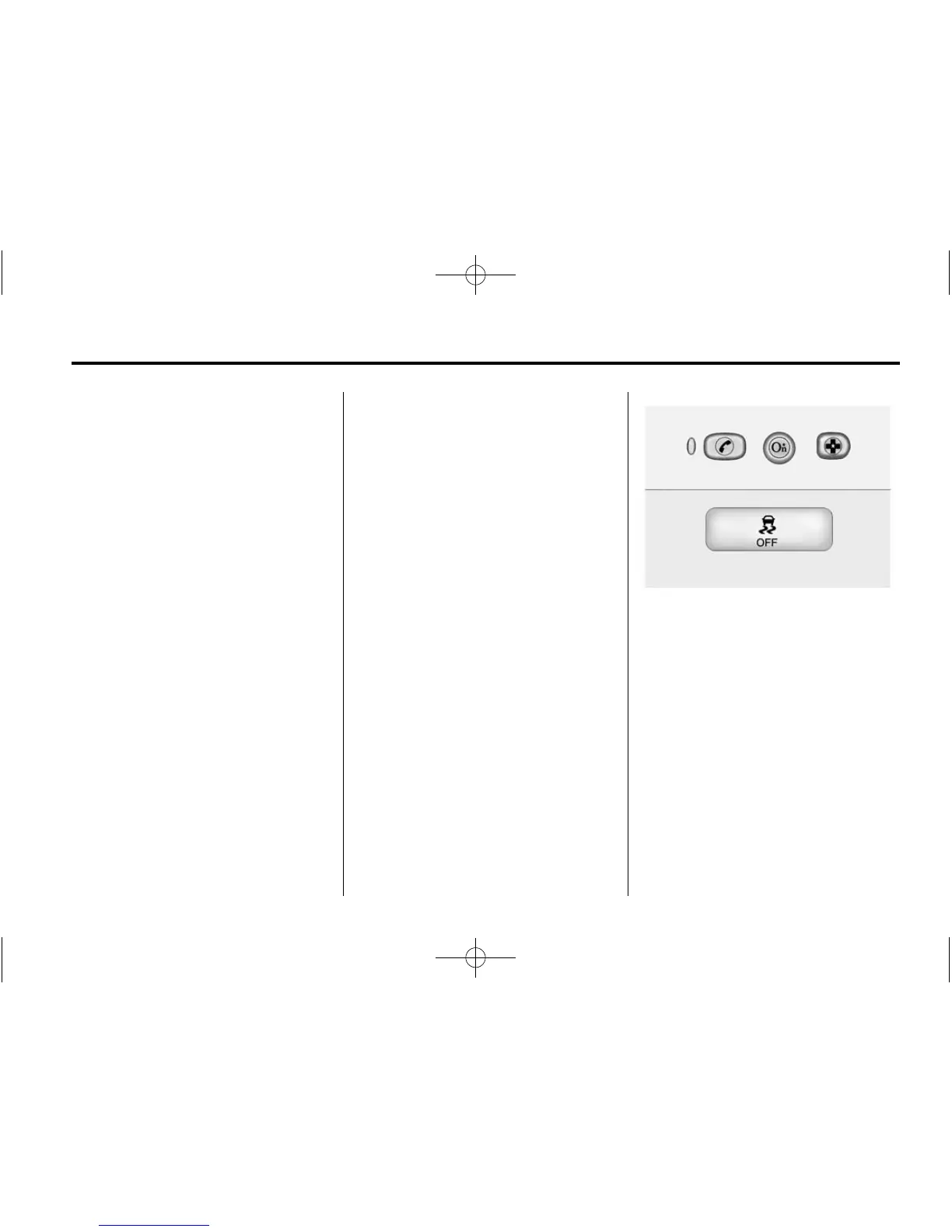
To turn off both StabiliTrak and
TCS, press and hold the TCS/
ESC button, located on the
overhead console, until
i and
g illuminate and the appropriate
DIC message is displayed. See
Ride Control System Messages
on page 5‑50.














 To Next Page