EasyManua.ls Logo

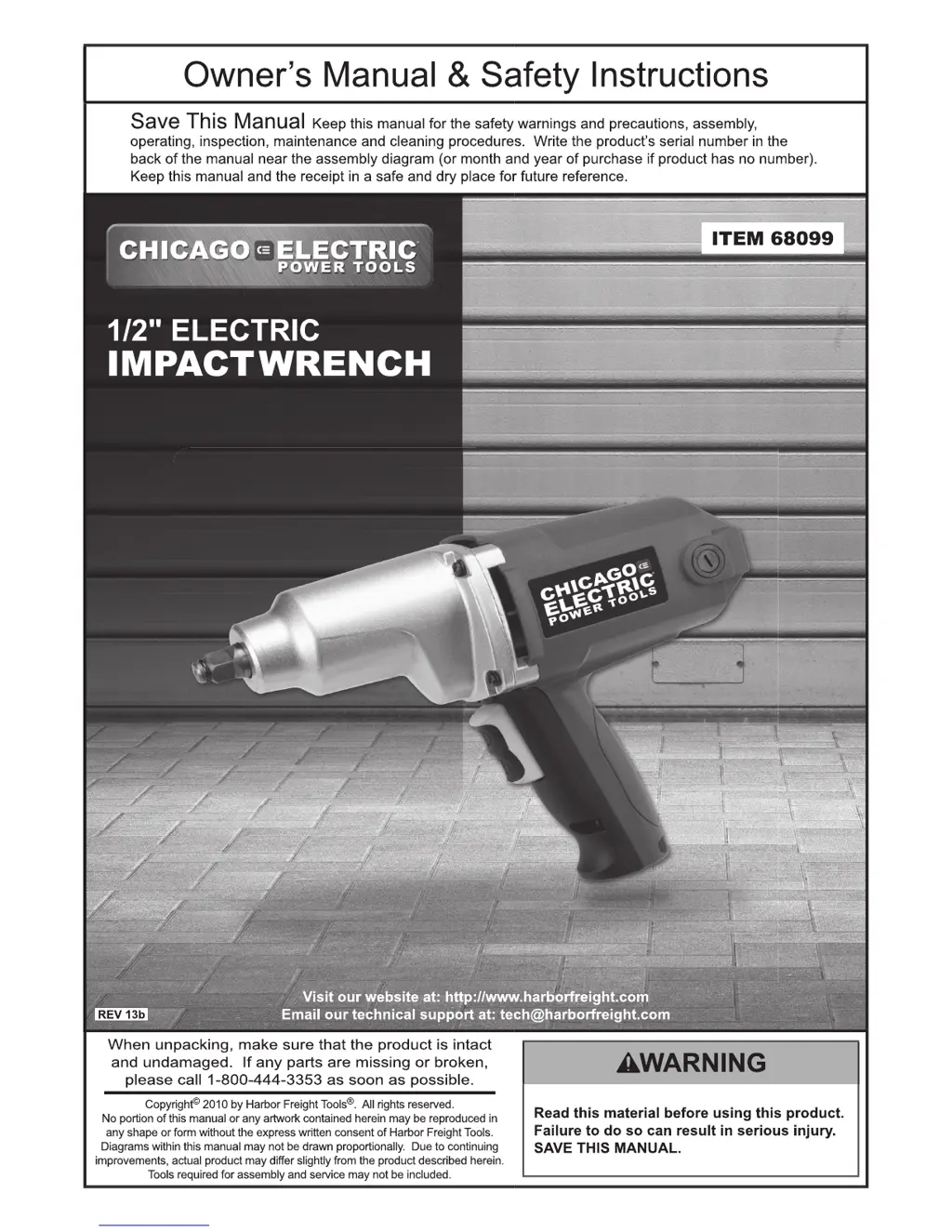
Chicago Electric 68099 - User Manual

Chicago Electric 68099
16 pages
Print Icon
To Next Page IconTo Next Page
Loading...

Questions and Answers

  • K
    kellycarlsonJul 30, 2025
    What to do if my Chicago Electric 68099 will not start?
    • J
      Jessica FigueroaJul 31, 2025
      If your Chicago Electric Impact Driver won't start, there are several potential causes: * The cord may not be connected. Ensure the cord is properly plugged in. * There may be no power at the outlet. Check the power at the outlet. If the outlet is unpowered, turn off the tool and check the circuit breaker. If the breaker is tripped, ensure the circuit is the correct capacity for the tool and has no other loads. * The tool’s thermal reset breaker may have tripped (if equipped). Turn off the tool, allow it to cool, and then press the reset button on the tool. * There may be internal damage or wear, such as to the carbon brushes or switch. In this case, have a technician service the tool and/or replace the carbon brushes.
  • M
    Matthew KimAug 6, 2025
    Why is my Chicago Electric 68099 overheating?
    • P
      Phillip ClayAug 6, 2025
      Your Chicago Electric Impact Driver might be overheating due to several reasons: * You may be forcing the tool to work too fast. Allow the tool to work at its own pace. * The motor housing vents could be blocked. Wear ANSI-approved safety goggles and a NIOSH-approved dust mask/respirator while blowing dust out of the motor using compressed air. * The motor may be strained by a long or small diameter extension cord. Eliminate the use of an extension cord. If an extension cord is necessary, use one with the proper diameter for its length and load.
  • S
    Sara VargasAug 11, 2025
    Why does the performance of my Chicago Electric 68099 Impact Driver decrease over time?
    • A
      Amy RussellAug 11, 2025
      The performance of your Chicago Electric Impact Driver may decrease over time due to: * A dull or damaged accessory. Keep cutting accessories sharp and replace them as needed. * Worn or damaged carbon brushes. Replace the carbon brushes.
  • L
    Laura JonesAug 17, 2025
    How to fix excessive noise or rattling in my Chicago Electric 68099?
    • J
      jenniferandersonAug 17, 2025
      Excessive noise or rattling in your Chicago Electric Impact Driver is caused by internal damage or wear, such as to the carbon brushes or bearings. Have a technician service the tool.
  • J
    Joseph MckenzieAug 25, 2025
    Why is my Chicago Electric Impact Driver operating slowly?
    • H
      haleyrossAug 25, 2025
      Your Chicago Electric Impact Driver may be operating slowly because the extension cord is too long or the cord diameter is too small. Eliminate the use of an extension cord. If an extension cord is needed, use one with the proper diameter for its length and load.

Summary

Electrical Safety

Personal Safety

Power Tool Use and Care

Service

Impact Wrench Safety Warnings

Vibration Safety

Grounding

Grounded Tools: Tools with Three Prong Plugs

Explains grounding for tools with three-prong plugs and proper outlet connection.

Double Insulated Tools: Tools with Two Prong Plugs

Describes tools that do not require grounding and their usage.

Extension Cords

Symbology

Specifications

Setup - Before Use

Functions

Operating Instructions

Workpiece and Work Area Set Up

Guidelines for preparing a safe and clean workspace and routing the power cord.

General Operating Instructions

How to use the impact wrench, including trigger operation and safe handling.

Maintenance and Servicing

Cleaning, Maintenance, and Lubrication

Procedures for inspecting, cleaning, and maintaining the tool before and after use.

Carbon Brush Maintenance

Steps for maintaining or replacing carbon brushes to ensure optimal motor performance.

Troubleshooting

Parts List

Assembly Diagram

Limited 90 Day Warranty

Chicago Electric 68099 Specifications

General IconGeneral
Drive Size1/4 inch
Voltage18V
Battery TypeLithium-Ion
Chuck TypeQuick Release
Weight3.5 lbs.

Related product manuals