6 7
4
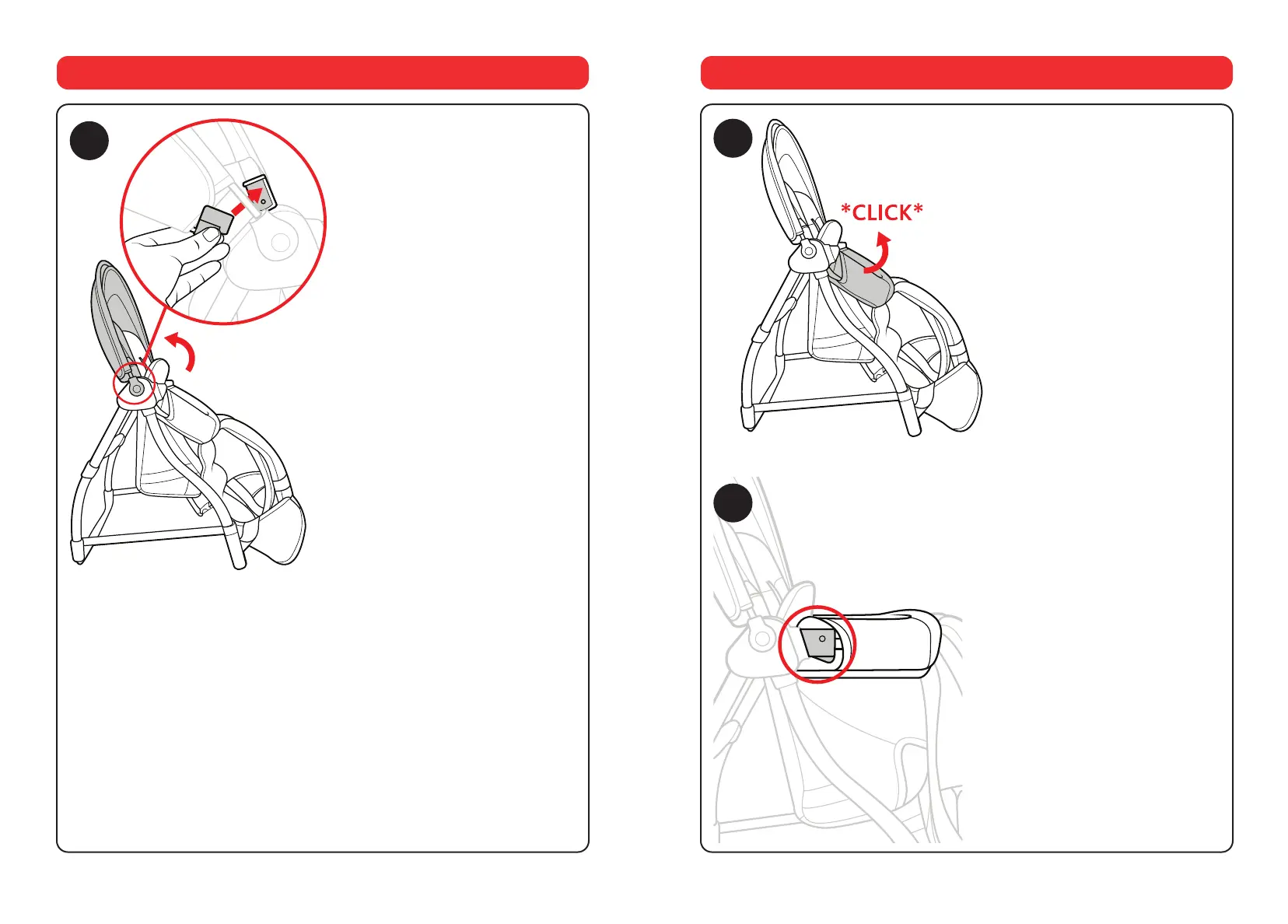
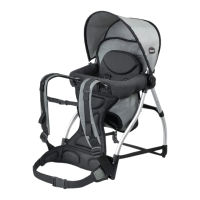
4. Pull the canopy back and attach
both the canopy clips on either side of
the Backpack, as shown.
How to assemble the Backpack
5
5. Raise the bumper bar to the
horizontal position, until a click is
heard, indicating that the bar is locked
into position.
6. Check that bumper bar is locked
correctly into position by making sure
the black locking clips on either side
of the bumper bar are perfectly in
contact with frame’s joint, as shown.
Push down gently on the bumper bar
to ensure it is locked correctly.
6
How to assemble the Backpack
x2





 To Next Page