10 11
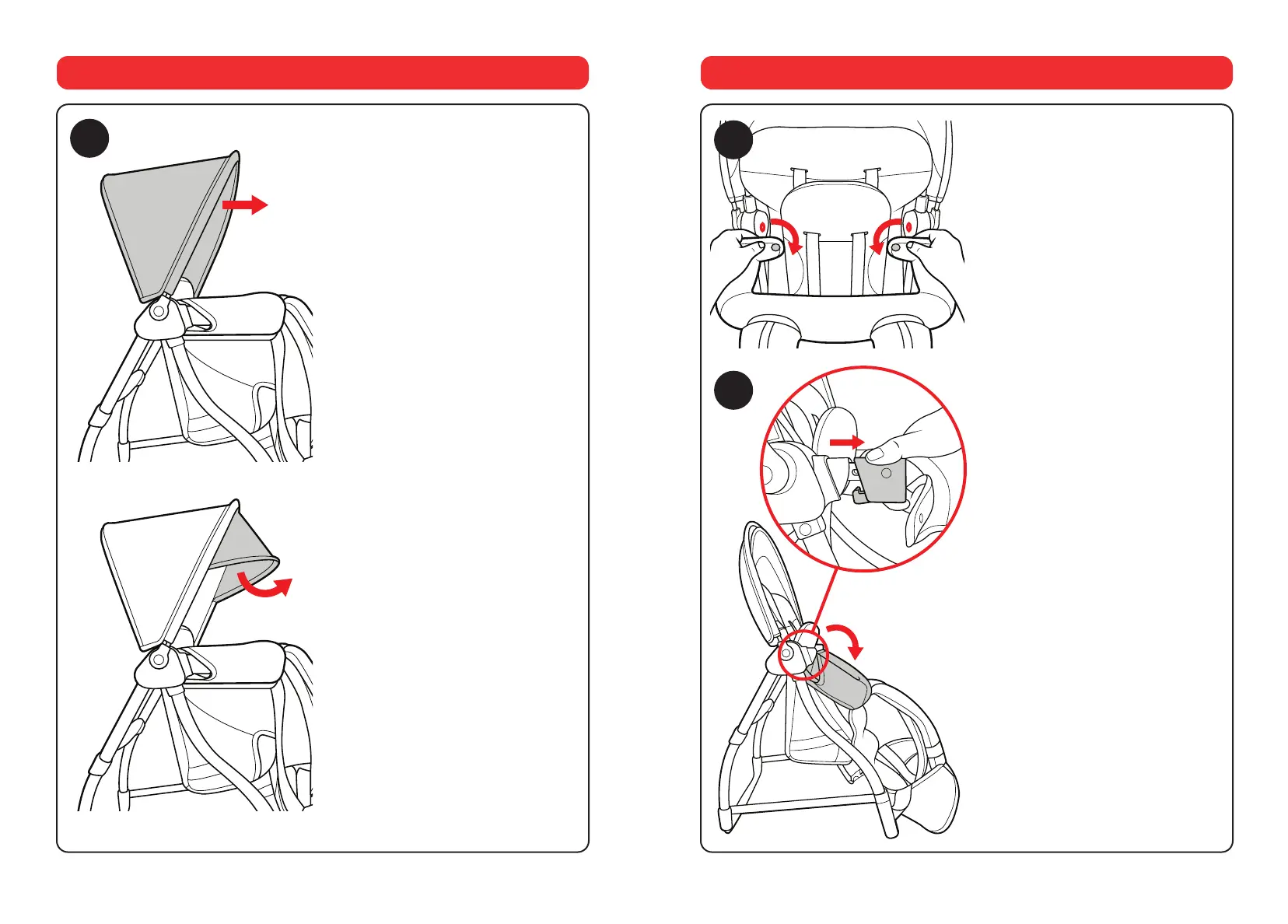
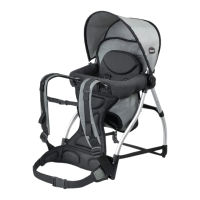
9. Pull the front edge of the Canopy
forward to open the Canopy.
The Canopy has an additional
extension panel tucked under the
main Canopy. Locate and pull out
the additional panel, as shown.
9
How to use the Canopy
10. Unclip both the snaps on the
fabric from the joints of the bumper
bar, as shown.
11. Release the bumper bar by
squeezing both levers on the
underside of the black locking clips
and pulling away from the backpack
while pushing the bumper bar down.
10
How to Fold for Compact Storage
11
x2





 To Next Page