EasyManua.ls Logo

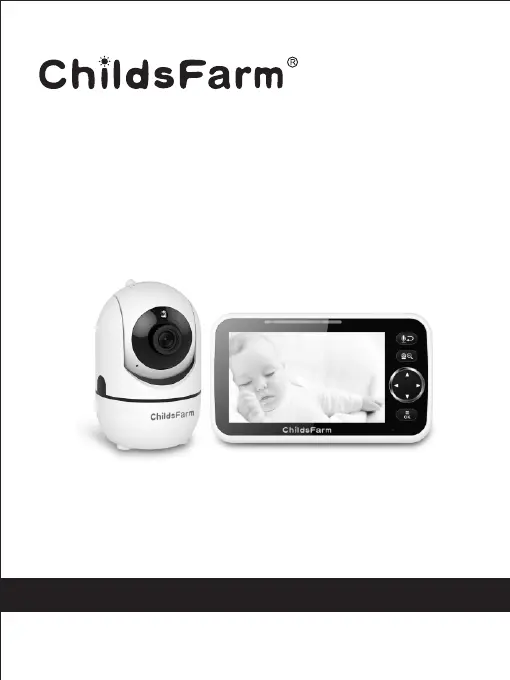
ChildsFarm HB6850 - User Manual

ChildsFarm HB6850
12 pages
Print Icon
To Next Page IconTo Next Page
Loading...
Ver: 1.0
2.4GHz Digital Wireless Video Baby Monitor
User Manual
The pictures are for reference only, please subject to practicality.
Model: HB6850
www.childsfarm.us / service@childsfarm.us

Questions and Answers

  • R
    Ray SanchezAug 11, 2025
    What to do if my ChildsFarm Baby Monitor picture is frozen on the screen?
    • S
      samuelhebertAug 12, 2025
      If the picture on your ChildsFarm Baby Monitor screen is frozen, try these steps: First, repower the baby unit by unplugging the adapter and then plugging it back into the socket. If that doesn't work, press the RESET key on the back of the parent unit.
  • D
    david24Aug 21, 2025
    Why is there interference or poor reception on my ChildsFarm Baby Monitor?
    • C
      Courtney WhiteAug 21, 2025
      Poor reception on your ChildsFarm Baby Monitor can be caused by a few things. The camera or monitor might be too close to metal objects, or other electronic devices could be interfering with the signal. Try moving the monitor closer to the camera. Also, the battery power may be too low.
  • D
    Diane BakerAug 31, 2025
    How to fix no reception on ChildsFarm Baby Monitor?
    • V
      victor76Aug 31, 2025
      If you're experiencing no reception on your ChildsFarm Baby Monitor, make sure the power adapters are properly connected and that both the camera and monitor are turned ON. Also, check if the camera is too far away from the monitor. If so, follow the pairing instructions to properly pair the camera and monitor.

ChildsFarm HB6850 Specifications

General IconGeneral
ModelHB6850
BrandChildsFarm
Two-Way CommunicationYes
Temperature MonitoringYes
TypeBaby Monitor
DisplayLCD
RangeUp to 300m (open space)
Night VisionYes
Power SourceRechargeable Battery
Sound ActivationYes
LullabiesYes
Mounting OptionsTabletop