Inverter heat pump solution
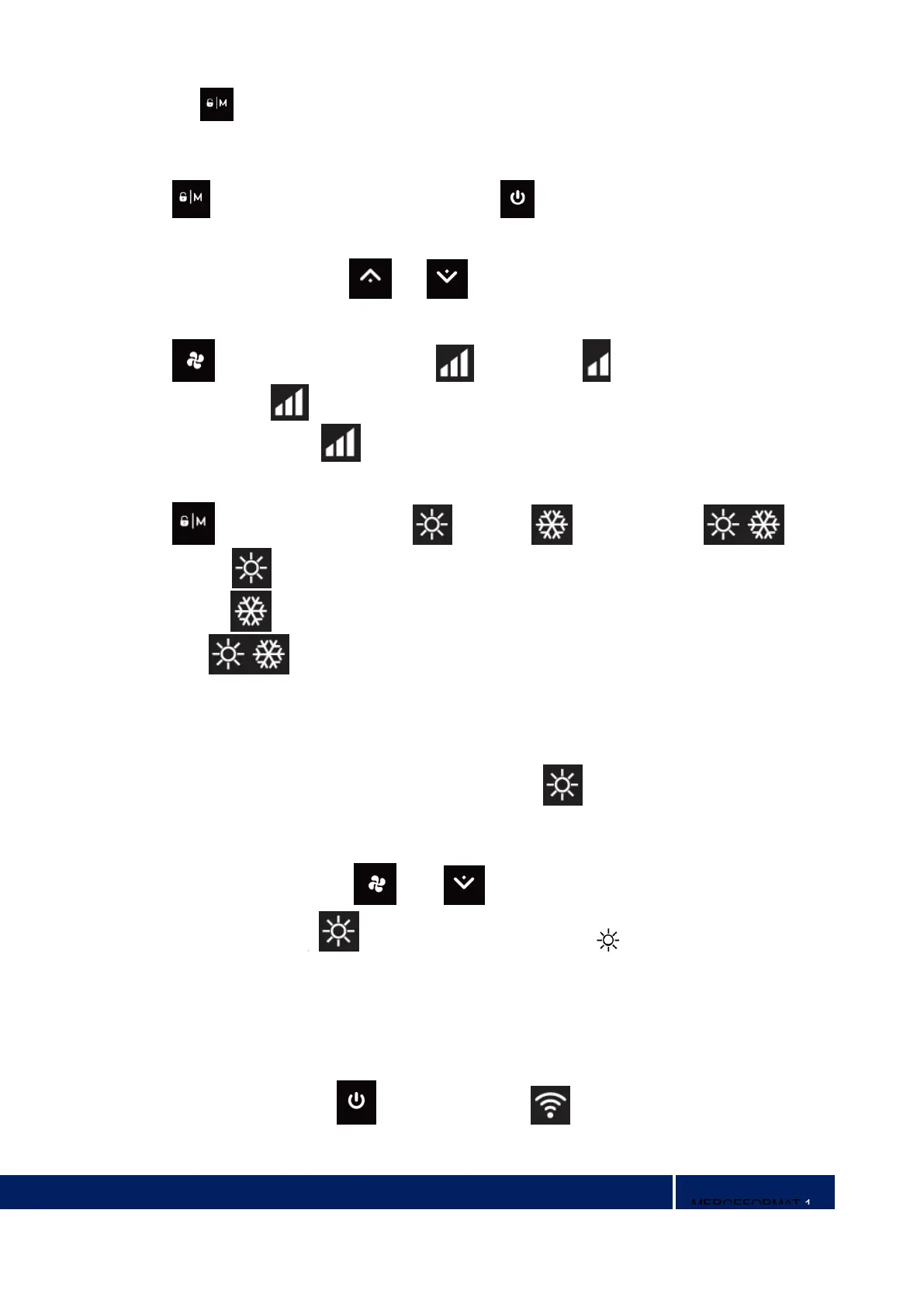
1) Press “ ” for 3 seconds to lock or unlock the screen
2) Automatic Lock Period: 30 seconds if no operation
b. Power On
Press “ ” for 3 seconds to unlock screen. Press “ ” to power on machine.
c. Temperature Setting
When the machine is on, press and to set temperature.
d. Boost/Silence Mode
Press “ ” to switch among boost mode , silence mode
Default mode: boost
Please choose boost mode for initial heating
e. Heating / Cooling /Auto Mode(heating & cooling models only)
Press “ ” to switch among heating ” ”, cooling ” ” and auto mode ” ”.
Heating mode “ ”: Water temperature setting range(18-40°C)
Cooling mode “ ”: Water temperature setting range(12~30°C)
Auto mode “ ”: Water temperature setting range(12~40°C)
* When water inlet temperature is higher than setting point, automatic cooling mode starts.
* When water inlet temperature is lower than setting point, automatic heating mode starts.
f. Defrosting
1) Automatic defrosting: When machine is auto defrosting, will flash, and return to previous
working mode when it finishes.
2) Manual Defrosting: To enter forced defrosting mode, the compressor must be working more than 10
minutes. in heating mode, press “ ” and “ ” on touch controller simultaneously for 5 seconds
to start forced defrosting, ” ” is flashing and defrost starts, “ ” stop flashing and defrosting
stops.
(Remarks: the interval between forced defrosting should be more than 30 minutes.)
g. Wi-Fi Setting
When the screen is on, press “ ”for 3 seconds, after “ ” flashing, enter Wi-Fi connection.


 To Next Page