4
How to Use
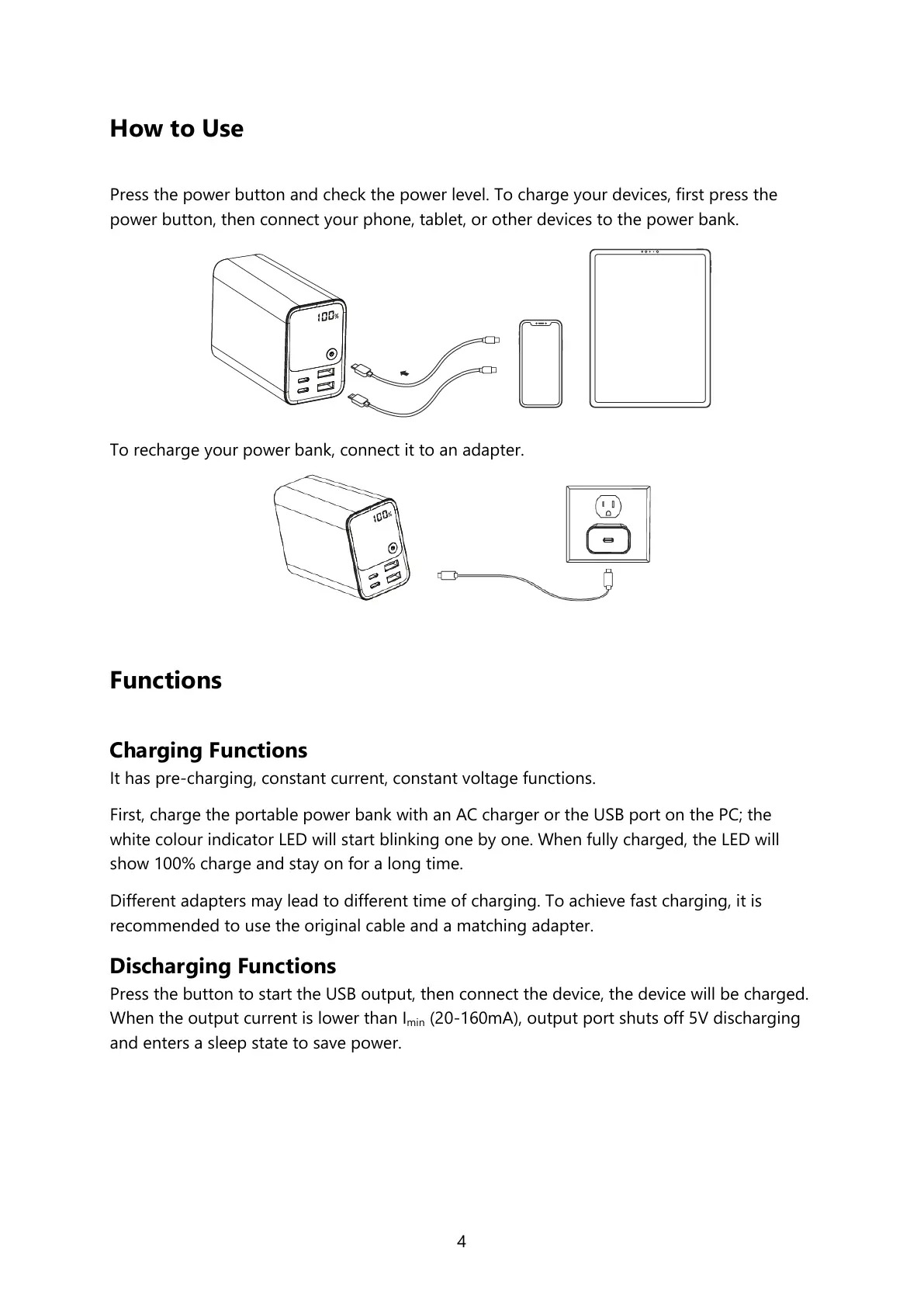
Press the power button and check the power level. To charge your devices, first press the
power button, then connect your phone, tablet, or other devices to the power bank.
To recharge your power bank, connect it to an adapter.
Functions
Charging Functions
It has pre-charging, constant current, constant voltage functions.
First, charge the portable power bank with an AC charger or the USB port on the PC; the
white colour indicator LED will start blinking one by one. When fully charged, the LED will
show 100% charge and stay on for a long time.
Different adapters may lead to different time of charging. To achieve fast charging, it is
recommended to use the original cable and a matching adapter.
Discharging Functions
Press the button to start the USB output, then connect the device, the device will be charged.
When the output current is lower than I
min
(20-160mA), output port shuts off 5V discharging
and enters a sleep state to save power.



 To Next Page