4
mains connection
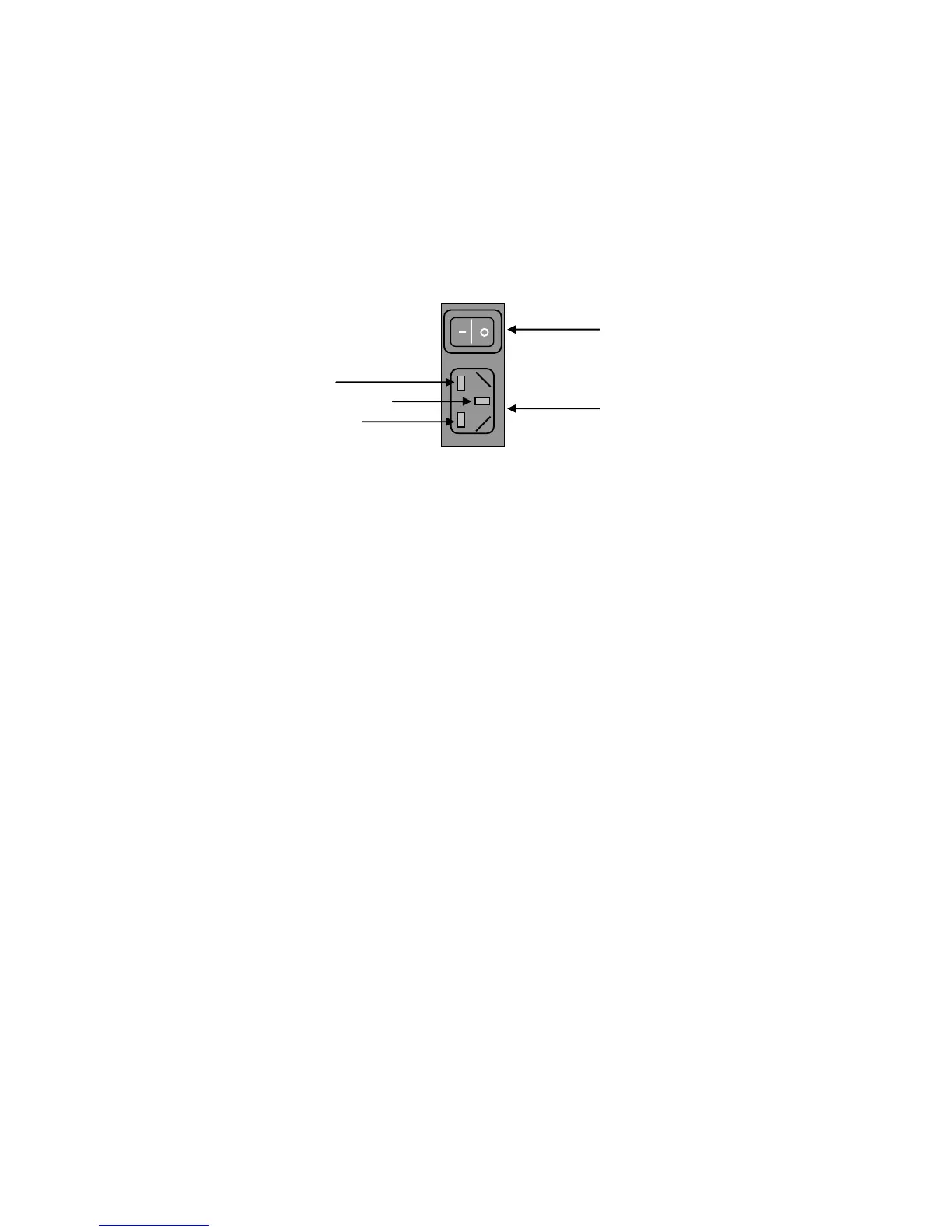
The mains connector of ONE is at the back of the unit. Plug the female end (socket) of the
mains cable into the power connector of the player, and the male end (plug) of the mains
cable into mains wall socket or mains extension socket.
Mains Connector and Switch
powering up
Press the left-hand side of the power switch labelled „I‟. ONE will now power up.
If ONE has no disc loaded, the top panel display with read “NO DISC”; if a disc has been
loaded then the number of tracks and length of the CD will be shown. Please allow a short
time for ONE to read the disc‟s Table of Contents (TOC). During this time the display will
indicate “-- ----“
powering down - long-term
1. Press the STANDBY button on the remote control to put ONE into STANDBY.
2. Press the right-hand side of the power switch labelled „O‟.
powering down - short-term
For everyday use there is no need to power ONE down completely.
Press the STANDBY button on the remote control to put ONE into its Standby mode.



 To Next Page