Clock Setting
• Turn the radio on, then touch the screen where the time is displayed.
• Touch the “USER CLOCK” soft-key.
• To adjust the hours, touch either the “HOUR FORWARD” or “HOUR BACKWARD”
soft-key.
• To adjust the minutes, touch either the “MINUTE FORWARD” or “MINUTE
BACKWARD” soft-key.
• To save the new time setting, touch the screen where the word “Save” is displayed.
Menu
• Press the “MENU” hard-key to access the System Setup menu and the My Files menu.
• Press the “MENU” hard-key in an active mode (SAT, CD, AUX, etc.) in order to change
mode specific settings.
Equalizer, Balance And Fade
Audio Control Menu
• Press the “MENU” hard-key on the right
side of the radio. Then press the “Audio
Control” soft-key to get to the audio
control menu.
• Use either the arrow soft-keys or the
cross-hair on the screen to change
Balance and Fade. The “CENTER”
soft-key resets the settings.
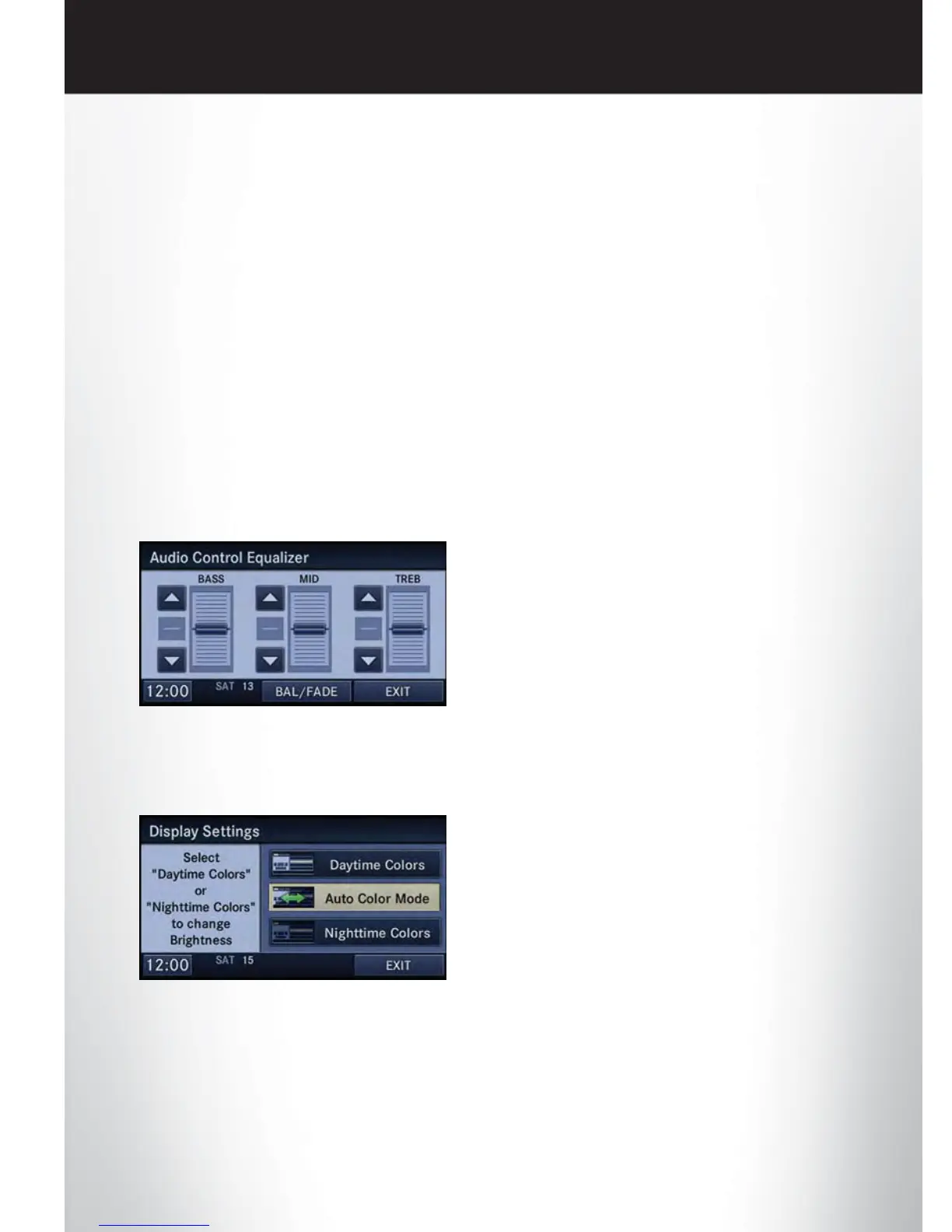
• Touch the “Equalizer” soft-key and use either the arrow soft-keys or the sliders on the
screen to adjust BASS, MID, and/or TREBLE.
Display Settings
• Press the “MENU” hard-key and touch
the Display Settings soft-key to access the
Display Settings menu.
• Select the “Daytime Colors” soft-key to
switch to manual daytime mode and to
adjust the brightness of the display using
daytime colors.
• Select the “Nighttime Colors” soft-key to switch to manual nighttime mode and to adjust
the brightness of the display using nighttime colors.
• Select the “Auto Color Mode” soft-key to switch to automatic daytime/nighttime mode
and to control the brightness of the display using the dimmer switch of the vehicle.
• Touch the “EXIT” soft-key to save your settings.
ELECTRONICS
40















 To Next Page