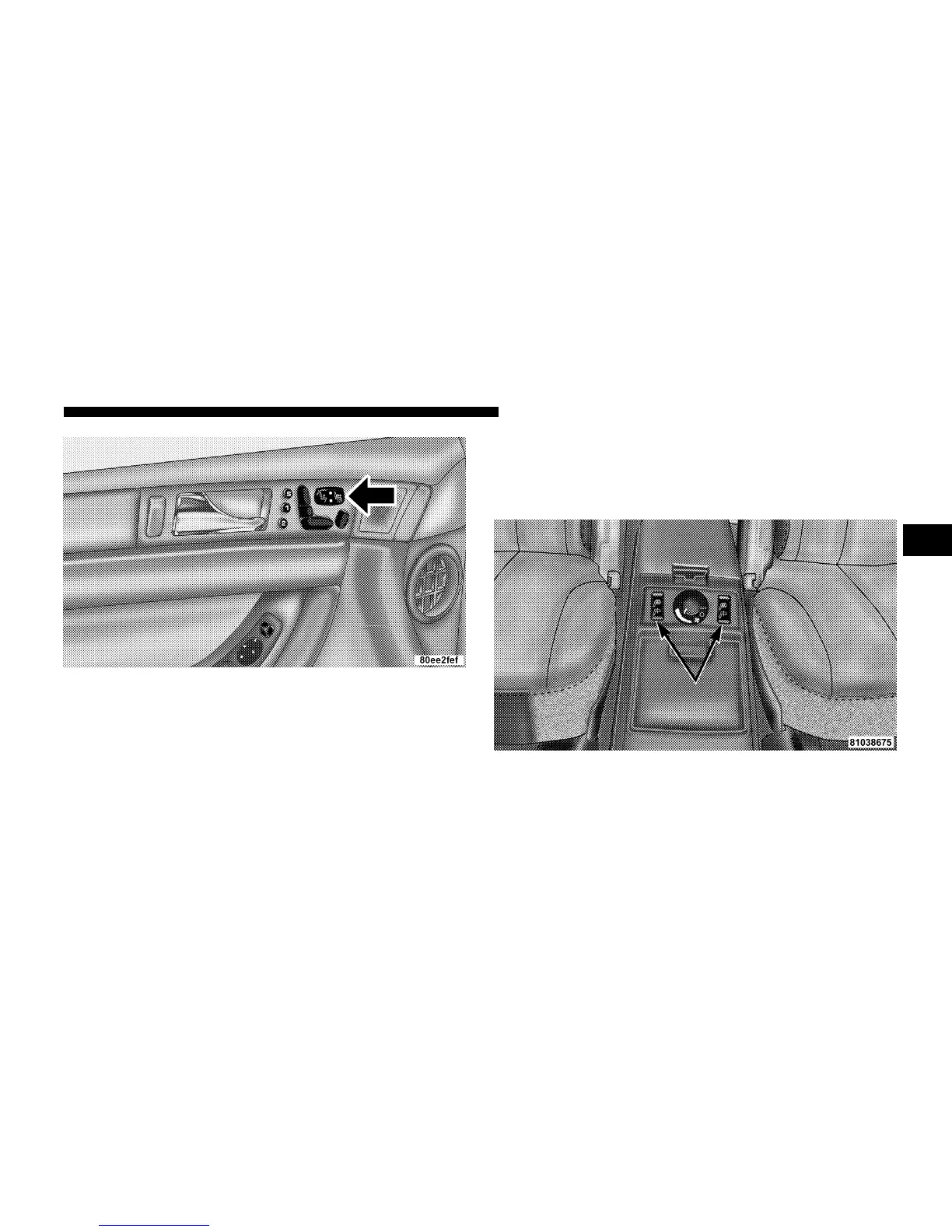
Press the switch once to select a heat setting (high or low)
and press the switch a second time in the same direction
to turn the heated seat off. The indicator light will show
when LOW or HIGH heat is ON.
The controls for the second row heated seats are located
on the center console between the seats. Press the switch
once to select a heat setting (high or low) and press the
switch a second time in the same direction to turn the
heated seat off. The indicator light will show when LOW
or HIGH heat is ON.
Front Heated Seat Switch
Rear Heated Seat Switches
UNDERSTANDING THE FEATURES OF YOUR VEHICLE 109
3










 To Next Page