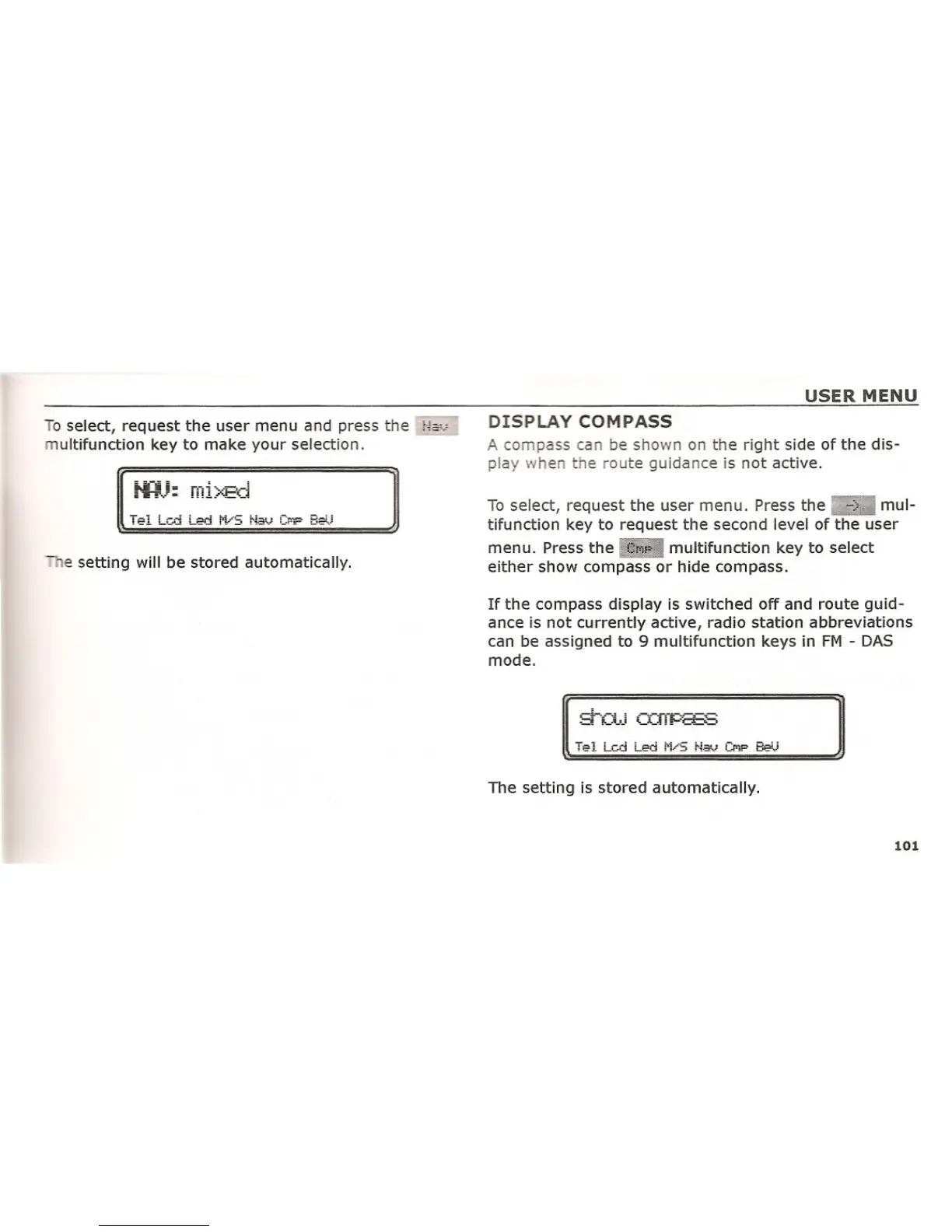
To select, request the user menu and press the H&~'
ultifunction key to make your selection.
e setting will be stored automatically.
USER MENU
DISPLAY COMPASS
A compass can be shown on the right side of the dis-
play when the route guidance is not active.
To select, request the user menu. Press the mul-
tifunction key to request the second level of the user
menu. Press the multifunction key to select
either show compass or hide compass.
If the compass display is switched off and route guid-
ance is not currently active, radio station abbreviations
can be assigned to 9 multifunction keys in FM - DAS
mode.
The setting is stored automatically.
101















 To Next Page