USER MENU
RECEPTION OPTIMIZATION (MONO/STEREO)
You can select between three different reception opti-
mization settings to suppress reception-dependent
interference and reflections.
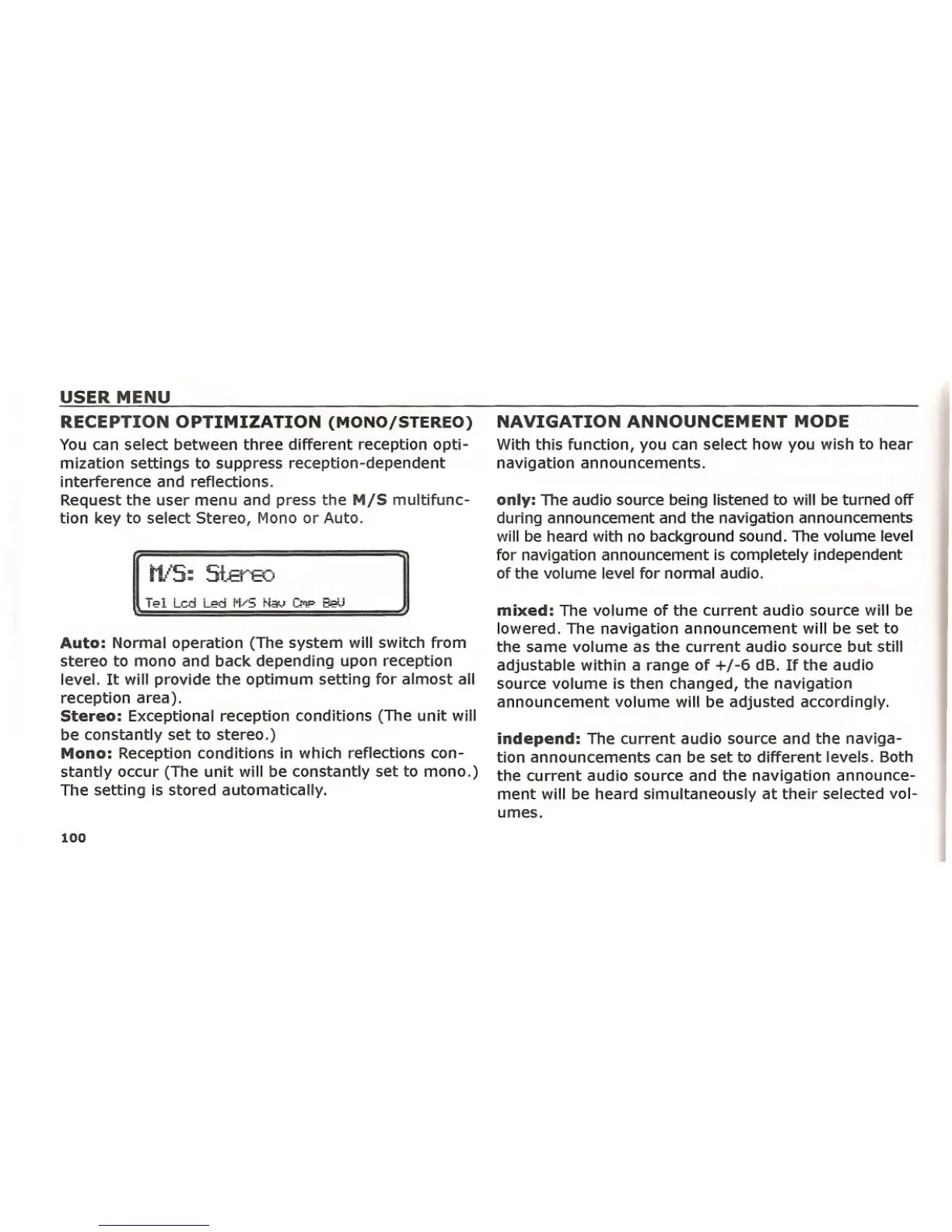
Request the user menu and press the
M/S multifunc-
tion key to select Stereo, Mono or Auto.
Auto: Normal operation (The system will switch from
stereo to mono and back depending upon reception
level. It will provide the optimum setting for almost all
reception area).
Stereo: Exceptional reception conditions (The unit will
be constantly set to stereo.)
Mono: Reception conditions in which reflections con-
stantly occur (The unit will be constantly set to mono.)
The setting is stored automatically.
100
NAVIGATION ANNOUNCEMENT MODE
With this function, you can select how you wish to hear
navigation announcements.
only: The audio source being listened to will be turned off
during announcement and the navigation announcements
will be heard with no background sound. The volume level
for navigation announcement is completely independent
of the volume level for normal audio.
mixed: The volume of the current audio source will be
lowered. The navigation announcement will be set to
the same volume as the current audio source but still
adjustable within a range of +/-6 dB. If the audio
source volume is then changed, the navigation
announcement volume will be adjusted accordingly.
independ: The current audio source and the naviga-
tion announcements can be set to different levels. Both
the current audio source and the navigation announce-
ment will be heard simultaneously at their selected vol-
umes.















 To Next Page