DISPLAY SETTING
The display setting allows you to select from three dif-
erent display versions.
Negativ: Negative display setting
Positiv: Positive display setting
utomatic: Automatic display setting (The display set-
.'ng will be positive or negative based on the vehicle
eadlamp selection.)
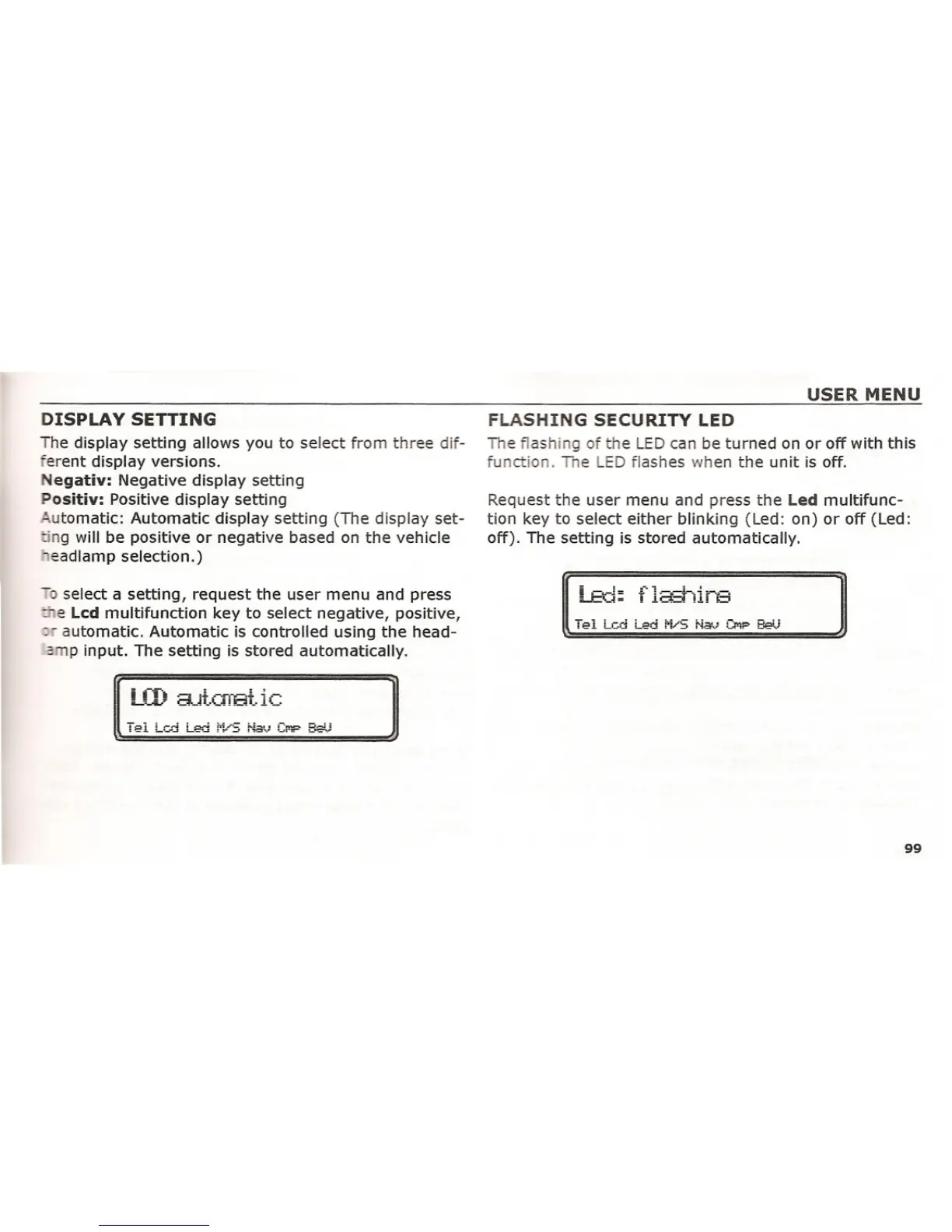
- select a setting, request the user menu and press
- e Lcd multifunction key to select negative, positive,
-- automatic. Automatic is controlled using the head-
- p input. The setting is stored automatically.
LCD
EutCfrat ic
USER MENU
FLASHING SECURITY LED
The flashing of the LED can be turned on or off with this
function. The LED flashes when the unit is off.
Request the user menu and press the Led multifunc-
tion key to select either blinking (Led: on) or off (Led:
off). The setting is stored automatically.
99















 To Next Page