USER MENU
USER MENU
REQUESTING/QUITTING THE USER MENU
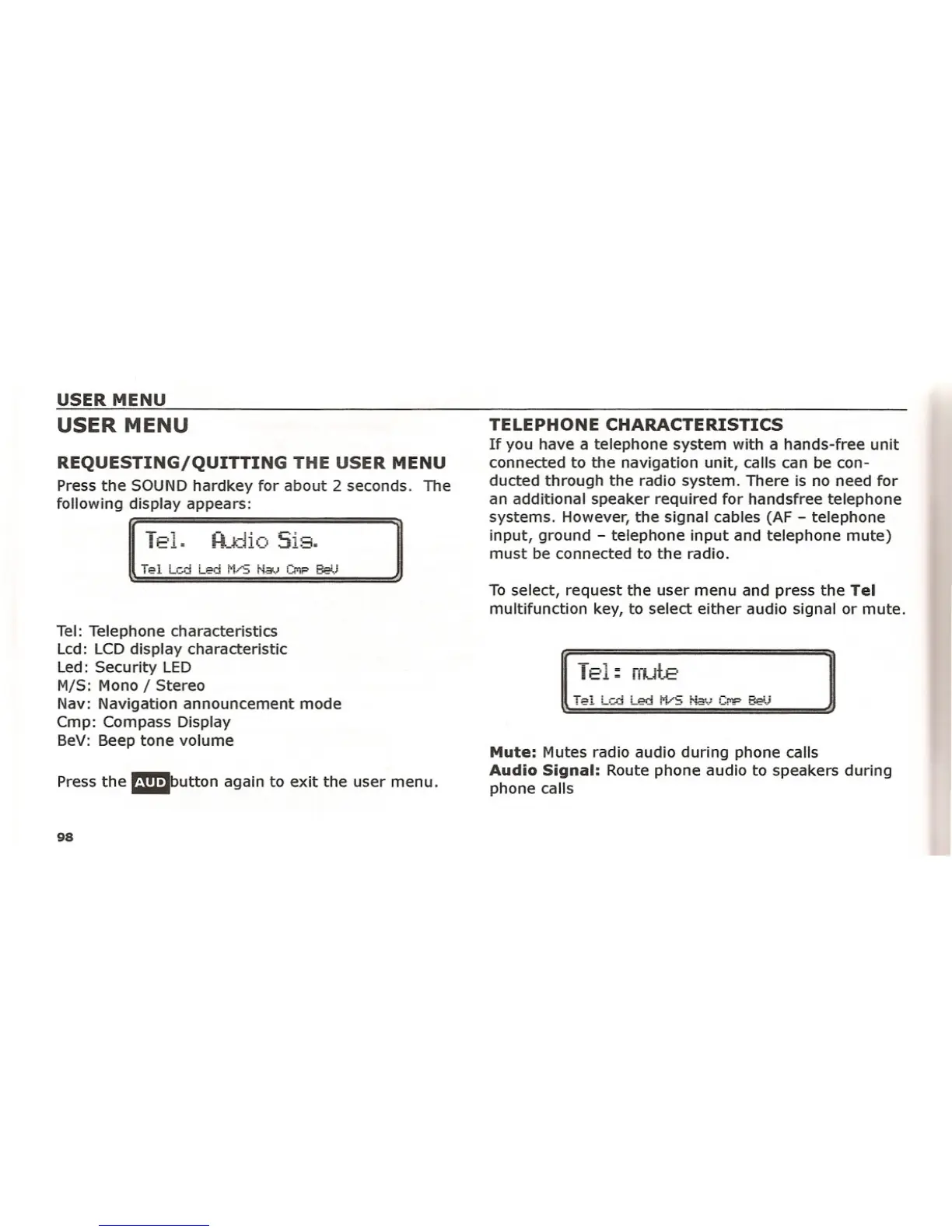
Press the SOUND hardkey for about 2 seconds. The
following display appears:
To-.l
: -=.!.;:
Tel: Telephone characteristics
Lcd: LCD display characteristic
Led: Security LED
MIS: Mono I Stereo
Nav: Navigation announcement mode
Cmp: Compass Display
BeV: Beep tone volume
Press the mm1button again to exit the user menu.
98
TELEPHONE CHARACTERISTICS
If you have a telephone system with a hands-free unit
connected to the navigation unit, calls can be con-
ducted through the radio system. There is no need for
an additional speaker required for handsfree telephone
systems. However, the signal cables (AF - telephone
input, ground - telephone input and telephone mute)
must be connected to the radio.
To select, request the user menu and press the
Tel
multifunction key, to select either audio signal or mute.
T E'1:::
rrul.E·
Mute:
Mutes radio audio during phone calls
Audio Signal: Route phone audio to speakers during
phone calls















 To Next Page