General Operation
ADJUSTING VOLUME
Turn the left knob to increase or decrease volume. The
volume level appears on the display while it is being
adjusted.
Audio programs and navigation announcements
maintain separate volume levels. To set the volume for
navigation announcements, turn the left knob while a
navigation announcement is playing. Push in the left
knob to replay the previous navigation announcement.
ADJUSTING SOUND QUALITY
To access the sound menu, press the Ebutton for
less than 2 seconds. The following adjustments are
available from the sound menu: Bass (Bas), Treble
(Trb), Balance (Bal) and Flat Frequency Response (Fit).
Flat Frequency Response means that bass and treble
return to their default values.
Separate bass and treble settings are maintained for
FM, AM, CD, CD changer, navigation announcements
and telephone operation. One and the same setting is
maintained across all audio modes for balance. New
settings take effect immediately. To exit the sound
menu, either press the
Ebutton or wait for the
previous display to reappear in 10 seconds.
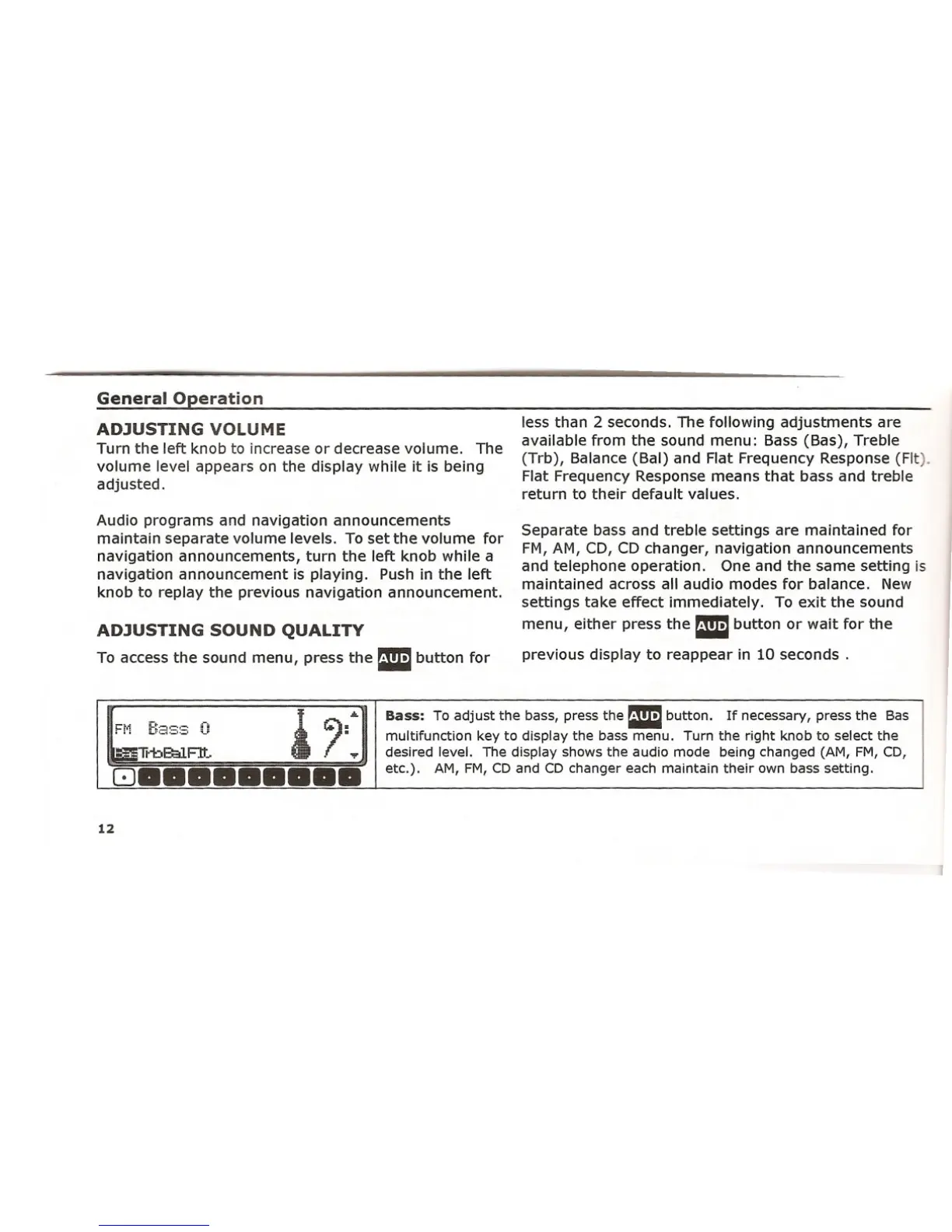
Bass: To adjust the bass, press the Ebutton. If necessary, press the Bas
multifunction key to display the bass menu. Turn the right knob to select the
desired level. The display shows the audio mode being changed (AM, FM, CD,
etc.). AM, FM, CD and CD changer each maintain their own bass setting.
12















 To Next Page