~a=-BalFlt
Ft'l T r··E'b 1E' 0
~~:
• G••••••••
~ ~".
•••••••
General Operation
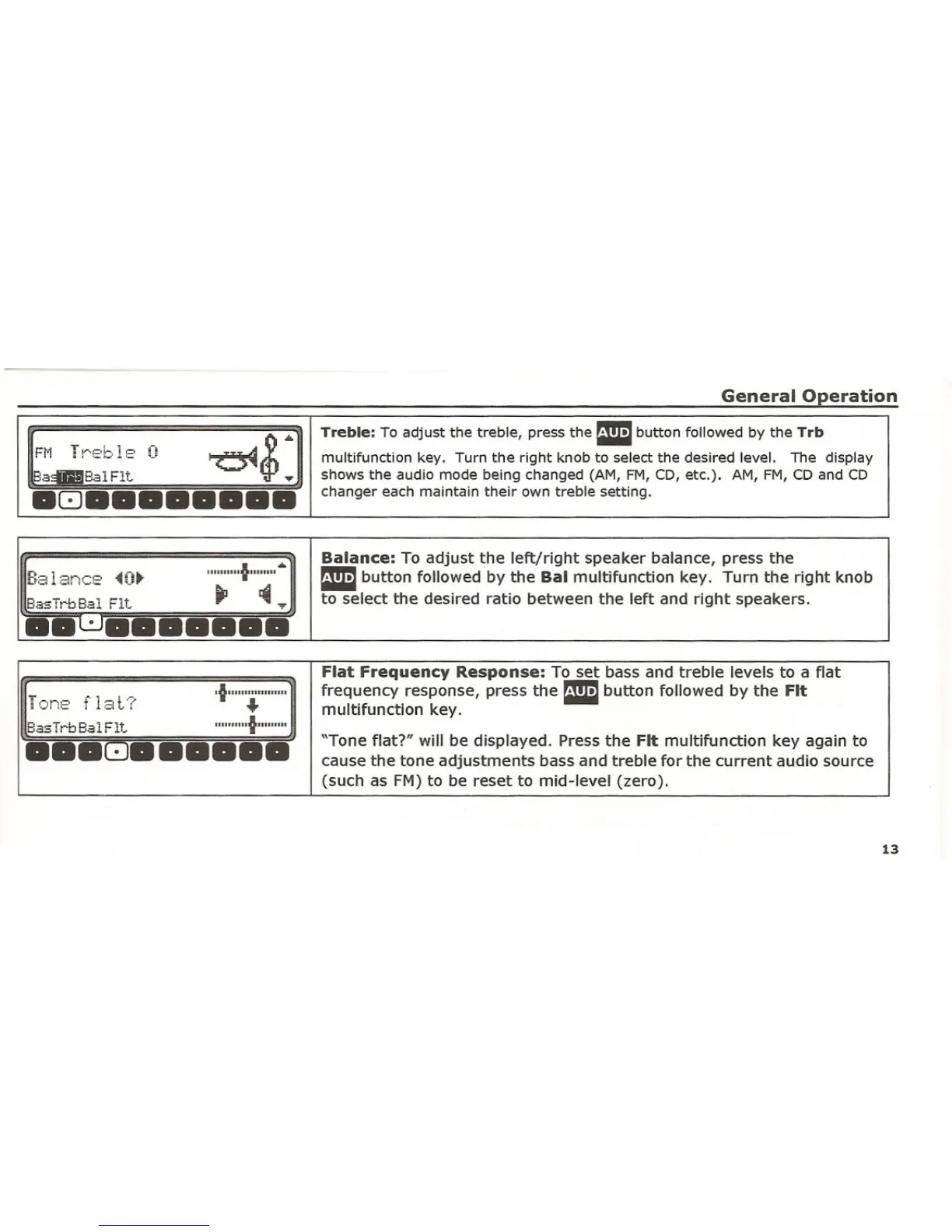
Treble: To adjust the treble, press the Ebutton followed by the Trb
multifunction key. Turn the right knob to select the desired level. The display
shows the audio mode being changed (AM, FM, CD, etc.). AM, FM, CD and CD
changer each maintain their own treble setting .
Balance: To adjust the left/right speaker balance, press the
Ebutton followed by the Bal multifunction key. Turn the right knob
to select the desired ratio between the left and right speakers .
Flat Frequency Response: To set bass and treble levels to a flat
T!:)nE'
f 1;3t··~·
·IUIIIIIIIIIIIIIIII
frequency response, press the Ebutton followed by the Fit
•••
multifunction key.
BasTrbBalFlt...
II'U'III·IIIIIIIIII
••• G••••••
"Tone flat?" will be displayed. Press the Fit multifunction key again to
cause the tone adjustments bass and treble for the current audio source(such as FM) to be reset to mid-level (zero).
13















 To Next Page