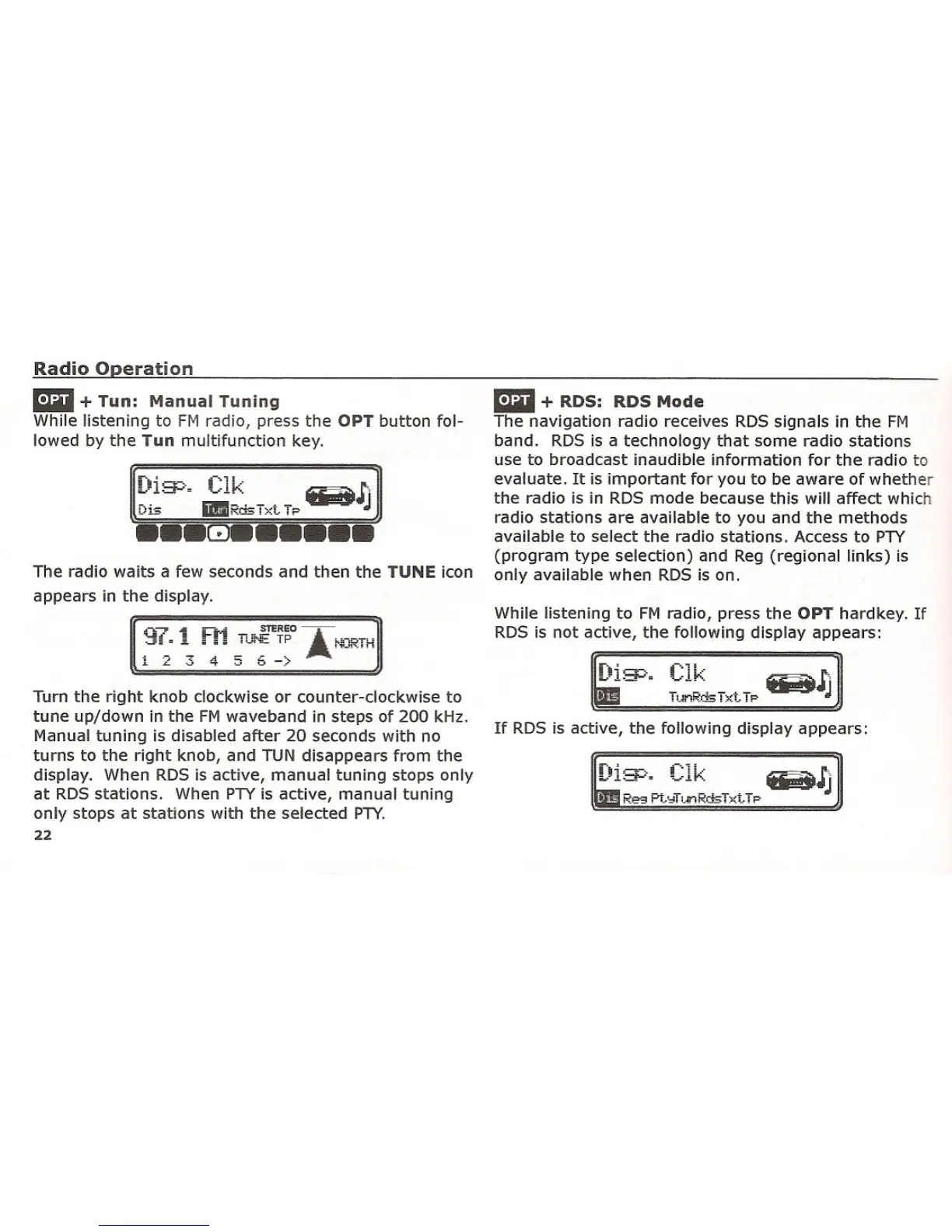
The radio waits a few seconds and then the TUNE icon
appears in the display.
Turn the right knob clockwise or counter-clockwise to
tune up/down in the FM waveband in steps of 200 kHz.
Manual tuning is disabled after 20 seconds with no
turns to the right knob, and TUN disappears from the
display. When RDS is active, manual tuning stops only
at RDS stations. When PTY is active, manual tuning
only stops at stations with the selected PTY.
22
mil + RDS: RDS Mode
The navigation radio receives RDS signals in the FM
band. RDS is a technology that some radio stations
use to broadcast inaudible information for the radio to
evaluate. It is important for you to be aware of whether
the radio is in RDS mode because this will affect which
radio stations are available to you and the methods
available to select the radio stations. Access to PTY
(program type selection) and Reg (regional links) is
only available when RDS is on.
While listening to FM radio, press the OPT hard key. If
RDS is not active, the following display appears:
If RDS is active, the following display appears:















 To Next Page