Display Clock
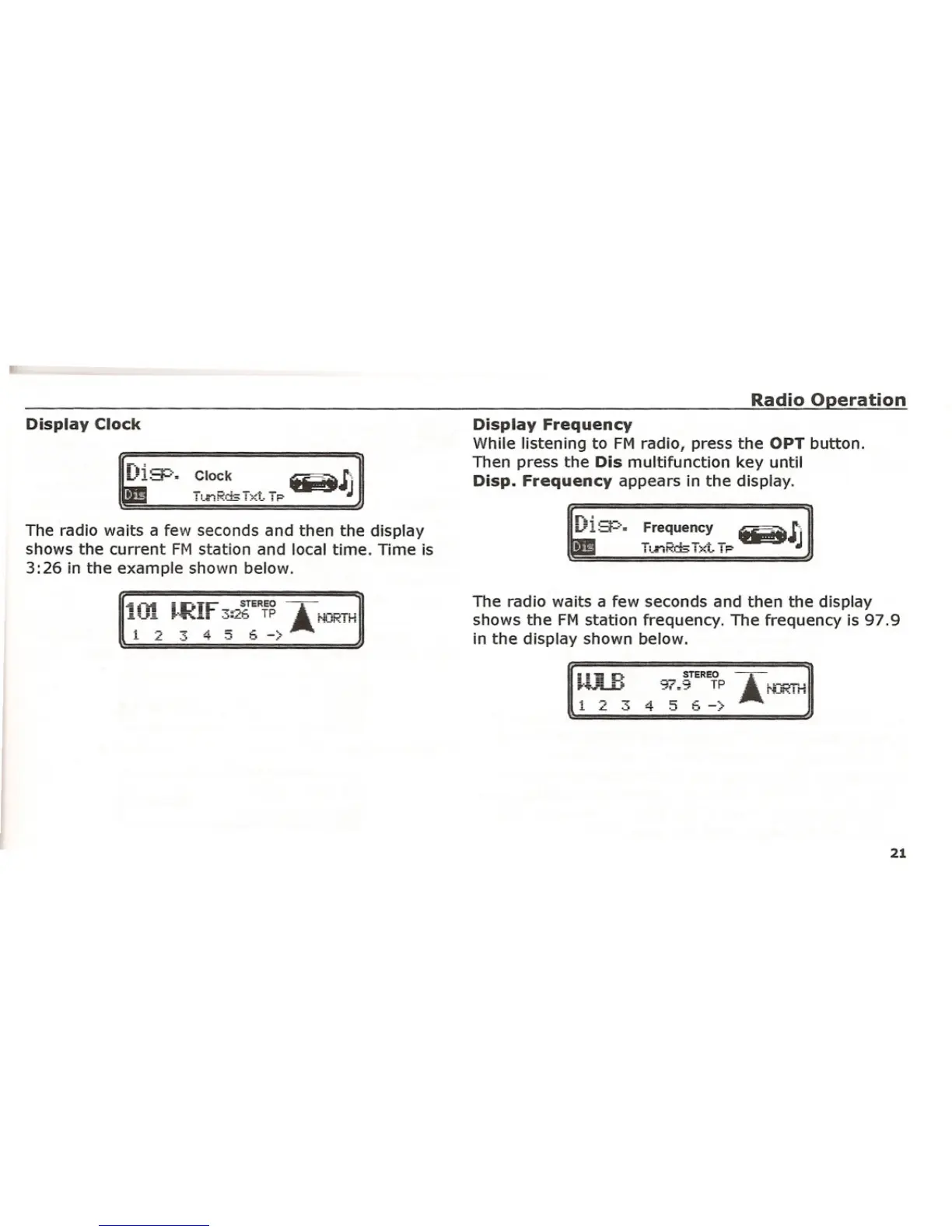
The radio waits a few seconds and then the display
shows the current FM station and local time. Time is
3:26 in the example shown below.
Radio Operation
Display Frequency
While listening to FM radio, press the OPT button.
Then press the Dis multifunction key until
Disp. Frequency appears in the display.
The radio waits a few seconds and then the display
shows the FM station frequency. The frequency is 97.9
in the display shown below.
HjR
1 2 3
STEREO
97.9 TP
4 5 :5 -)
21















 To Next Page