Radio Operation
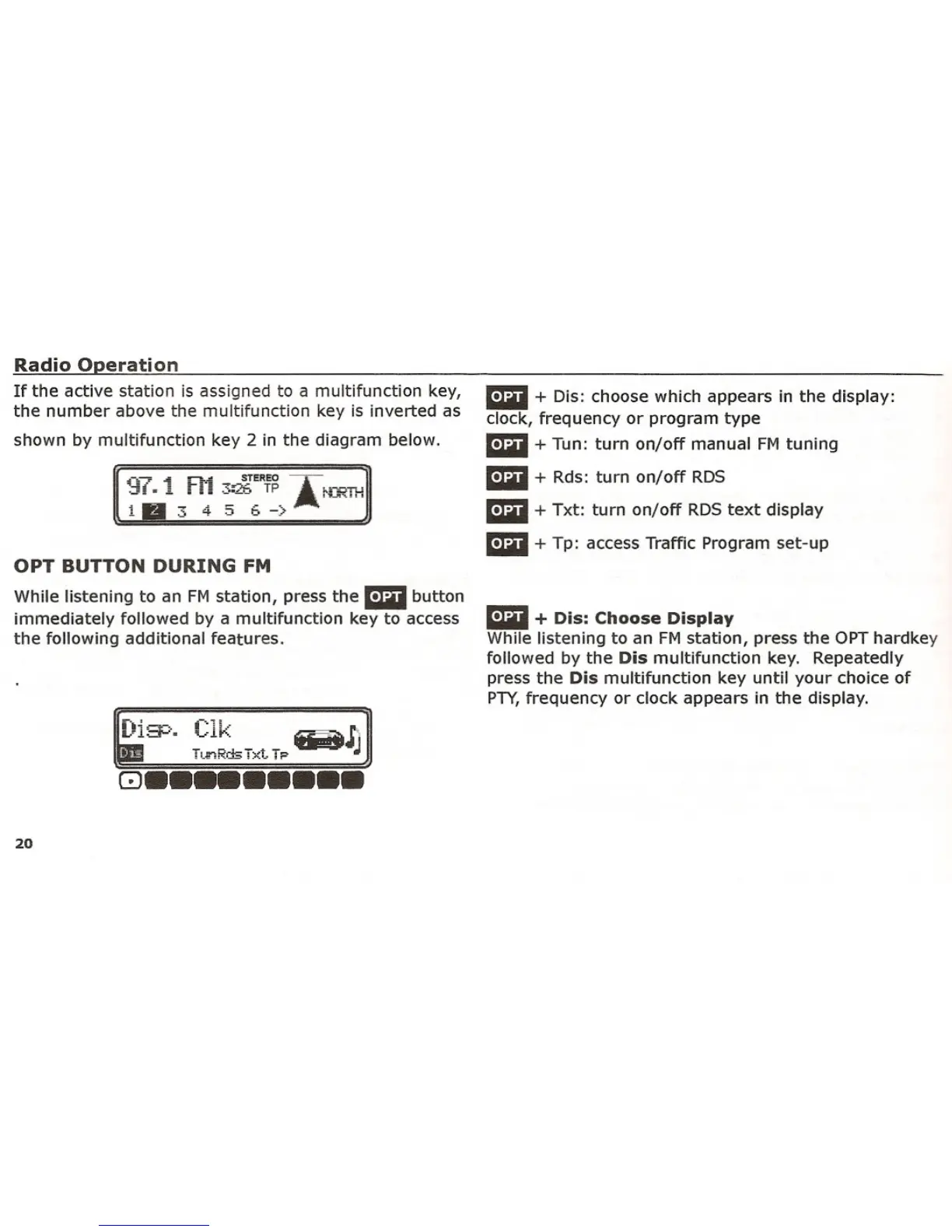
If the active station is assigned to a multifunction key,
the number above the multifunction key is inverted as
shown by multifunction key 2 in the diagram below.
OPT BUTTON DURING FM
While listening to an FM station, press the mil button
immediately followed by a multifunction key to access
the following additional features.
~'~ c'". ]
Ln·:=!'-'= ••..-.11". ~J'I'
~ T"~=TxtT. W
GJ •••••••••
20
ami + Dis: choose which appears in the display:
clock, frequency or program type
ami + Tun: turn on/off manual FM tuning
ami + Rds: turn on/off RDS
ami + Txt: turn on/off RDS text display
mil + Tp: access Traffic Program set-up
ami + Dis: Choose Display
While listening to an FM station, press the OPT hardkey
followed by the
Dis multifunction key. Repeatedly
press the
Dis multifunction key until your choice of
PTY,frequency or clock appears in the display.















 To Next Page