Radio Operation
Activating/Quitting the TP Menu
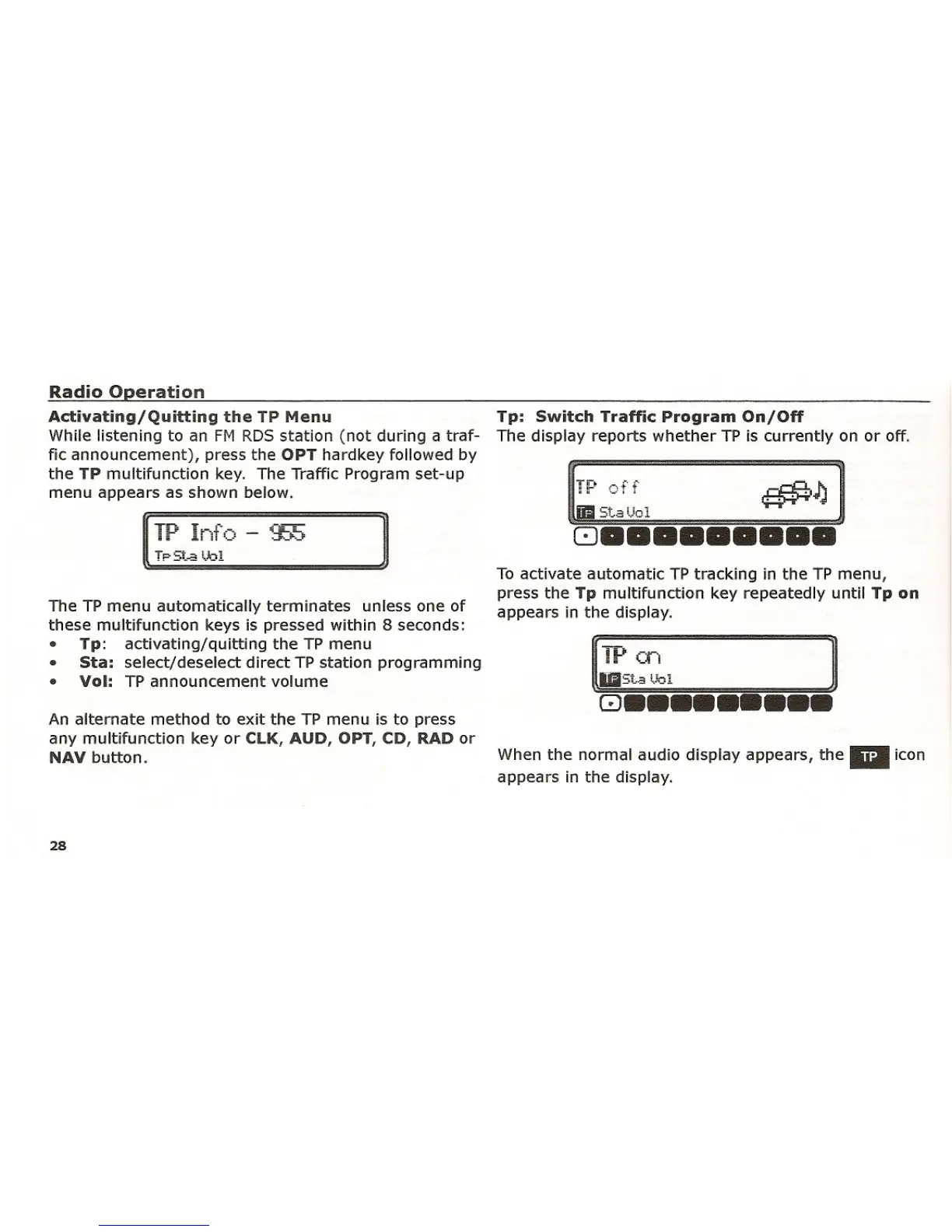
While listening to an FM RDS station (not during a traf-
fic announcement), press the OPT hardkey followed by
the TP multifunction key. The Traffic Program set-up
menu appears as shown below.
]
The TP menu automatically terminates unless one of
these multifunction keys is pressed within 8 seconds:
• Tp: activating/quitting the TP menu
• Sta: select/deselect direct TP station programming
• Vol: TP announcement volume
An alternate method to exit the TP menu is to press
any multifunction key or ClK, AUD, OPT, CD, RAD or
NAV button.
28
Tp: Switch Traffic Program On/Off
The display reports whether TP is currently on or off.
St.a
!...101
To activate automatic TP tracking in the TP menu,
press the
Tp multifunction key repeatedly until Tp on
appears in the display.
~~, ]
8•••••••••
When the normal audio display appears, the IiiIicon
appears in the display.















 To Next Page