Setting Automatic TP Tracking
A shortcut to activate TP tracking in all modes and
wavebands can be activated by pressing the Tp multi-
function key until you hear a confirmation beep, about
2 seconds.
Radio Operation
Sta: Selecting/Deselecting Direct Programming
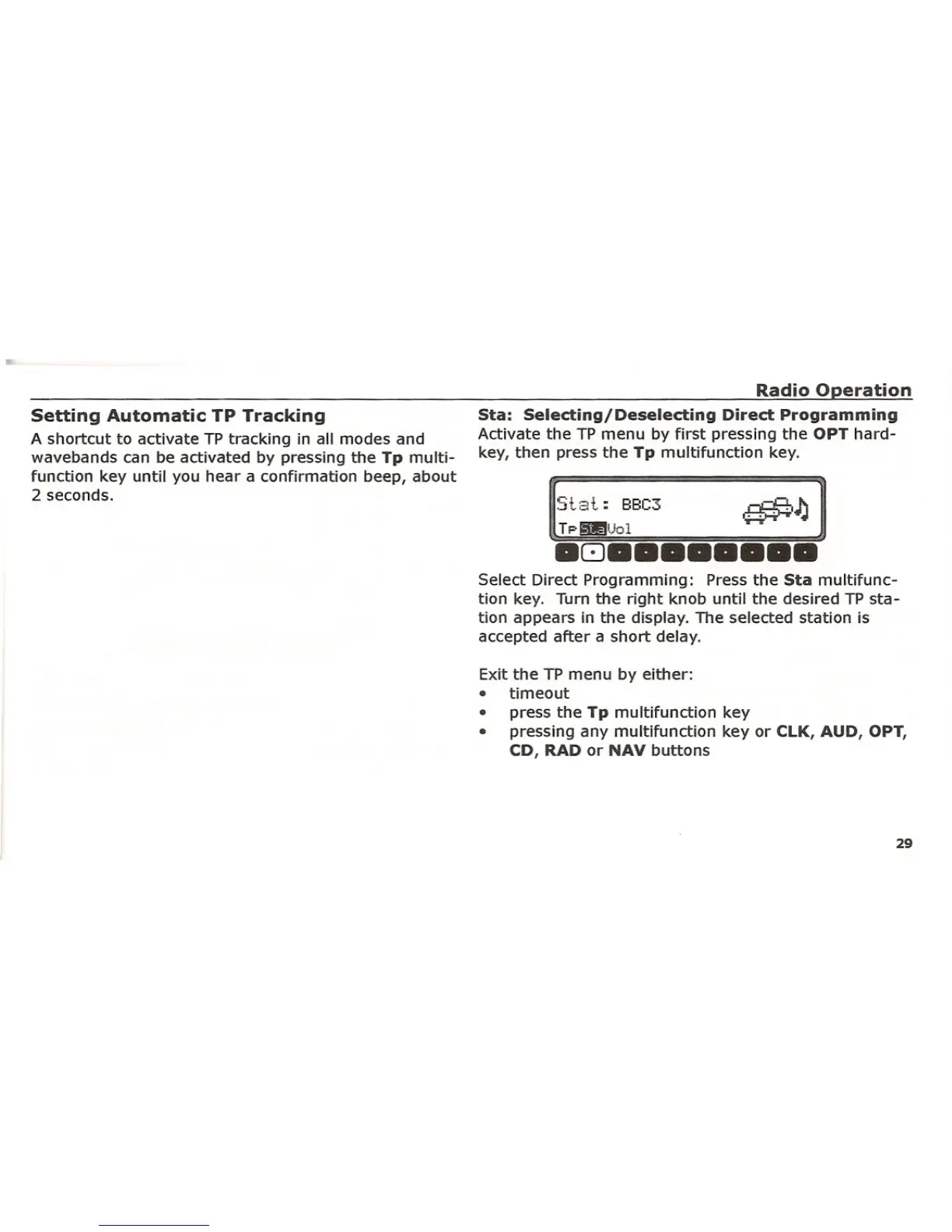
Activate the TP menu by first pressing the OPT hard-
key, then press the Tp multifunction key.
S+.;::d.:
BBC3 .-.cP 1\I~'.'"
TpillUol ~
.8 ••••••••
Select Direct Programming: Press the Sta multifunc-
tion key. Turn the right knob until the desired TP sta-
tion appears in the display. The selected station is
accepted after a short delay.
Exit the TP menu by either:
• timeout
• press the Tp multifunction key
• pressing any multifunction key or CLK, AUD,
OPT,
CD, RAD or NAV buttons
29















 To Next Page