OPTION BUTTON DURING AM
While listening to an AM station, press the mil button
immediately followed by a multifunction key to access
the following additional features.
Radio Operation
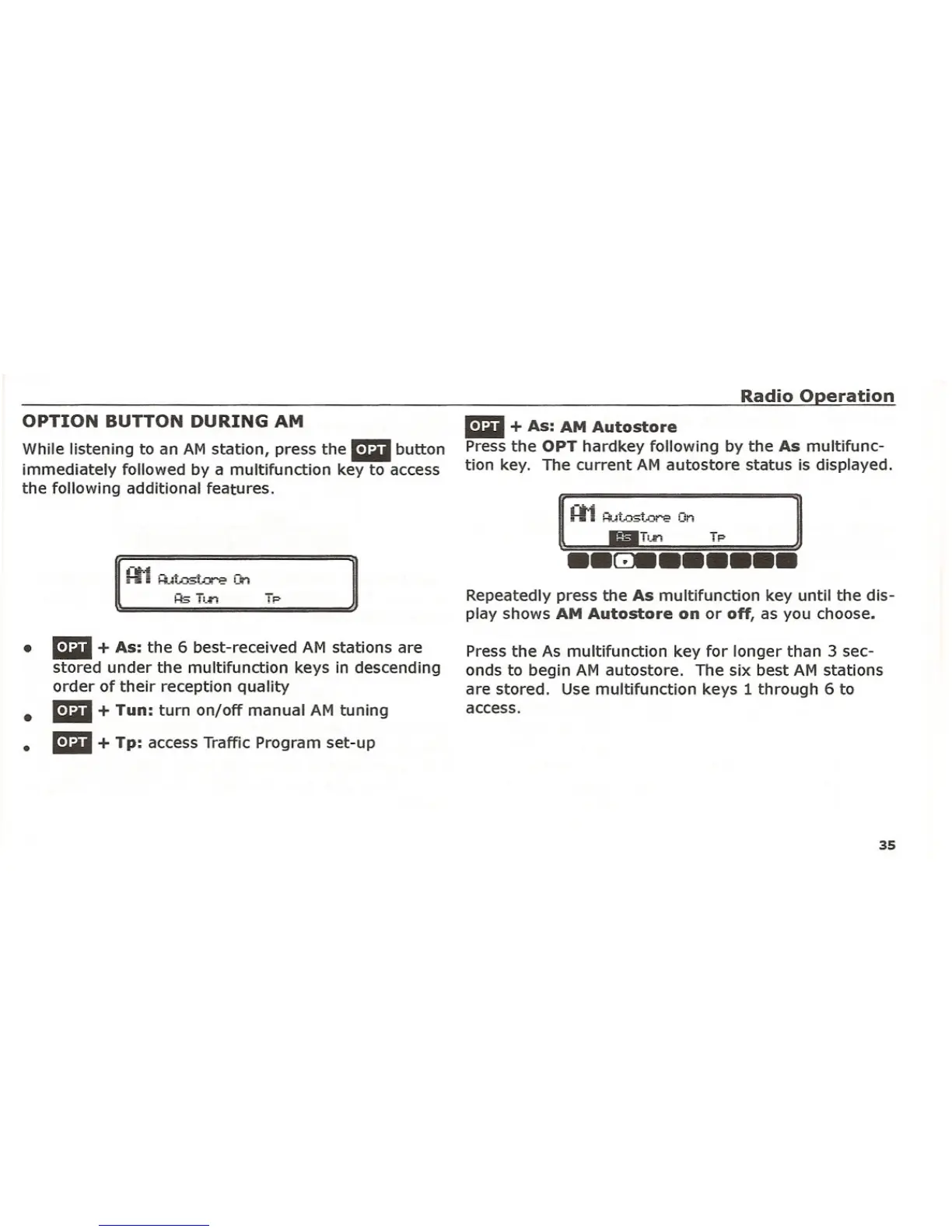
mil + As: AM Autostore
Press the OPT hardkey following by the As multifunc-
tion key. The current AM autostore status is displayed.
Repeatedly press the As multifunction key until the dis-
play shows
AM Autostore on or off, as you choose.
•
•
•
mil + As: the 6 best-received AM stations are
stored under the multifunction keys in descending
order of their reception quality
mil + Tun: turn on/off manual AM tuning
mil + Tp: access Traffic Program set-up
Press the As multifunction key for longer than 3 sec-
onds to begin AM autostore. The six best AM stations
are stored. Use multifunction keys 1 through 6 to
access.
35















 To Next Page