CD Operation
If a track has been playing for less than 8 seconds
when the backward skip button is pressed, the unit
skips back to the beginning of the current track.
Scan Search
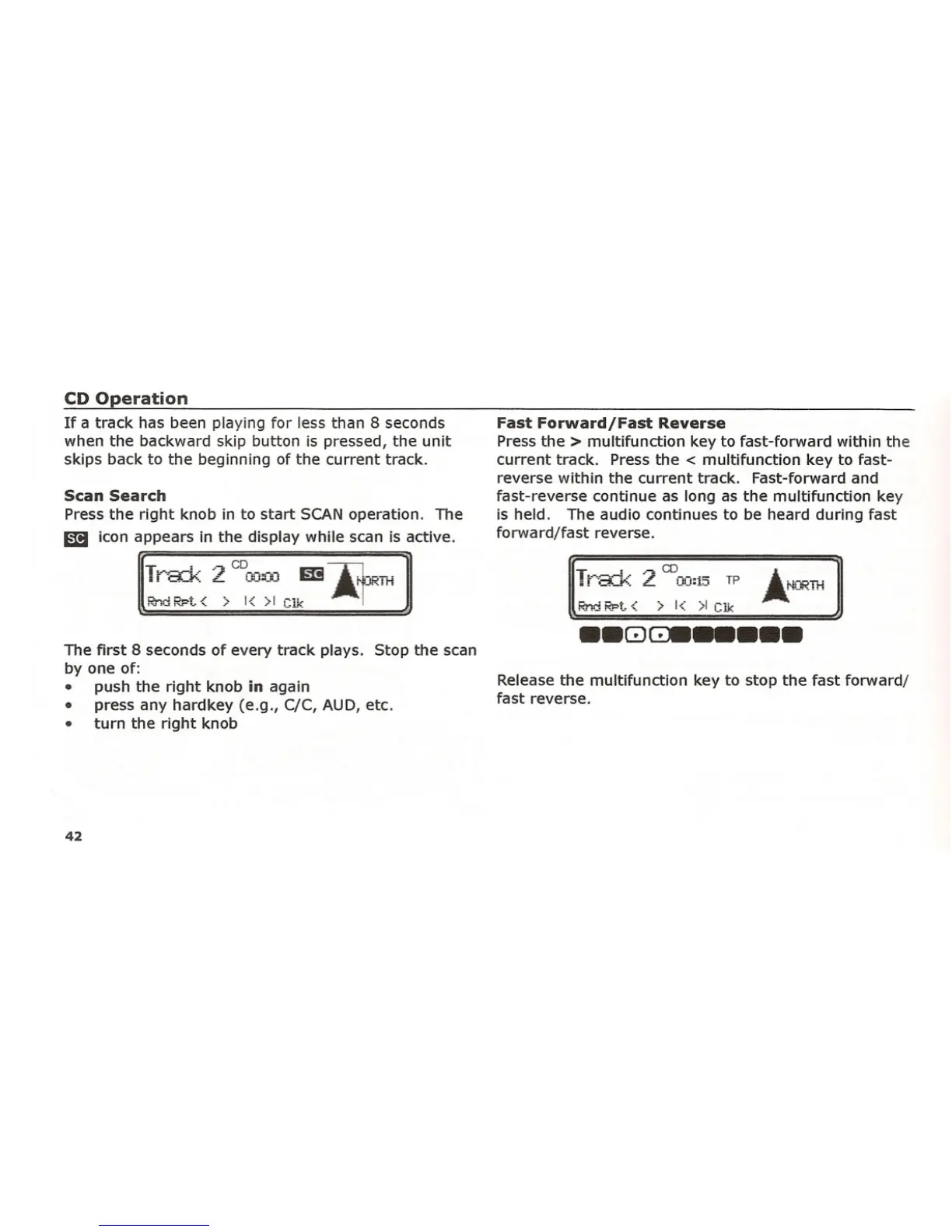
Pressthe right knob in to start SCANoperation. The
1mJ icon appears in the display while scan is active.
Tr-a=k 2 c~J;Jm m-.Jr=';;;T.'-!
Rnd RPt. < > 1< >1 ,~1l,
The first 8 secondsof every track plays. Stop the scan
by one of:
• push the right knob
in again
• press any hardkey (e.g., C/C, AUD, etc.
• turn the right knob
42
Fast Forward/Fast Reverse
Pressthe> multifunction key to fast-forward within the
current track. Pressthe < multifunction key to fast-
reverse within the current track. Fast-forward and
fast-reverse continue as long as the multifunction key
is held. The audiOcontinues to be heard during fast
forward/fast reverse.
~ •. ~ CD
!t·-·a:v=:: L 00:15 TP
Rnd RPt. < > 1< >1 elk
•• GJ~_ •••
Releasethe multifunction key to stop the fast forward/
fast reverse.















 To Next Page