When the last track of the CD finishes playing, the CD
starts playing again from the first track. The unit dis-
plays elapsed time for 10 seconds and then restores
the time-of-day, unless elapsed time is the selected
time mode when new tracks start.
If a CD is playing when vehicle ignition is turned off
(such as for refueling), play resumes where it left off
once the vehicle is restarted. The unit recognizes when
the CD changes; it starts playing from the beginning of
the first track if a different CD is inserted while vehicle
ignition is off.
If the CD hardkey is pressed when no CD is loaded, a
NO CD message appears briefly on the display.
The CD remains in the player when vehicle ignition is
turned off.
CD Operation
Next/Previous Track
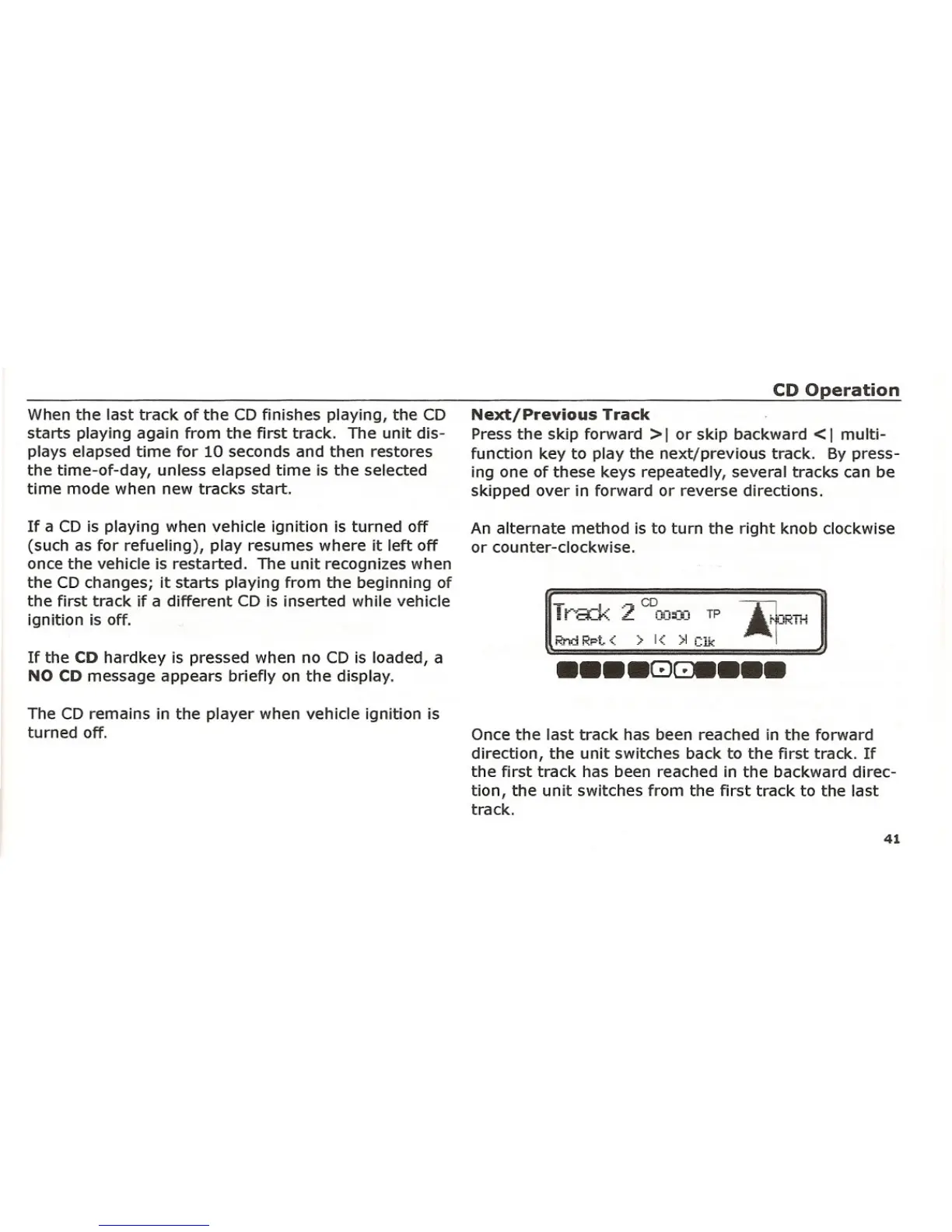
Press the skip forward> I or skip backward <I multi-
function key to play the next/previous track. By press-
ing one of these keys repeatedly, several tracks can be
skipped over in forward or reverse directions.
An alternate method is to turn the right knob clockwise
or counter-clockwise.
T,.- ..---!.. "J' CD - - ~ I
i f "o._i"-. L OO=-:-, TP r':;RTH
Rncl Rpt
<: > I<: >1 elk .. .,
•••• G)~ •••
Once the last track has been reached in the forward
direction, the unit switches back to the first track. If
the first track has been reached in the backward direc-
tion, the unit switches from the first track to the last
track.
41















 To Next Page