Navigation
Entering a Country for the Destination Entering a Town for the Destination
"-" .•..
"-'--'Ii
STREET ~
U5!=l
HINSDALE
STREET
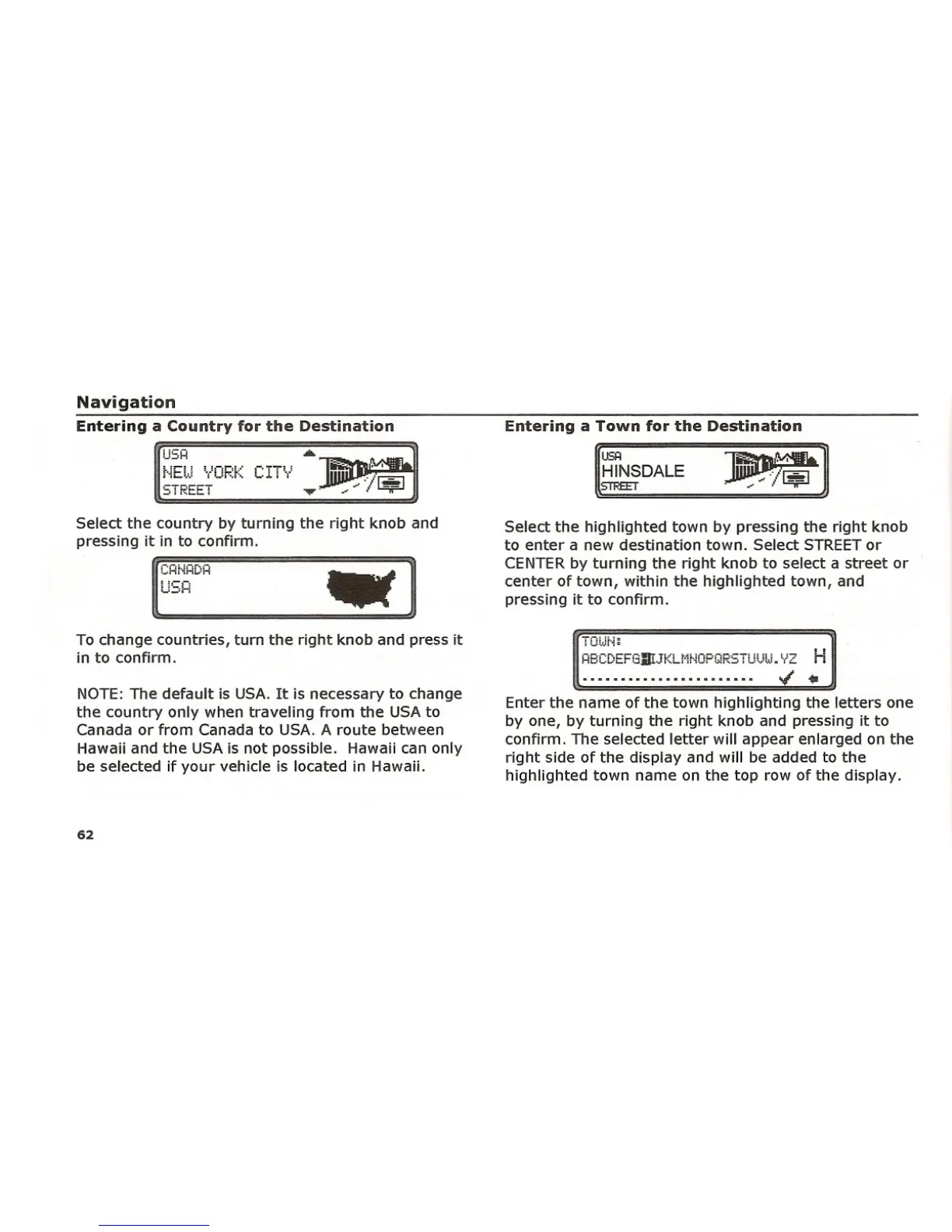
Select the country by turning the right knob and
pressing it in to confirm.
USH
Select the highlighted town by pressing the right knob
to enter a new destination town. Select STREET or
CENTER by turning the right knob to select a street or
center of town, within the highlighted town, and
pressing it to confirm.
To change countries, turn the right knob and press it
in to confirm.
NOTE: The default is USA. It is necessary to change
the country only when traveling from the USA to
Canada or from Canada to USA. A route between
Hawaii and the USA is not possible. Hawaii can only
be selected if your vehicle is located in Hawaii.
62
iOlJr'~~
HBCDEFGInJKLMNOPQR5TUUW.YL H
Enter the name of the town highlighting the letters one
by one, by turning the right knob and pressing it to
confirm. The selected letter will appear enlarged on the
right side of the display and will be added to the
highlighted town name on the top row of the display.















 To Next Page