•
Interest include gas stations, airports, restaurants,
hospitals, etc.
LAST DESTINATIONS: Choose from a list of your
last 20 destinations.
Navigation
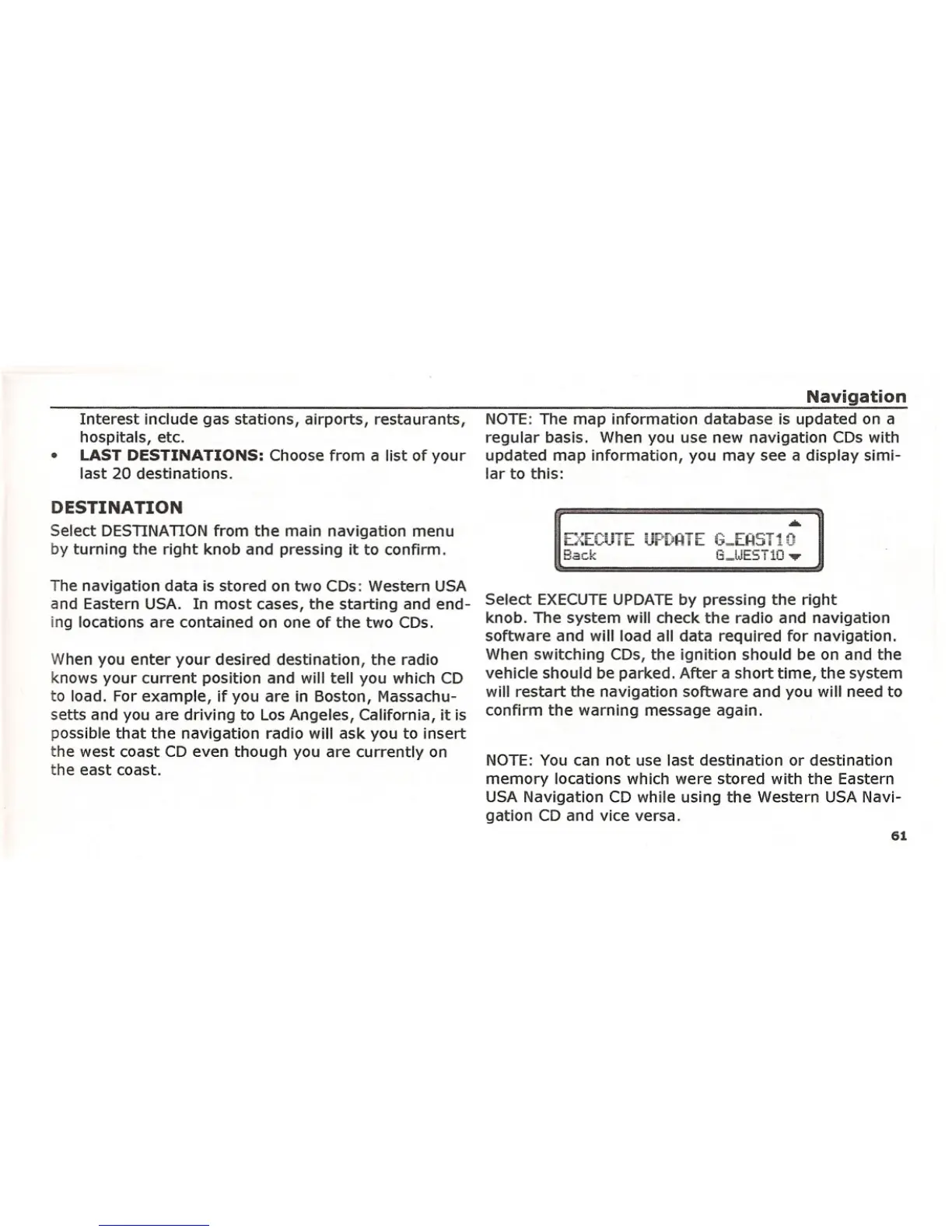
NOTE: The map information database is updated on a
regular basis. When you use new navigation CDs with
updated map information, you may see a display simi-
lar to this:
DESTINATION
Select DESTINATION from the main navigation menu
by turning the right knob and pressing it to confirm.
The navigation data is stored on two CDs: Western USA
and Eastern USA. In most cases, the starting and end-
ing locations are contained on one of the two CDs.
When you enter your desired destination, the radio
knows your current position and will tell you which CD
to load. For example, if you are in Boston, Massachu-
setts and you are driving to Los Angeles, California, it is
possible that the navigation radio will ask you to insert
the west coast CD even though you are currently on
the east coast.
.•.
E::·::ECIJTE UF~[;I=ITE (.p,.,.EAST10
Back G_lJEST10 '"II'"
Select EXECUTE UPDATE by pressing the right
knob. The system will check the radio and navigation
software and will load all data required for navigation.
When switching CDs, the ignition should be on and the
vehicle should be parked. After a short time, the system
will restart the navigation software and you will need to
confirm the warning message again.
NOTE: You can not use last destination or destination
memory locations which were stored with the Eastern
USA Navigation CD while using the Western USA Navi-
gation CD and vice versa.
61















 To Next Page