Deleting a Destination from Last Destination
Memory
To delete 1 entry in the last destination memory list,
highlight the destination to be deleted and then quickly
press the
Del multifunction key.
To delete all entries in the last destination memory list,
press and hold the;.'"' multifunction key until the
confirmation sound is heard.
P.O.I. (POINTS OF INTEREST)
Select P.0.1. from the main navigation menu or the
stopover selection menu by turning the right knob and
pressing it to confirm.
.0.1.s include gas stations, airports, hospitals,
staurants, etc. P.O.I.s are stored on the navigation
'CD. P.O.1.s can be displayed based on the geographic
;egion you select as shown below.
Navigation
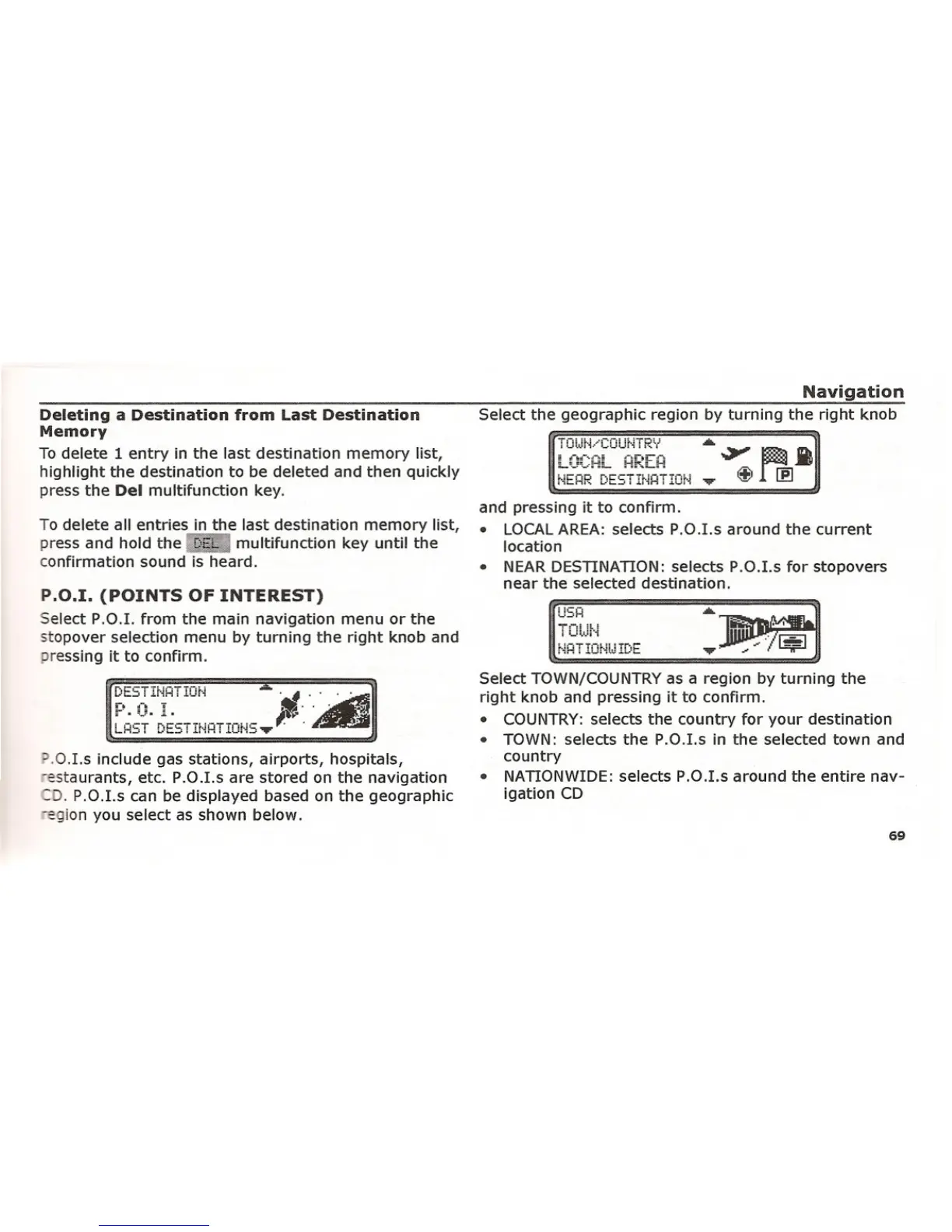
Select the geographic region by turning the right knob
NEHR DESTINHTION
and pressing it to confirm.
• LOCAL AREA: selects P.O.1.s around the current
location
• NEAR DESTINATION: selects P.O.1.s for stopovers
near the selected destination.
U5H
Select TOWN/COUNTRY as a region by turning the
right knob and pressing it to confirm.
• COUNTRY: selects the country for your destination
• TOWN: selects the P.O.1.s in the selected town and
country
• NATIONWIDE: selects P.O.I.s around the entire nav-
igation CD
69















 To Next Page