Navigation
H8CDEFGIIIJKLI'lr·iOF'QRSTUi.,iU .•tr'Z H
....................... J.
..•..
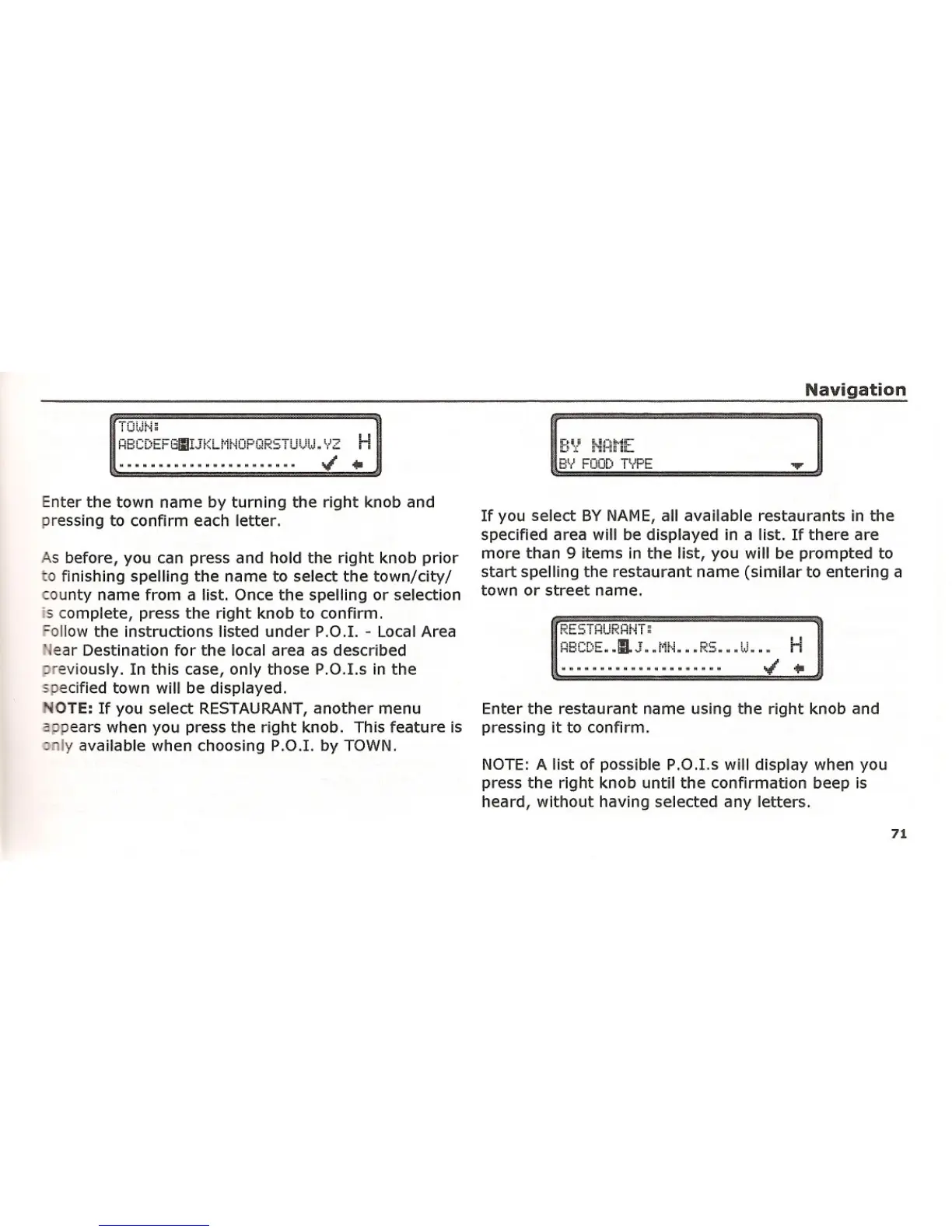
Enter the town name by turning the right knob and
pressing to confirm each letter.
As before, you can press and hold the right knob prior
o finishing spelling the name to select the town/city/
ounty name from a list. Once the spelling or selection
is complete, press the right knob to confirm.
ollow the instructions listed under P.O.I. - Local Area
, ear Destination for the local area as described
reviously. In this
casel only those P.O.I.s in the
s ecified town will be displayed.
OTE: If you select RESTAURANTI another menu
_ pears when you press the right knob. This feature is
:J Iy available when choosing P.O.I. by TOWN.
If you select BY NAME, all available restaurants in the
specified area will be displayed in a list. If there are
more than 9 items in the list, you will be prompted to
start spelling the restaurant name (similar to entering a
town or street name.
HBCDE •• !lLJ .. l,ir"i.... " RS .... " U..... H
J .••
Enter the restaurant name using the right knob and
pressing it to confirm.
NOTE: A list of possible P.O.I.s will display when you
press the right knob until the confirmation beep is
heard, without having selected any letters.
71















 To Next Page