Navigation
If you select BY FOODTYPE, turn the right knob to select
and press it to confirm which food type you desire.
Turn the right knob to select a category and press it to
confirm.
Once confirmed, the navigation unit will list restaurants
in the selected category.
AFRICAN
H;'iERICHr"i
..•.
ROUTE MENU
STHRT -FH~3T ~~.
HOUSE r·iO.
P.O.I. - Nationwide
Special P.O.!. categories are shown for nationwide
selection, such as airports, amusement parks, highway
access, ski resort or tourist sites.
Follow the instructions listed under P.0.1. - Local Area
Near Destination for the local area as described previ-
ously. Only the nationwide P.O.I.s on the navigation CD
in use will be displayed.
72
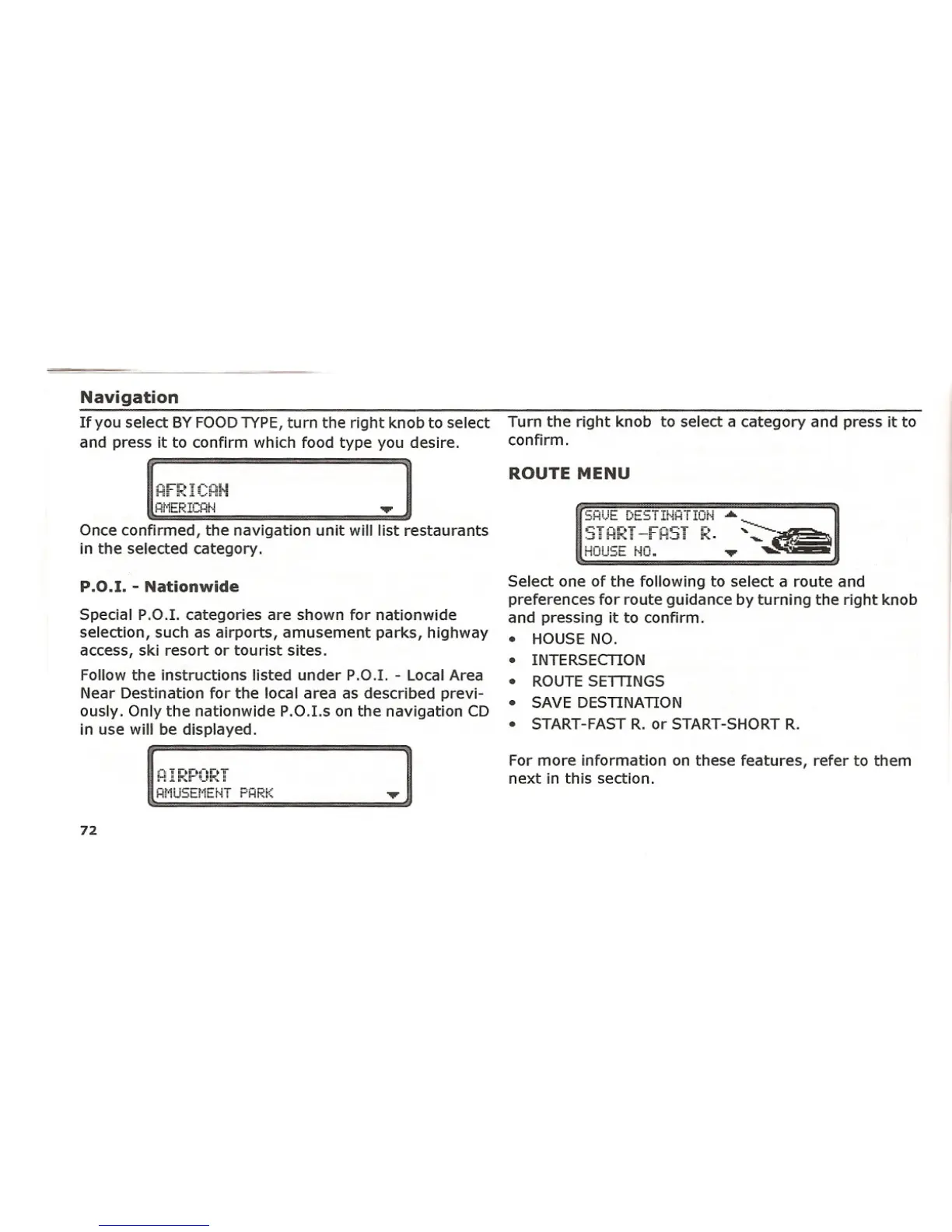
Select one of the following to select a route and
preferences for route guidance by turning the right knob
and pressing it to confirm.
• HOUSE NO.
• INTERSECTION
• ROUTE SETTINGS
• SAVE DESTINATION
• START-FAST R. or START-SHORT R.
For more information on these features, refer to them
next in this section.















 To Next Page