Navigation
Selecting an Intersection
If the house number is not available on the digitized
map, you may enter a nearby intersection for guidance.
NOTE: If you do not enter an intersection, the
navigation system will take you to the nearest entry
point on the selected road.
Select INTERSECTION in the route menu with the right
knob and press it to confirm.
Select the intersecting street by turning the right knob
and pressing it to confirm.
Only the streets that intersect the entered destination
will appear in the list.
You can start route guidance once the right knob has
been pressed.
74
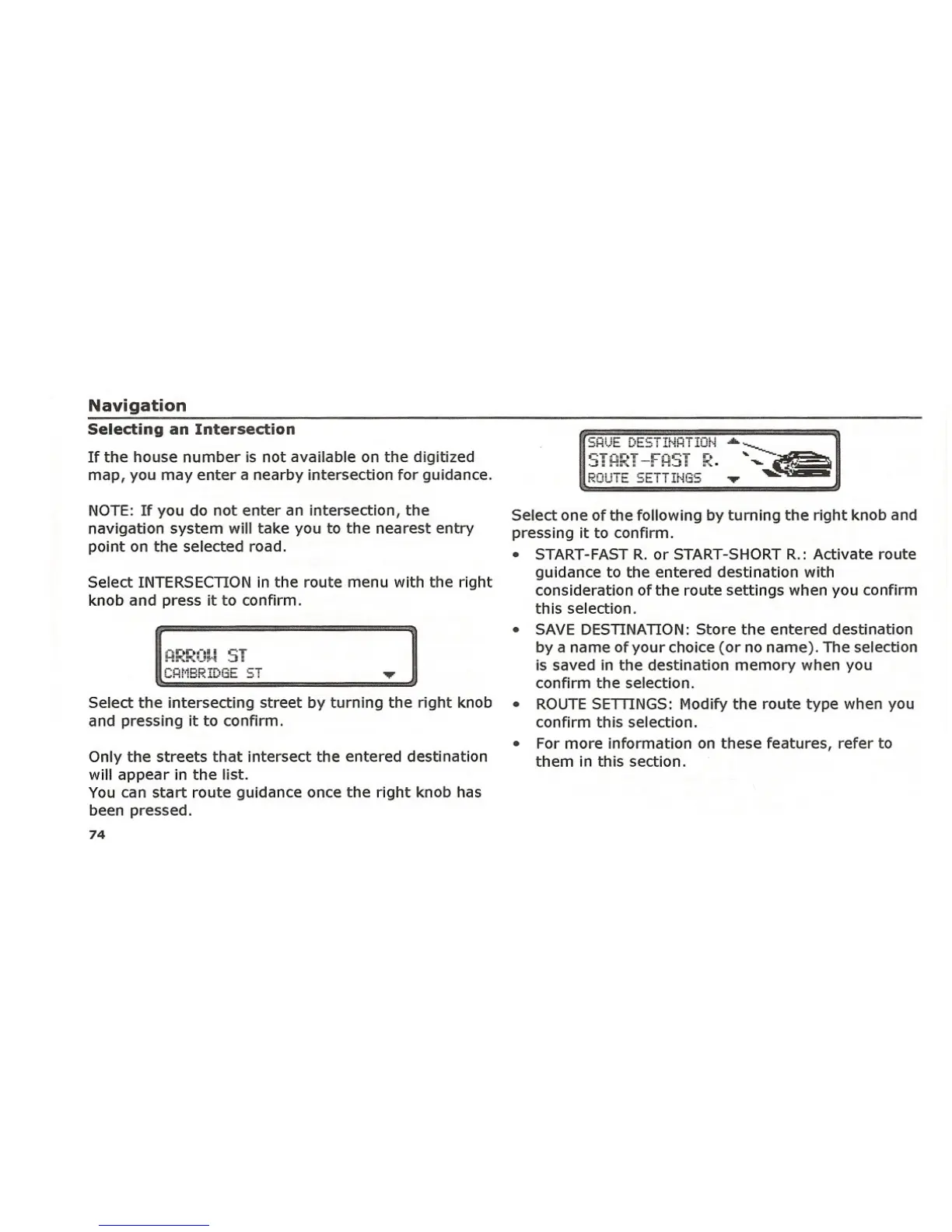
Select one of the following by turning the right knob and
pressing it to confirm.
• START-FAST R. or START-SHORT R.: Activate route
guidance to the entered destination with
consideration of the route settings when you confirm
this selection.
• SAVE DESTINATION: Store the entered destination
by a name of your choice (or no name). The selection
is saved in the destination memory when you
confirm the selection.
• ROUTE SETTINGS: Modify the route type when you
confirm this selection.
• For more information on these features, refer to
them in this section.















 To Next Page